USE OF THE “E.DO” APP
49
Comau Robotics Product Instruction
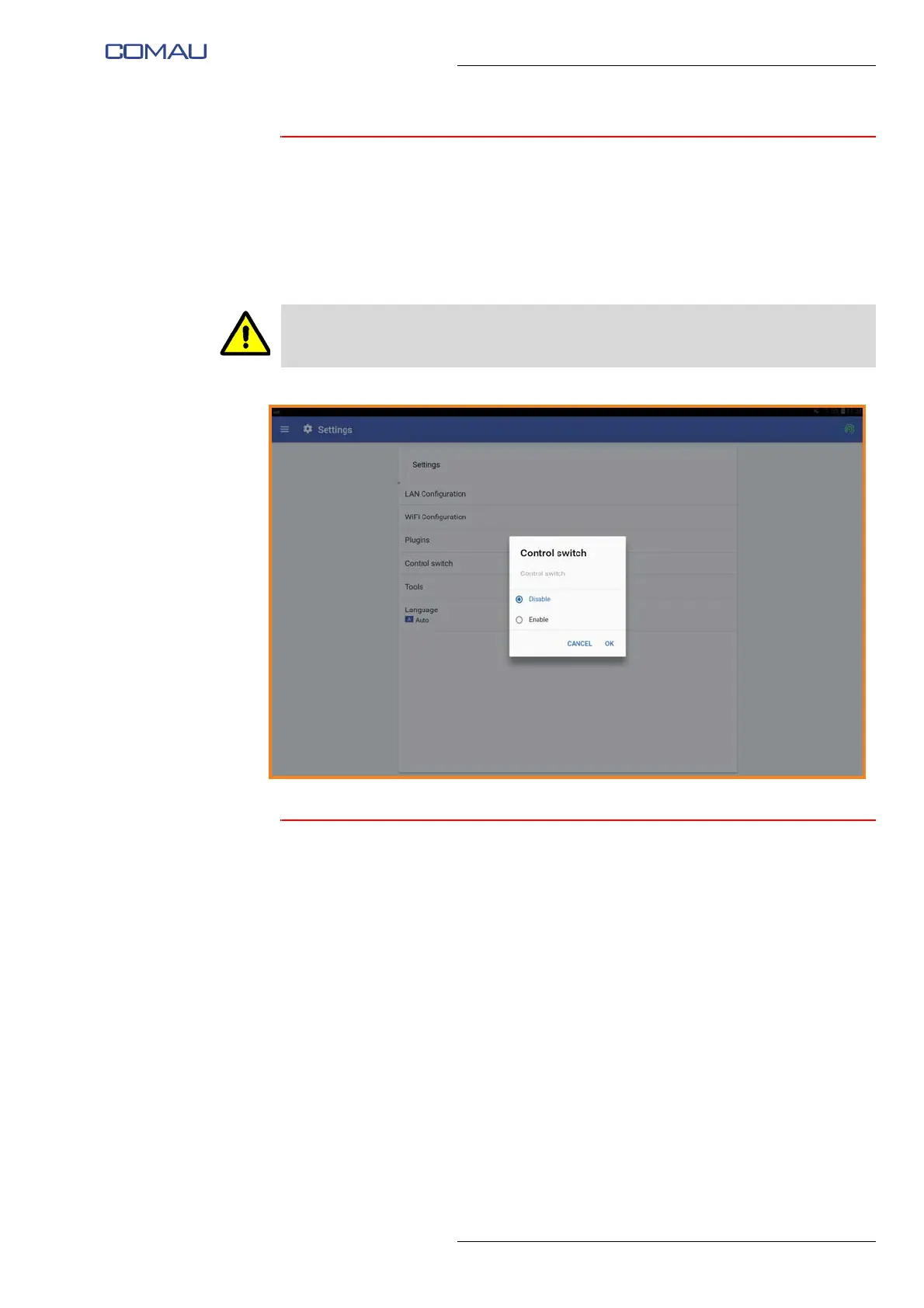
5.3.4 Control switch
Selecting the “Control switch” item, a pop-up window will appear through which it will be
possible to switch the e.DO control mode from tablet to Teach Pendant after a specific
Procedure for connecting e.DO to the Desk Simulator and related configuration, as
described in the Service Manual.
By enabling the functionality, e.DO can be controlled through the Teach Pendant.
5.3.5 Language
Selecting the “Language” item, a pop-up window will be displayed through which you
can set the language of the app, according to the methods indicated in the par. 4.4.1
Selection of interface language on pag. 4-28.
The movement of the Robot through the Teach Pendant is allowed only to personnel
adequately instructed and trained to use the Teach Pendant itself.





 To Next Page