Comau Robotics Product Instruction
28
CONFIGURATION AND CONNECTION OF THE COMMAND INTERFACE (TABLET)
4.4.1 Selection of interface language
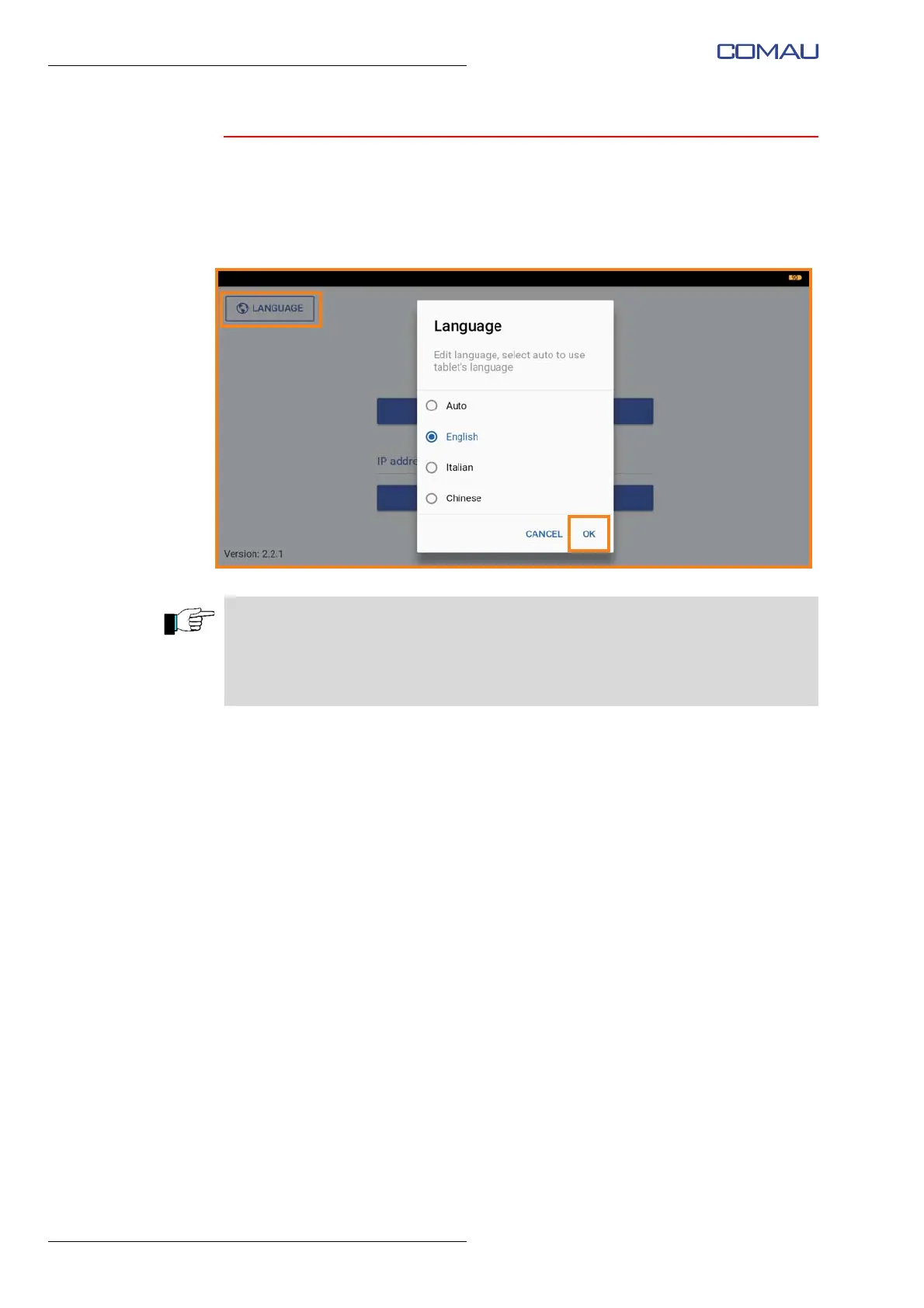
To select the language of the app interface:
– press the “Language” button at the top left of the app's main screen image;
– in the pop-up menu, select the desired language and confirm by pressing “OK”.
The application supports English, Italian and Traditional Chinese languages.
Selecting the “Auto” item, the application language will correspond to the system
language currently in use on the tablet.
In case the language currently used on the tablet is different from those supported by
the application, the English language will be set by default.





 To Next Page