USE OF THE “E.DO” APP
41
Comau Robotics Product Instruction
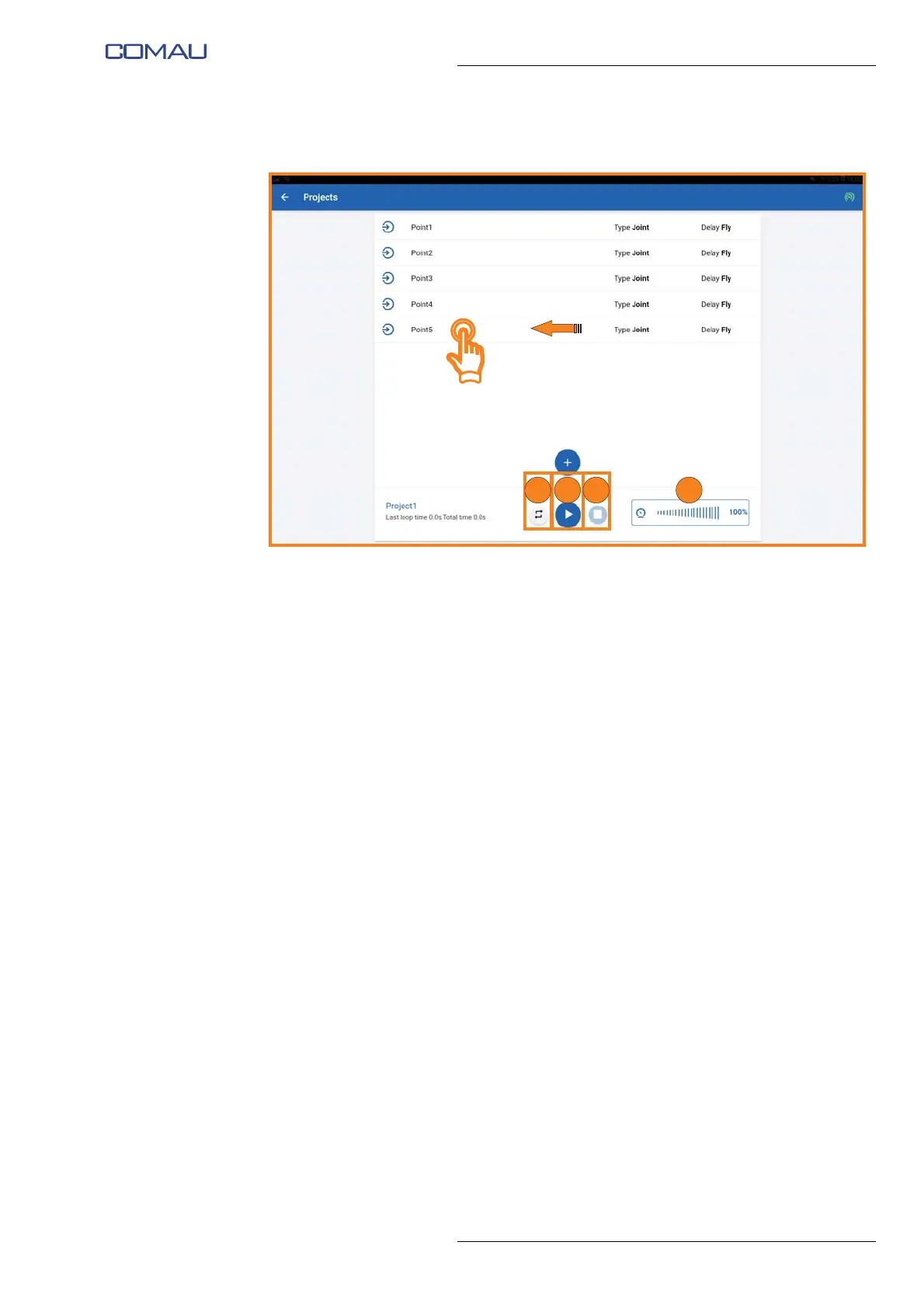
– at the end of program creation, a screen image similar to the following will be
displayed;
– you can:
• modify a previously created point by tapping on the corresponding line;
• delete, sort or clone a point by swiping from right to left on the corresponding
line;
– set the number of times in which the Robot will cyclically repeat the movement
program just created by pressing the “Repeat” button (G);
– using the slider (H), set the speed at which the Robot will execute the movement
program;
– execute the movement program by pressing the “Play” button (H);
– the movement program can be stopped by pressing the “Stop” button (J).
G
Edit
Delete
Sort
Clone
Delete
Sort
Clone
K HJ





 To Next Page