63
◊ Alarm function
This function can be used to link an alarm call to the button.
Panic
ALARMS
Alarm
Fire
Priority call 4
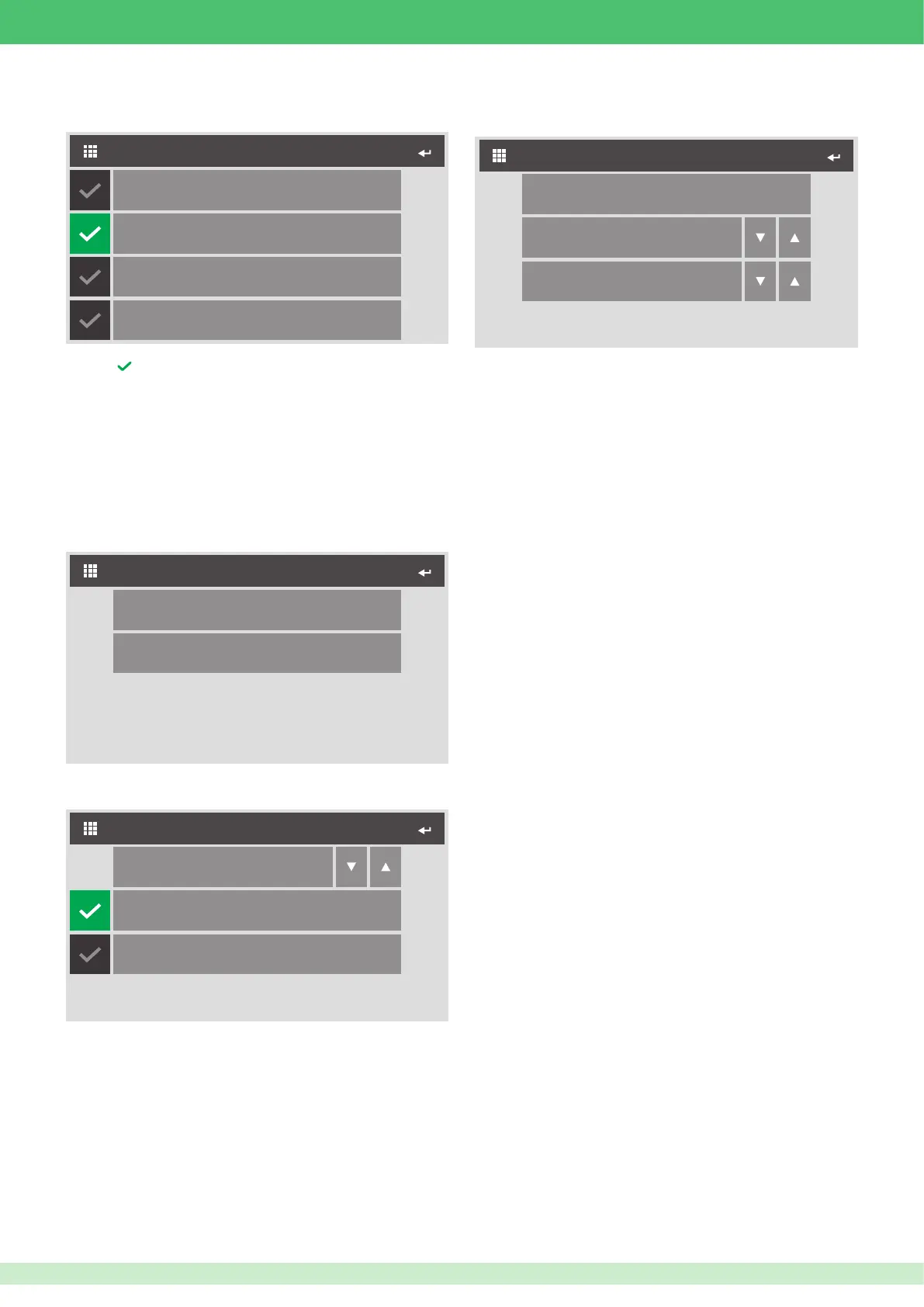
1. Press next to the call you want to assign to the button.
◊ Lock-release function
This function has two statuses:
◊
Lock-release during call: it will perform one or two actions when a
call with the external unit is in progress
◊
Lock-release at rest time: it will perform one or two actions when
there are no calls in progress
Configuration at rest time
CONFIGURE LOCK-RELEASE
Configuration during call
1. Select which status you wish to congure.
2. Select which action you wish to congure.
Interlocutor
CONFIGURE LOCK-RELEASE
External unit
Relay
1
3. Select which relay you wish to activate.
4. Select whether to interact with the relay of the external unit making
the call or a different one. If you select External unit you will need to
congure its VIP address.
◊ Actuator function
This function is used to activate the relay output of an IO actuator
module or that of an expansion device connected to it.
Configure ViP address
ACTUATOR
Module
1
Output
1
1. Access the Congure VIP address menu to set the address of the
IO device you want to associate with the actuator function.
2. Select whether to associate one of the expansion modules (1 to 10)
or to directly associate one of the two IO module relay outputs (255).
3. Select which output to use (1 to 10 for expansion modules and 1 or
2 for IO module).
This function can be used to activate the internal unit NC/NO output by
pressing the button.
◊ Activate output function
For priority call conguration, see page 62.
For output conguration, see page 62.












 To Next Page