64
• Con guring the monitor
◊ VIP address
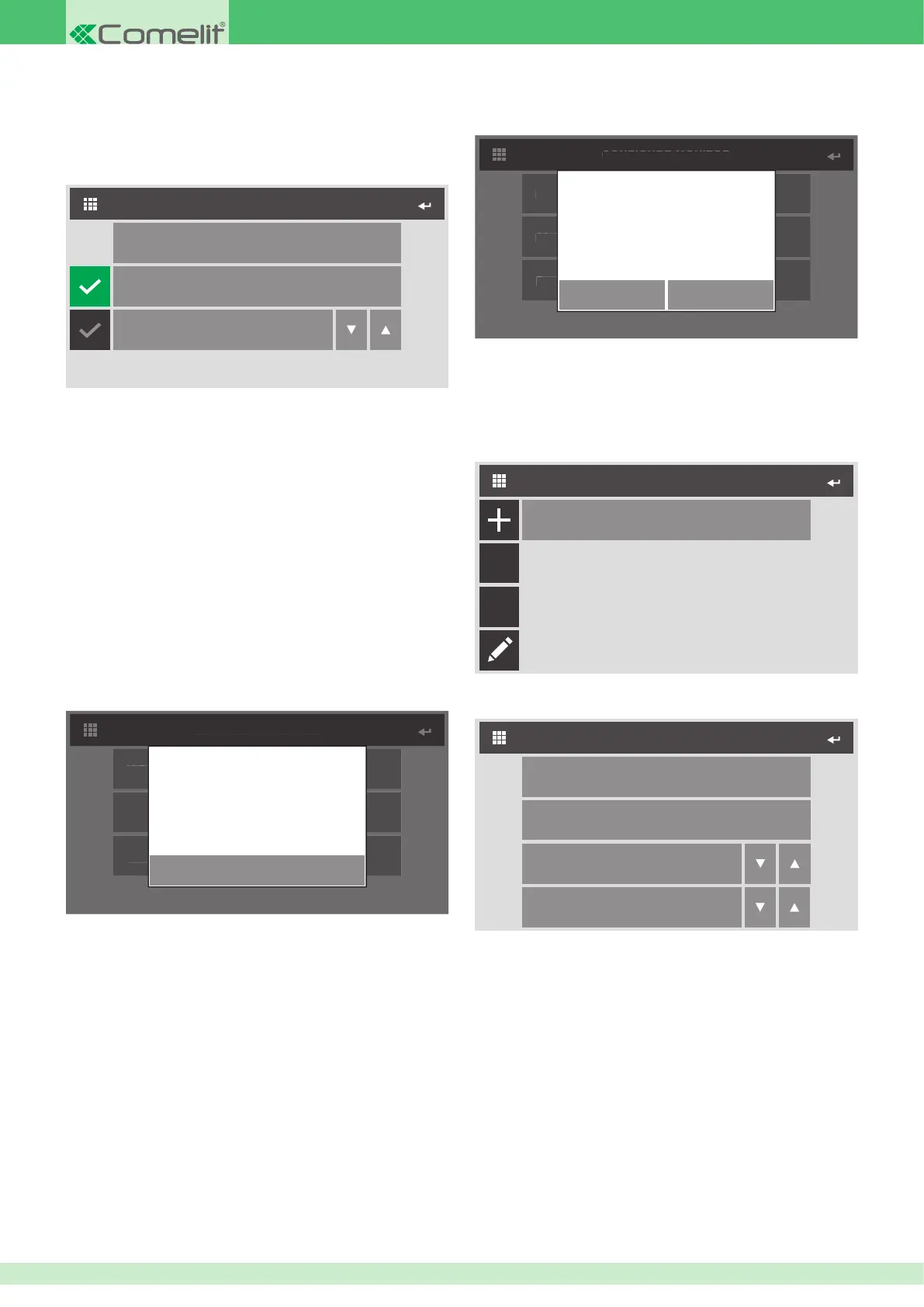
This menu can be used to con gure the VIP address of the internal unit.
Master
CONFIGURE MONITOR
Configure ViP address
Slave
1
1. Access the Con gure VIP address menu to set the address of the
device.
2. Select whether to set the device as Master or Slave. If you select
Slave, you will also need to set the exact number.
Master
By Master we mean the main internal unit in an apartment. Every
Master internal unit in the system must have a different VIP code. The
Master internal unit manages all external unit / switchboard / intercom
calls. It is essential that, in an apartment, one of the internal units is set
as a Master.
Slave
By Slave we mean one or more secondary internal units (MAX. 15) in
an apartment. Each Slave has the same VIP address as the Master
internal unit.
◊ About
This menu can be used to view system data.
CONFIGURE MONITOR
About
ViP address
Reset configuration
OK
MAC: 00:25:34:08:00:DC
IP: 169.254.241.41 (A/16)
GW: 0.0.0.0
ID: 00000001, SUB: 0
SW: 1.5.3
◊ Reset con guration
This function can be used to restore the factory set values of the monitor,
deleting all con gurations applied in the meantime.
CONFIGURE MONITOR
About
ViP address
Reset configuration
CONFIRM
Continue?
CANCEL
• Special Settings
◊ Actuator Directory
This menu can be used to manage the directory of actuators connected
to the system.
ACTUATOR DIRECTORY
Actuator 1
Abc
C
1. Access the Actuator setting menu by pressing the + icon to add a
new device to the directory.
Configure ViP Address
ACTUATOR SETTING
Configure Name
Module
255
Output
1
2. Access the Con gure Name menu to associate the actuator with the
name which will appear in the directory.
3. Access the Con gure VIP address menu to enter the address of the
actuator module Art. 1443.
4. In the module eld, select whether to control the relay on board the
module itself (255) or one on board an expansion module connected
to it (1 to 10).
5. In the output eld, select the exact relay you wish to control. 1 or 2
for relays on board the module art.1443, or 1 to 10 for relays of an
expansion module connected to it.












 To Next Page