HPOD C, X-, or Ku-Band High-Power Outdoor Amplifier Revision 6
Ethernet-based Remote Product Management MN/HPOD.IOM
4–7
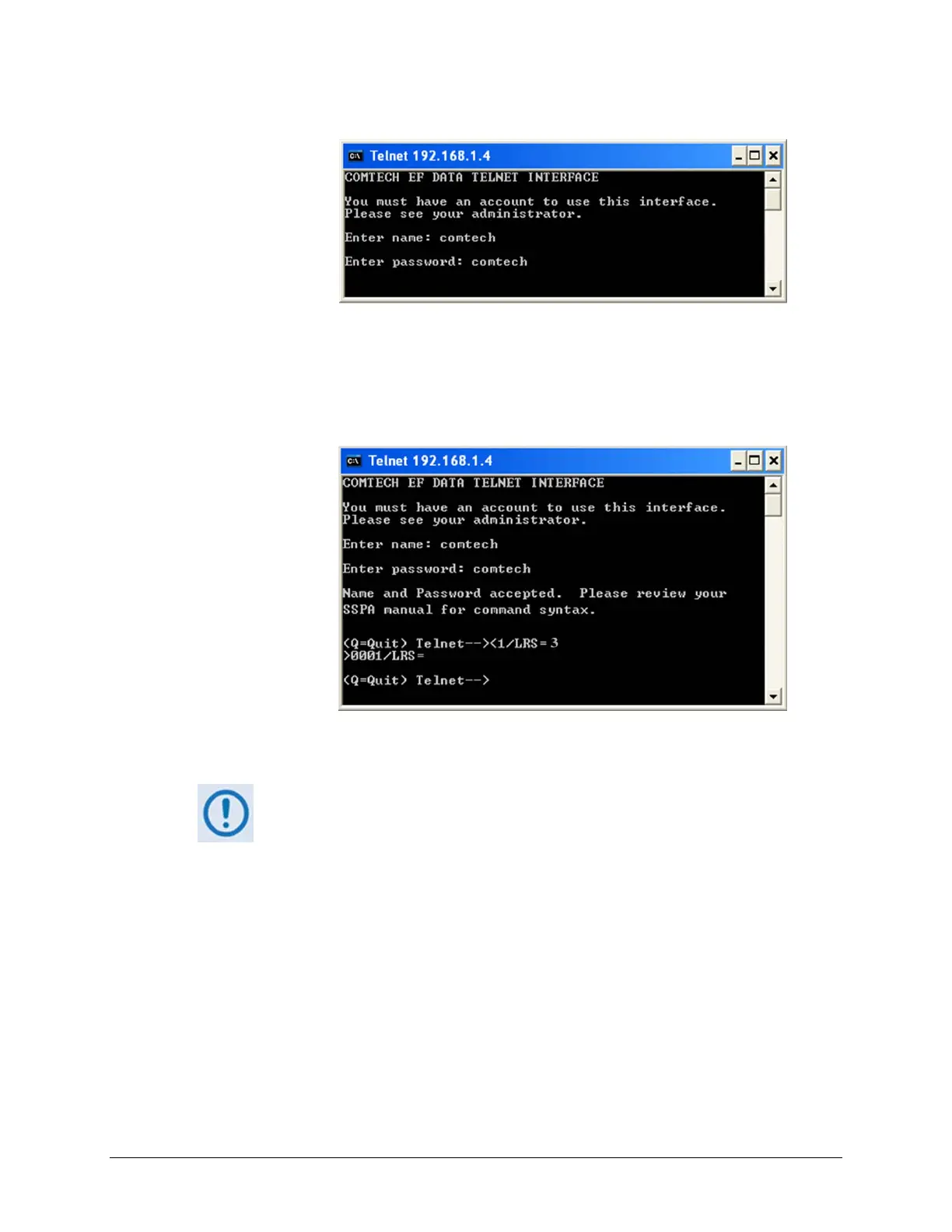
3. EntertheUsernameandpassword(thedefaultforbothiscomt ech):
4. UsetheLRSremotecommandtosettheEthernetremotecontrolaccessparameter:
• UsedefaultremotecommandLRS=3forSerial+Ethernetcontrol
• UseremotecommandLRS=2forEthernetcontrolonly.
5. Ifnecessary,useth
eIPAremotecommandtosetauniqueIP address.
1. EachHPODmust havea uniqueIPaddress assignedbefore connection
to a network. If the IP address needs to be changed from the factory
default setting, use the IPA=xxx.xxx.xxx.xxx.yy remote command,
where ‘xxx
.xxx.xxx.xxx’ is a valid IP address on the network where the
unitwillbeinstalled,and‘yy’istherange(typically,yy=24).
2. IfyouchangetheIPAvalue,makesuretoshutoffandrestarttheunit;
then,startanewTelnetsessionusingthenewIPaddress.



 To Next Page