4-10 OPERATION
CSC Combination Puller/Cutter UGE048/1103
Raise will increase the preset by 0.010 second. The key can
be pressed once for each 0.010 second increment required or
held down to scroll up. Releasing the key will freeze the pre-
set at the last value then press enter.
Lower will decrease the preset by 0.010 second. The key can
be pressed once for each 0.010 second decrement required or
held down to scroll down. Releasing the key will freeze the
preset at the last value then press enter.
Numeric keys
Key in the time required and press enter. The decimal place is
fixed so remember this when entering the preset. If you
require 1.5 seconds you must key in 1500 and then press
enter. Keying only 15 will set the time to 0.015 seconds.
Enter or Delete?
If the keyed in number is correct press the enter key for it to
be accepted and return to the Main Timer Mode screen. If it is
wrong press the delete key and the previous preset will reap-
pear.
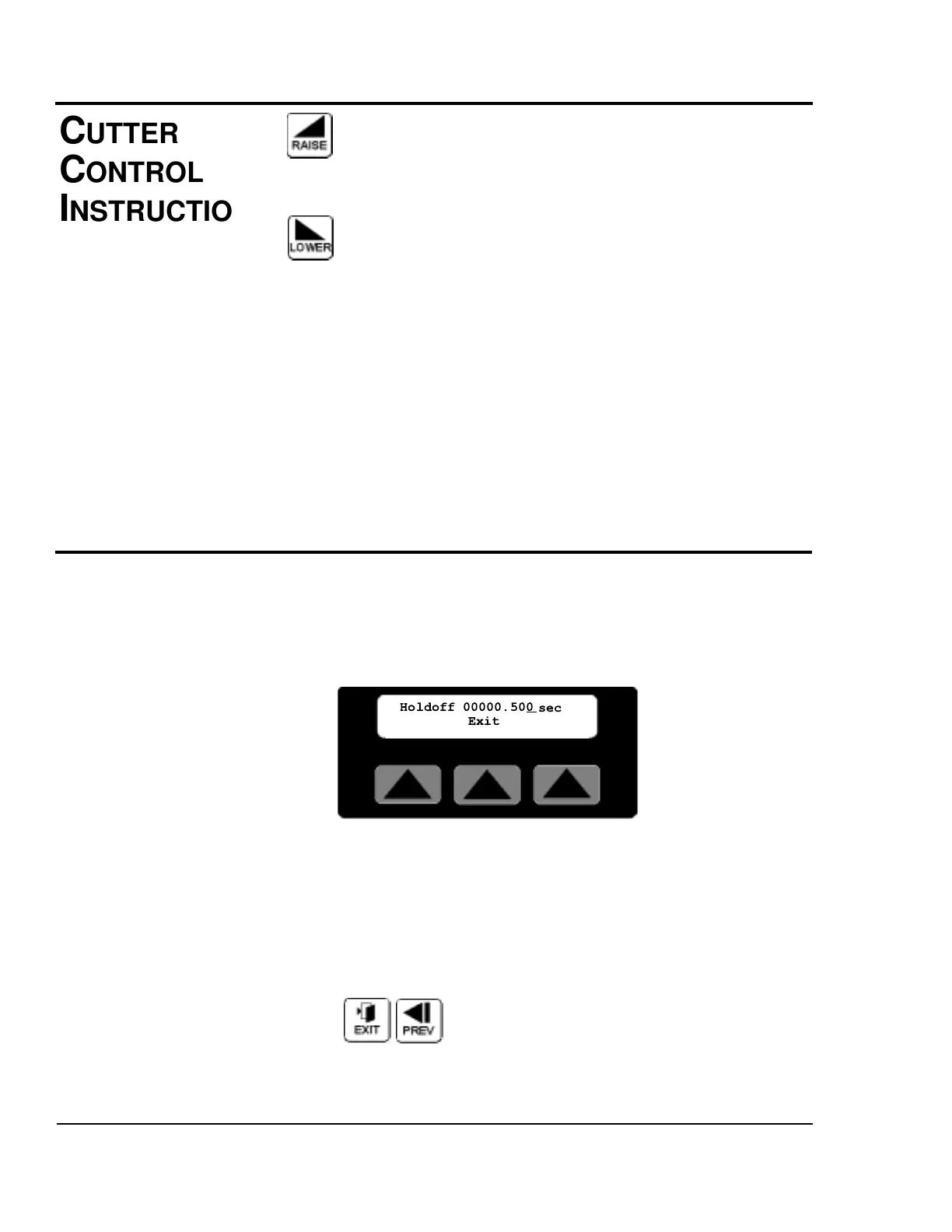
HOLD-OFF TIME SCREEN
By pressing the soft key located under the word Time on the
Main End Sense Mode Screen, the preset for the hold-off
timer is available. Additional information on how to access
this screen can be found in the operator display overview in
Appendix E of this manual.
The number shown is the current hold-off time preset, i.e. the
time interval to ignore the photo eye and avoid false cuts. A
cursor will appear in the least significant digit. The user has a
choice of ways to adjust this number.
Exit or Prev, If no change is required press Exit or Prev to
return to the Main End Sense Mode Screen.
C
UTTER
CONTROL
INSTRUCTIONS
H
OLD-OFF
SCREEN


 To Next Page