OPERATION 4-17
UGE048/1103 CSC Combination Puller/Cutter
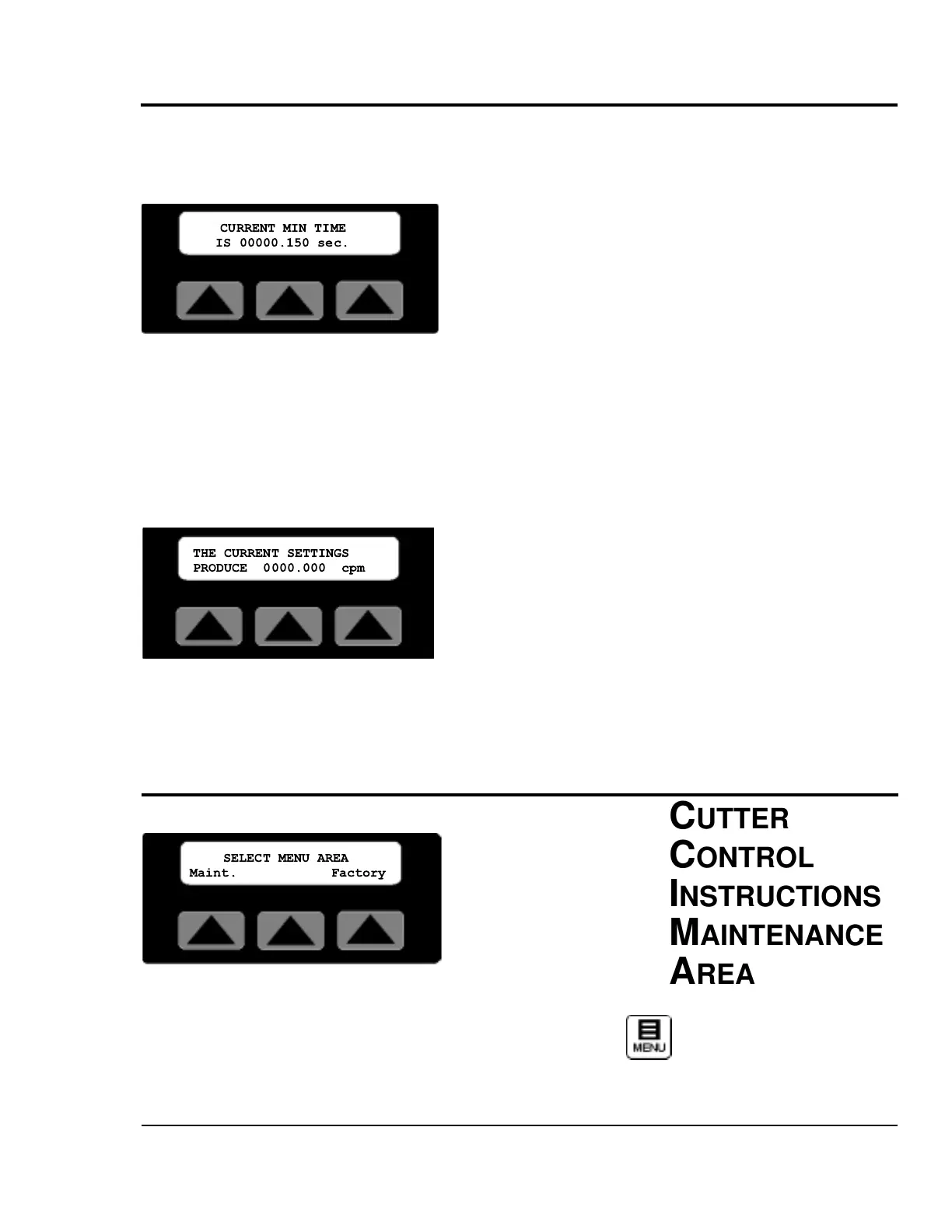
Min Softkey
By pressing the soft key located under the word Min on the
second Function Area Screen, the Minimum allowable mea-
surement value is displayed. The active mode and the
cuts per minute limit for the model of cutter determines the
actual value displayed. The screen will be displayed for 15
seconds or until any key is pressed, then return to the second
Function Area screen.
CPM Softkey
By pressing the soft key located under the word CPM on the
second Function Area Screen, the calculated cuts per minute
are displayed.
The active mode, measurement value, blade speed, number of
blades and line speed may all contribute to determining the
actual value displayed. The screen will be displayed for 15
seconds or until any key is pressed, then return to the second
Function Area screen.
MAINT. AREA
Menu function key is used from the first Function Area screen
to access the Maintenance area. There are two menus Maint.
and Factory, with access via password to various sub-menus.
CUTTER
C
ONTROL
INSTRUCTIONS
MINIMUM
MEASUREMENT


 To Next Page