CONFIGURATION
39
1.18. DynDNS client configuration
DynDNS client Configuration can be called up by option DynDNS item in the menu.
In the window can be defined a third order domain registered on server www.dyndns.org
Item Description
Hostname Third order domain registered on server www.dyndns.org
Username Username for login to DynDNS server
Password Password for login to DynDNS server
Server If you want to use another DynDNS service than www.dyndns.org, then enter
the update server service to this item. If this item is left blank, it uses the
default server members.dyndns.org.
Table 37: DynDNS configuration
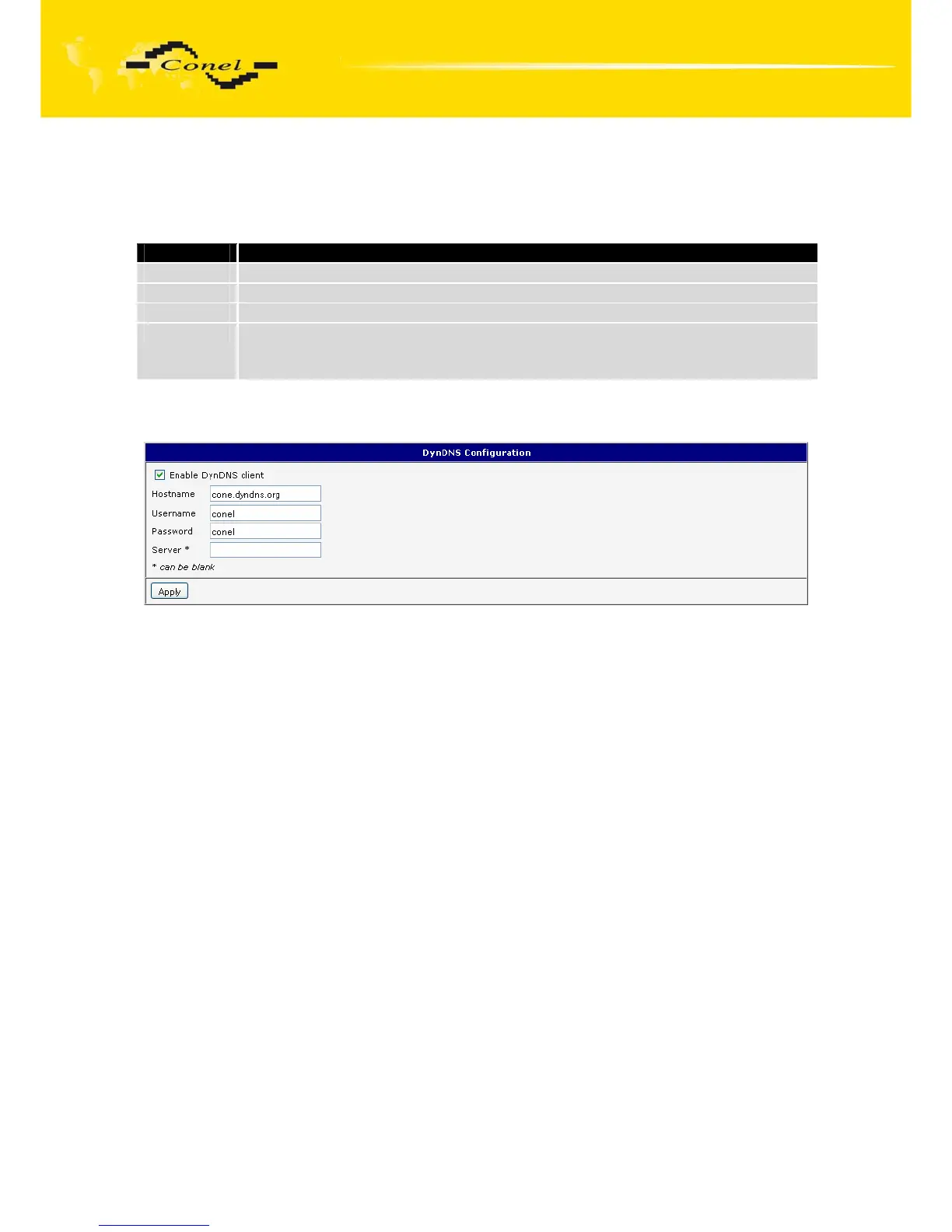
Example of the DynDNS client configuration with domain conel.dyndns.org:
Fig. 40: Example of DynDNS configuration


 To Next Page
 Loading...

