CONFIGURATION
61
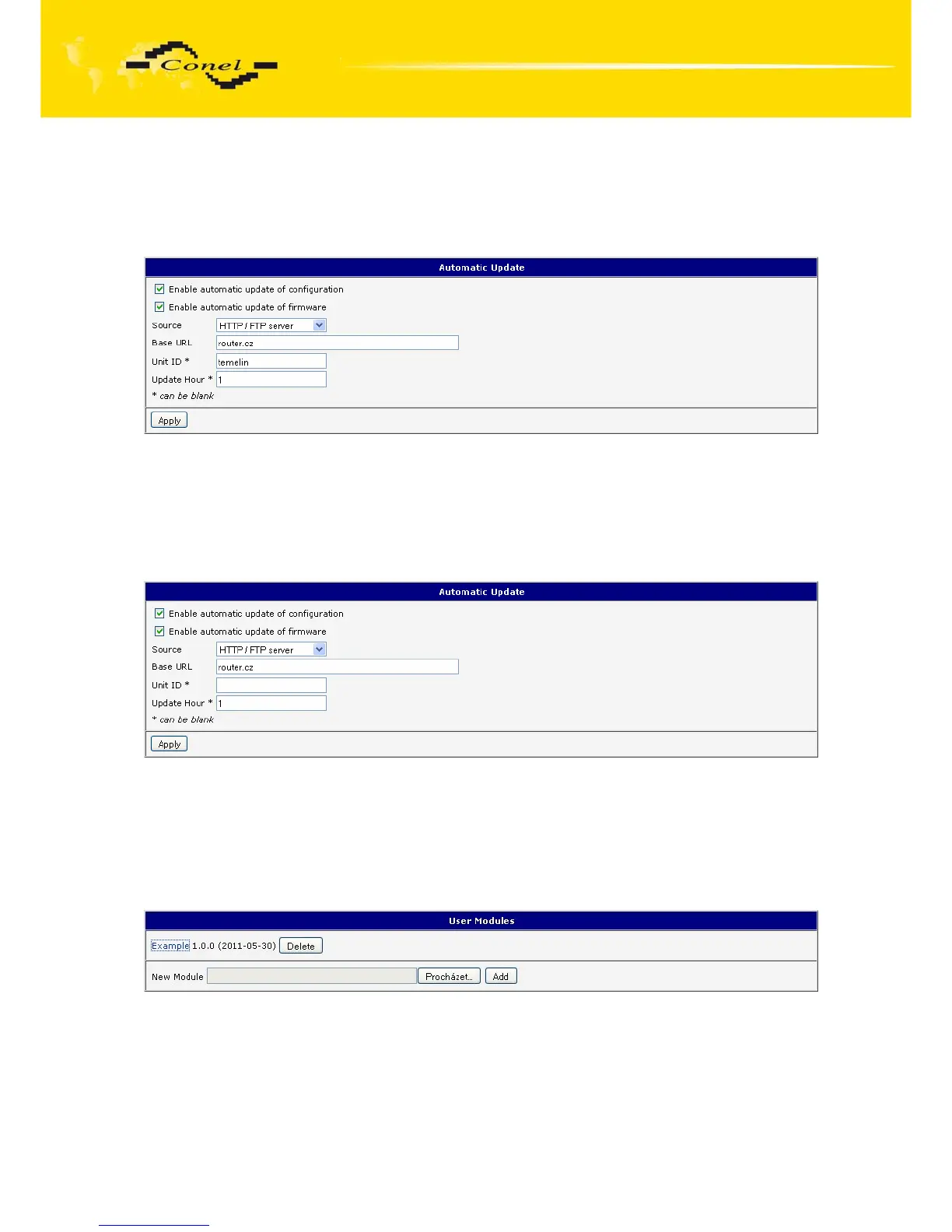
The following examples find if there is a new firmware or configuration each day
at 1:00 in the morning. An example is given on the type of router ER75i v2.
• Firmware: http://router.cz/er75i-v2.bin
• Configuration file: http://router.cz/temelin.cfg
Fig. 60: Example of automatic update 1
The following examples find if there is a new firmware or configuration each day
at 1:00 in the morning. An example is given on the type of router ER75i v2 with MAC address
00:11:22:33:44:55.
• Firmware: http://router.cz/er75i-v2.bin
• Configuration file: http://router.cz/00.11.22.33.44.55.cfg
Fig. 61: Example of automatic update 2
1.28. User modules
Custom configuration of modules can be accessed by selecting the Users Modules.
In the menu is possible add new software modules, remove them and move into their
configuration. Programming, compiling and upload of user modules are described
in the application programming guide.
Fig. 62: User modules


 To Next Page
 Loading...

