CONFIGURATION
57
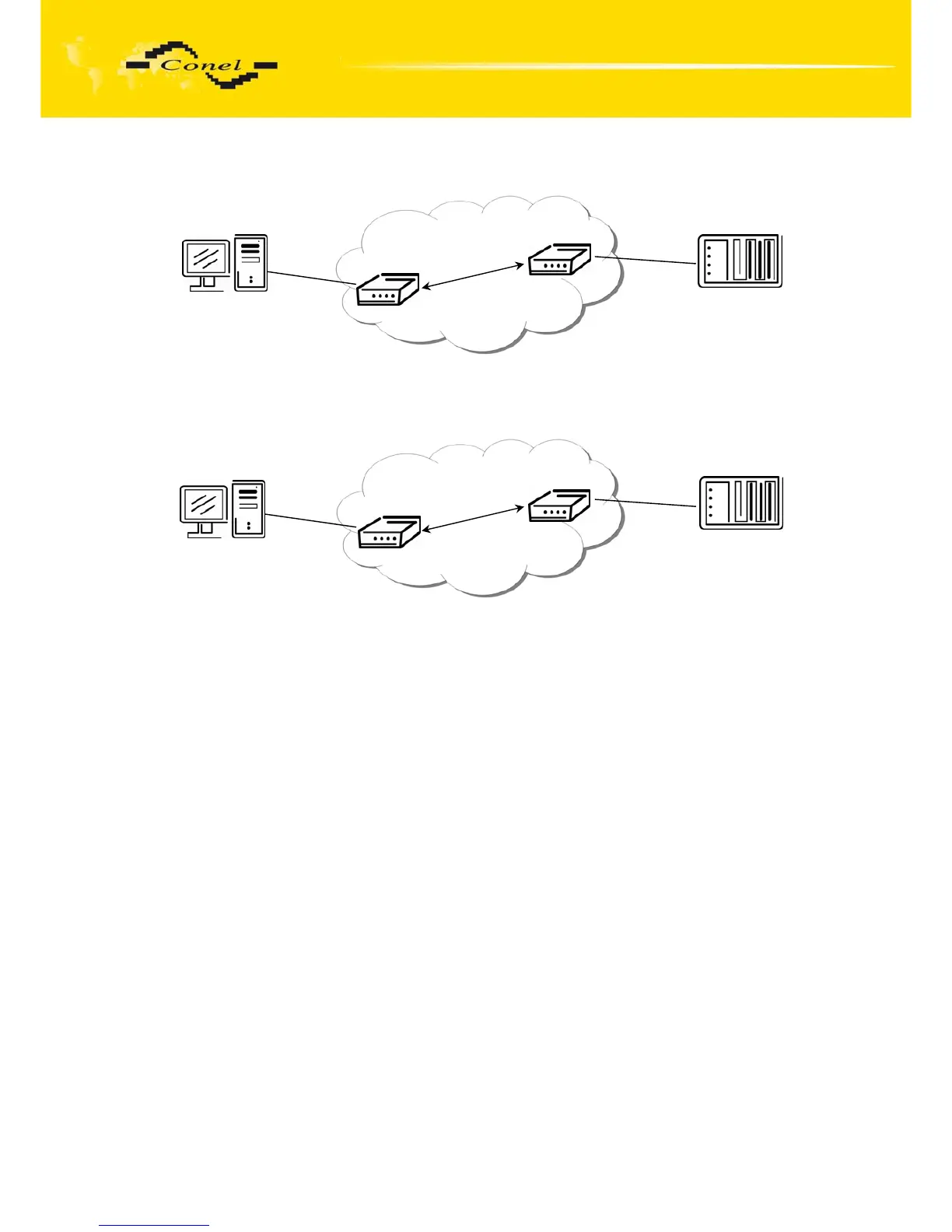
Example of USB port configuration:
Fig. 54: Example of USB port configuration 1
Fig. 55: Example of USB port configuration 2
ppp0 10.0.0.1
ppp0 10.0.0.2
Settings in the router
Mode: TCP server
Server Address: -
TCP Port: 2000
ETH
USB/RS232
PC
Equipment
Settings in the router
Mode: TCP client
Server Address: 10.0.0.2
TCP Port: 2000
192.168.1.100
ppp0 10.0.0.1
192.168.1.1
ppp0 10.0.0.2
Settings in application on PC:
TCP connection on 10.0.0.2:2000
Settings in the router
Mode: TCP server
Server Address: -
TCP Port: 2000
ETH
USB/RS232
PC
Equipment
Default Gateway 192.168.1.1


 To Next Page
 Loading...

