CONFIGURATION
64
1.34. Send SMS
The industrial router XR5i v2 is not availability item Send SMS.
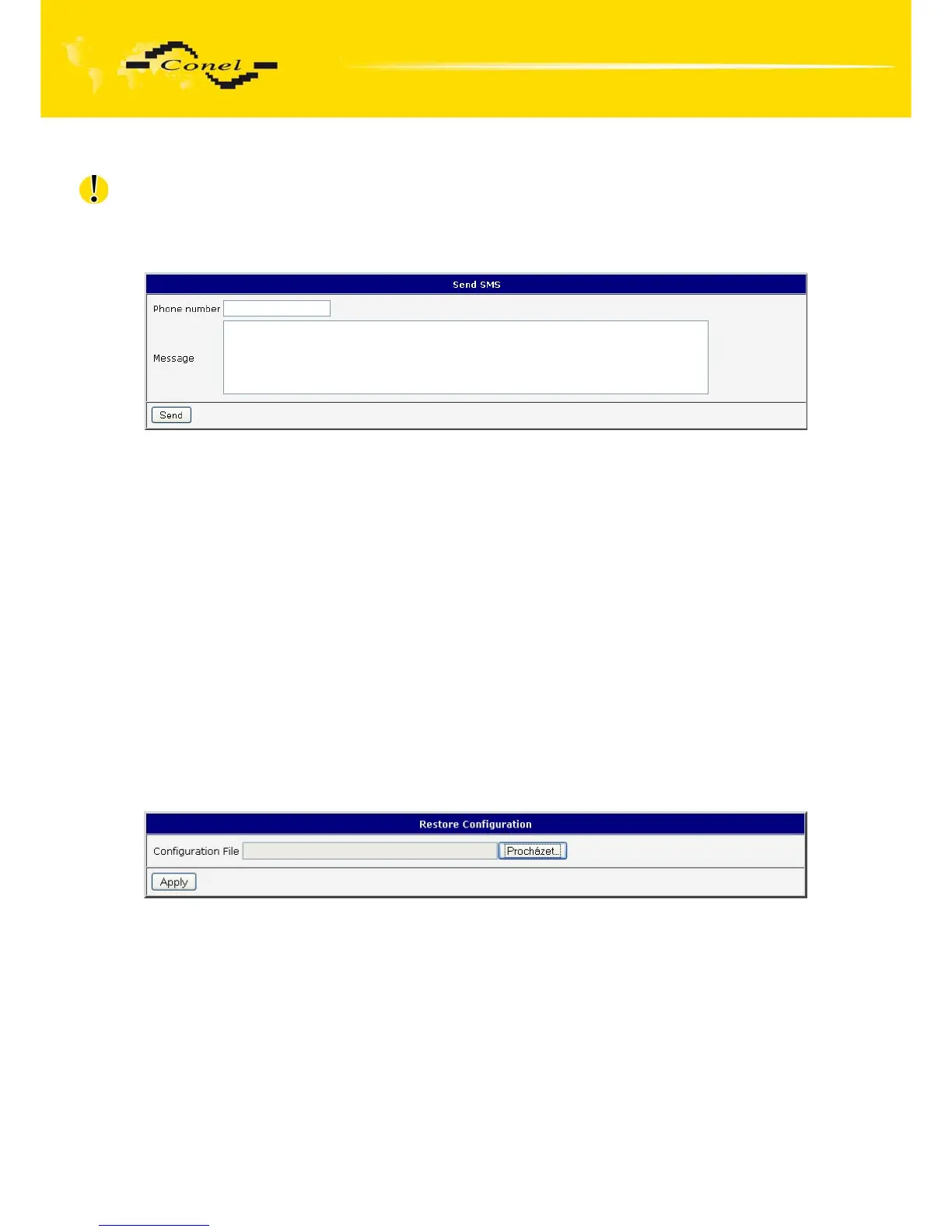
Sending SMS messages is possible in menu Send SMS. The SMS message will
be sent after entering the Phone number and text SMS (Message) and by pushing button
Send.
Fig. 68: Send SMS
SMS message sending via HTTP request is in the form:
GET /send_exec.cgi?phone=%2B420712345678&message=Test HTTP/1.1
Authorization: Basic cm9vdDpyb290
HTTP request will be sent to TCP connection on router port 80. Router sends an SMS
message with text “Test”. SMS is sent to phone number “”420712345678”. Authorization is
in the format "user:password" coded by BASE64. In the example is used for root:root.
1.35. Backup configuration
The router configuration is possible to save by help of the Backup Configuration menu
item. After clicking on this menu it is possible to check a destination directory, where it will
save the router configuration.
1.36. Restore configuration
In case it is needed to restore the router configuration, it is possible in Restore
Configuration menu item to check configuration by help Browse button.
Fig. 69: Restore configuration


 To Next Page
 Loading...

