CONFIGURATION
65
1.37. Update firmware
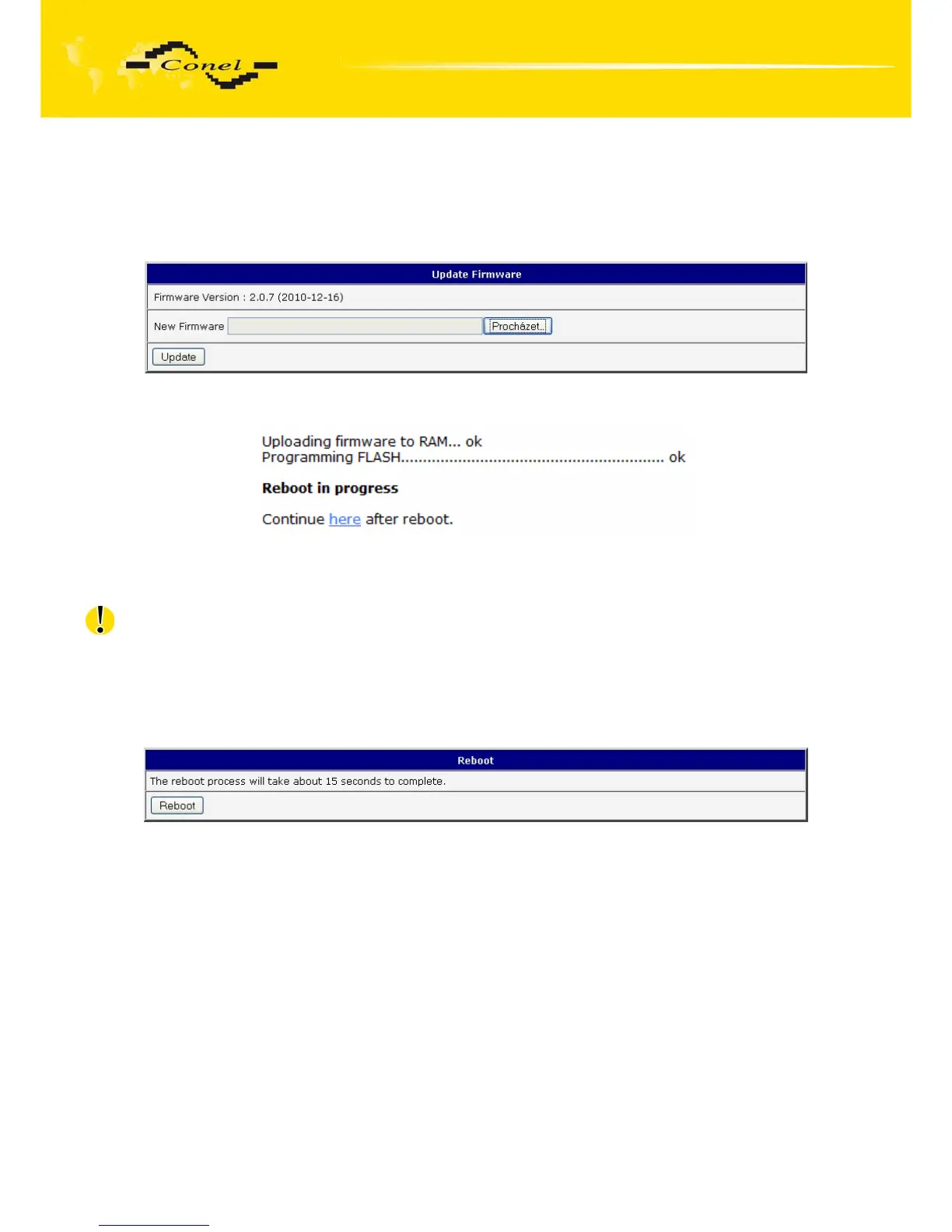
To view the information about the firmware version and instructions for its update select
the Update Firmware menu item. New firmware is selected via Browse button and update
the following pressing the Update button.
Fig. 70: Update firmware
After successful firmware updating the following statement is listed:
There is information about updating of the FLASH memory.
Upload firmware of different device can cause damage of the router!
During updating of the firmware permanent power supply has to be maintained.
1.38. Reboot
To reboot the router select the Reboot menu item and then press the Reboot button.
Fig. 71: Reboot


 To Next Page
 Loading...

