CONFIGURATION
62
1.29. Change profile
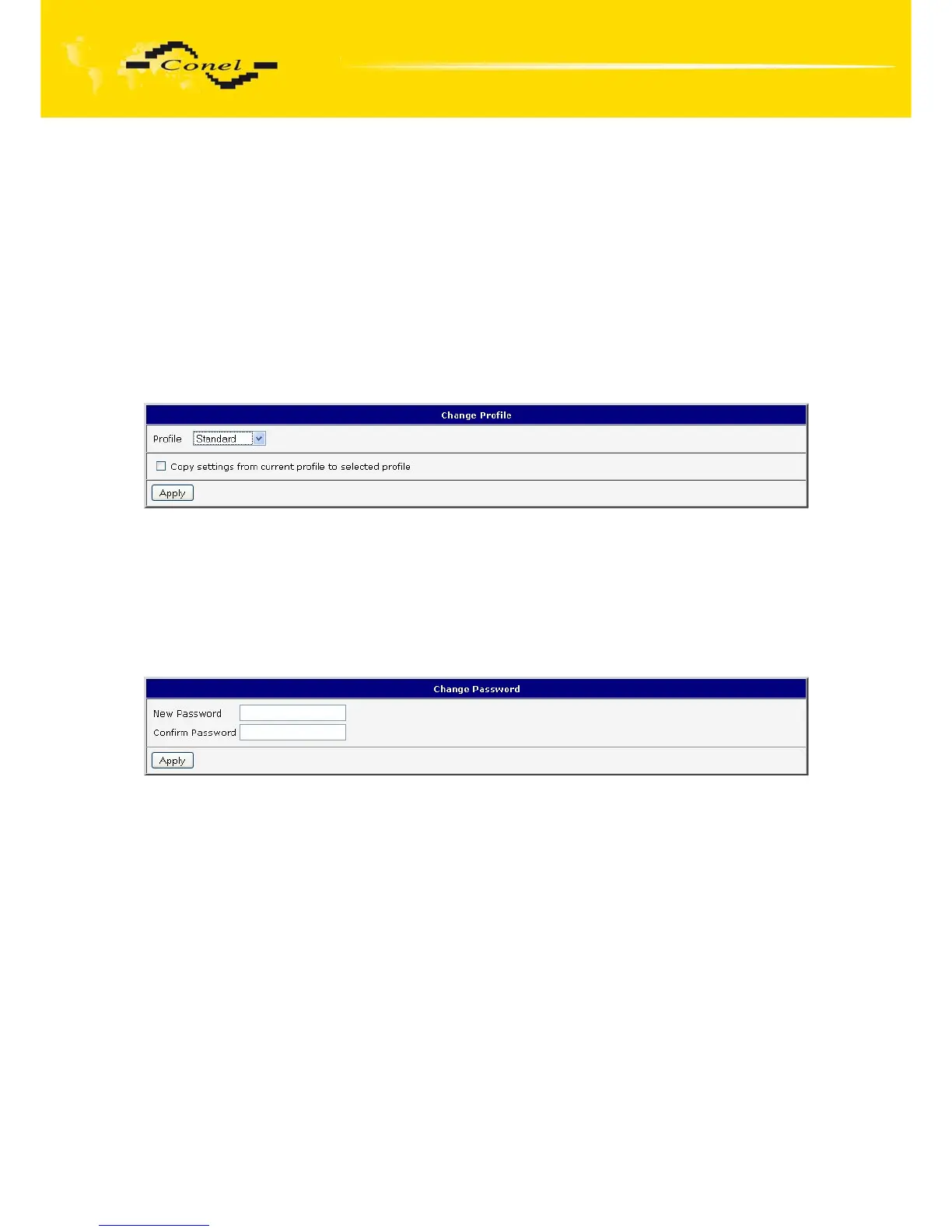
To open the dialog box for changing profile select the Change Profile menu item.
Profile switch is making by press the button Apply. Change take effect after restarting router
by the help of button Reboot in web administration or by SMS message. It is possible select
the standard profile or up to three alternative profiles. It is possible to copy actual
configuration to selected configuration by selecting Copy settings from current profile
to selected profile.
Example of usage profiles: Profiles can be used for example to switch between
different modes of operation of the router (router has compiled a PPP connection, the router
has not compiled a PPP connection and the router creates a tunnel to the service center).
Change the profile can then be done using a binary input, SMS or Web interface
of the router.
Fig. 63: Change profile
1.30. Change password
To open the dialog box for changing the access password select the Change
Password menu item. The new password will be saved after pressing the Apply button.
In basic settings of the router the password is set on default form root. For higher
security of your network we recommend changing this password.
Fig. 64: Change password


 To Next Page
 Loading...

