CONFIGURATION
58
1.25. Startup script
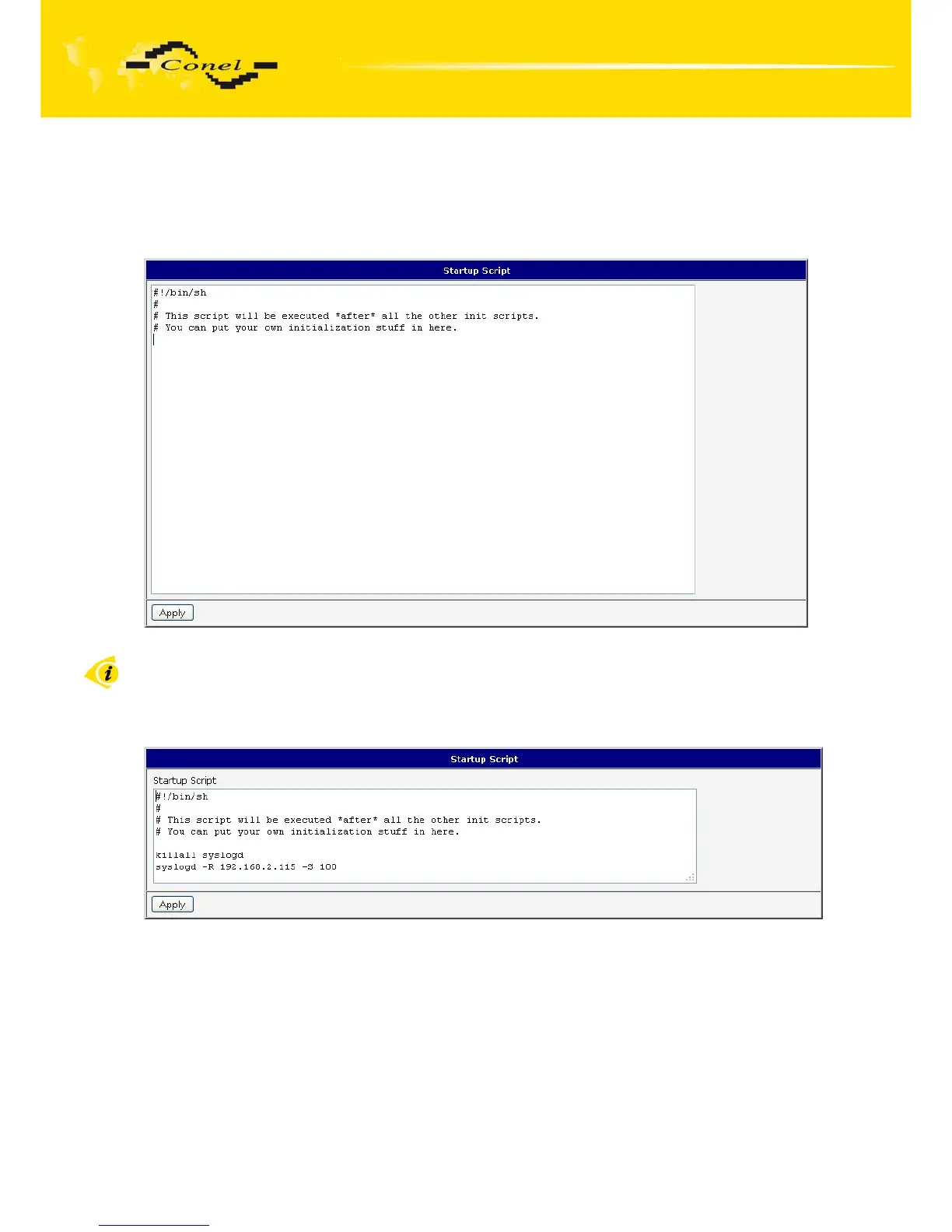
In the window Startup Script it is possible to create own scripts which will be
executed after all initial scripts.
The changes in settings will apply after pressing the Apply button.
Fig. 56: Startup script
Change take effect after shut down and witch on router by the help of button Reboot
in web administration or by SMS message.
Example of Startup script: When start the router, stop syslogd program and start
syslogd with remote logging on address 192.168.2.115 and limited to 100 entries listing.
Fig. 57: Example of Startup script


 To Next Page
 Loading...

