CONFIGURATION
60
1.27. Automatic update configuration
In the window Automatic update it is possible to set automatic configuration update.
This choice enables that the router automatically downloads the configuration
and the newest firmware from the server itself. The configuration and firmware are stores
on the server.
By Enable automatic update of configuration it is possible to enable automatic
configuration update and by Enable automatic update of firmware it is possible to enable
firmware update.
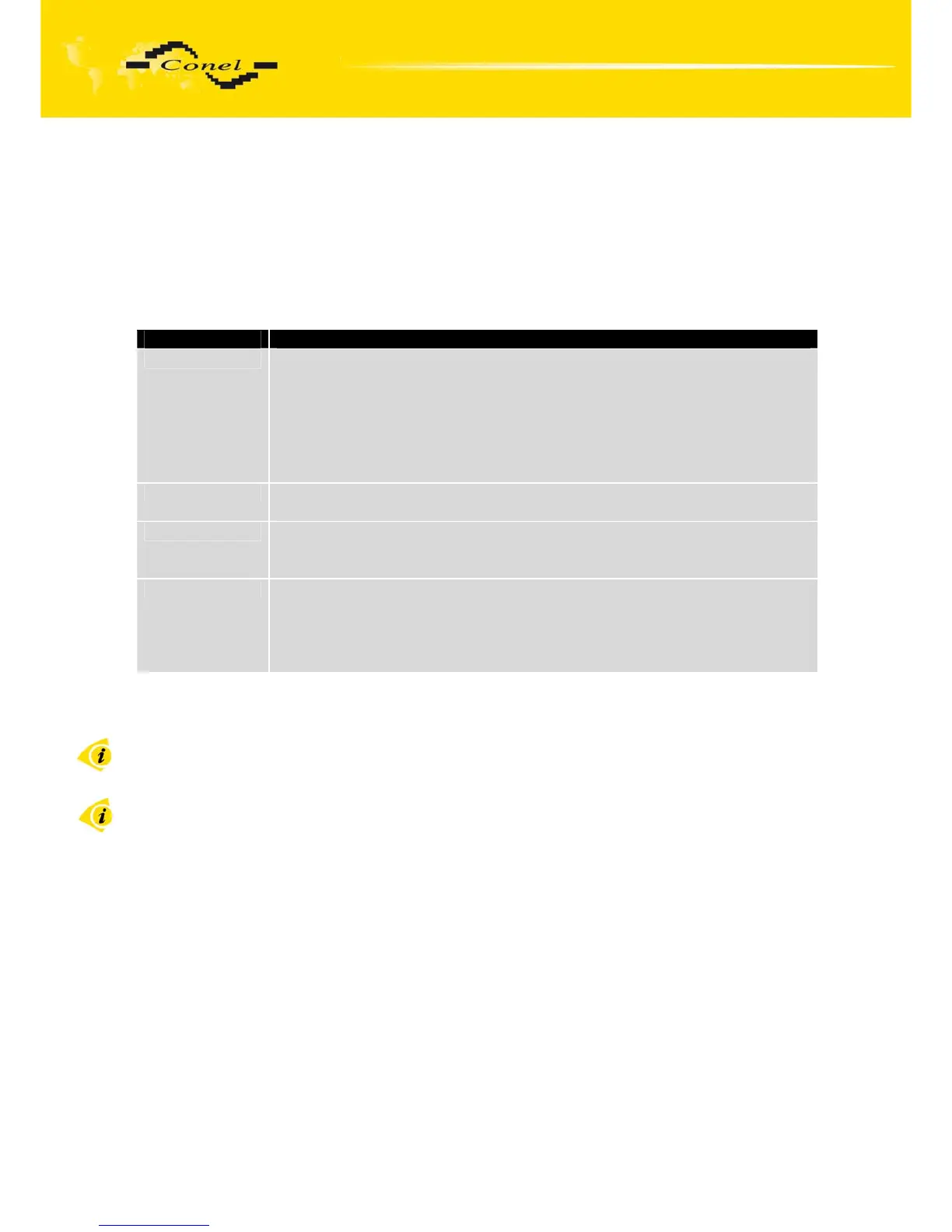
Item Description
Source In the item source can be set, where new firmware download:
• HTTP/FTP server - new firmware or configuration look at address
in the Base URL item
• USB flash drive - Router finds current firmware or configuration
in the root directory of the connected USB device.
• Both - looking for the current firmware or configuration from both
sources.
Base URL By parameter Base URL it is possible to enter base part of the domain or
IP address, from which the configuration file will be downloaded.
Unit ID Name of configuration. If the Unit ID is not filled, then as the file name
used the MAC address of the router. (The delimiter is a colon is used
instead of a dot.)
Update Hour Automatic configuration update starts 5 minutes after turning on the router
and then every 24 hours or it is possible to set the time of automatic
configuration in parameter Update Hour. If the entered URL is different
configuration than in the router then the router downloads this
configuration and restarts itself.
Table 59: Automatic update configuration
The configuration file name is from parameter Base URL, hardware MAC address
of ETH0 interface and cfg extension. Hardware MAC address and cfg extension is connected
automatically and it isn’t needed to enter this. By parameter Unit ID enabled it defines
the concrete configuration name which will be download to the router. When using parameter
Unit ID, hardware MAC address in configuration name will not be used.
The firmware file name is from parameter Base URL, type of router and bin
extension.


 To Next Page
 Loading...

