14 2 - Machine installation
COROB
TM
D300
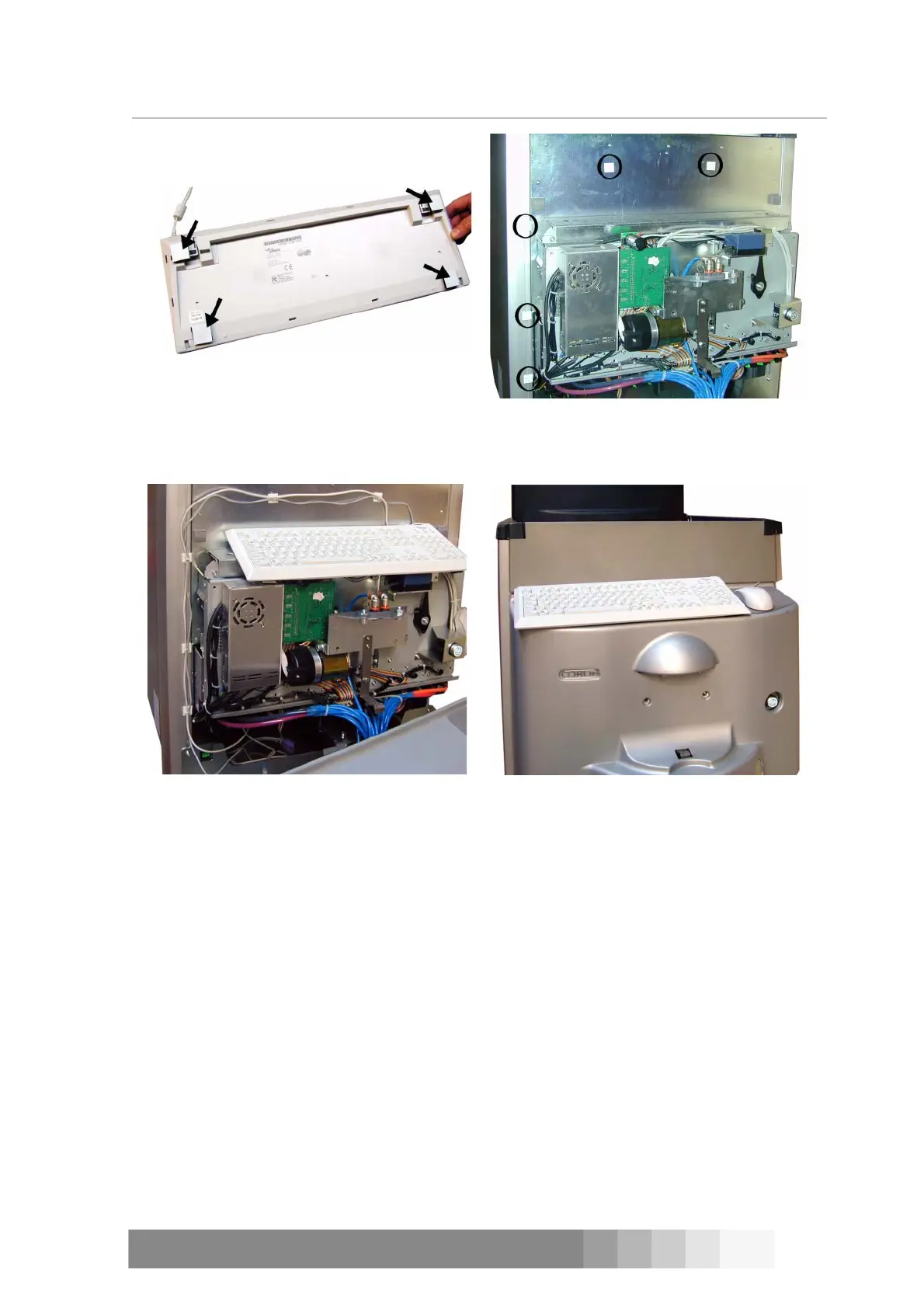
2.4 Mounting the keyboard and the mouse cable
Figure 21: Stick 4 pairs of stickers in the
bottom of the keyboard.
Figure 22: Remove the front casing and
panel. Attach 5 adhesive cable tie mounts
(circled in the picture) to the machine.
Figure 23: Fasten both the mouse cable and
the keyboard cable to the mounts with cable
ties.
Figure 24: Put the front casing and panel
back in place. Fasten the keyboard with
stickers on top of the casing.



 To Next Page