3 - Maintenance instructions 27
3.8.2 Installing a pump
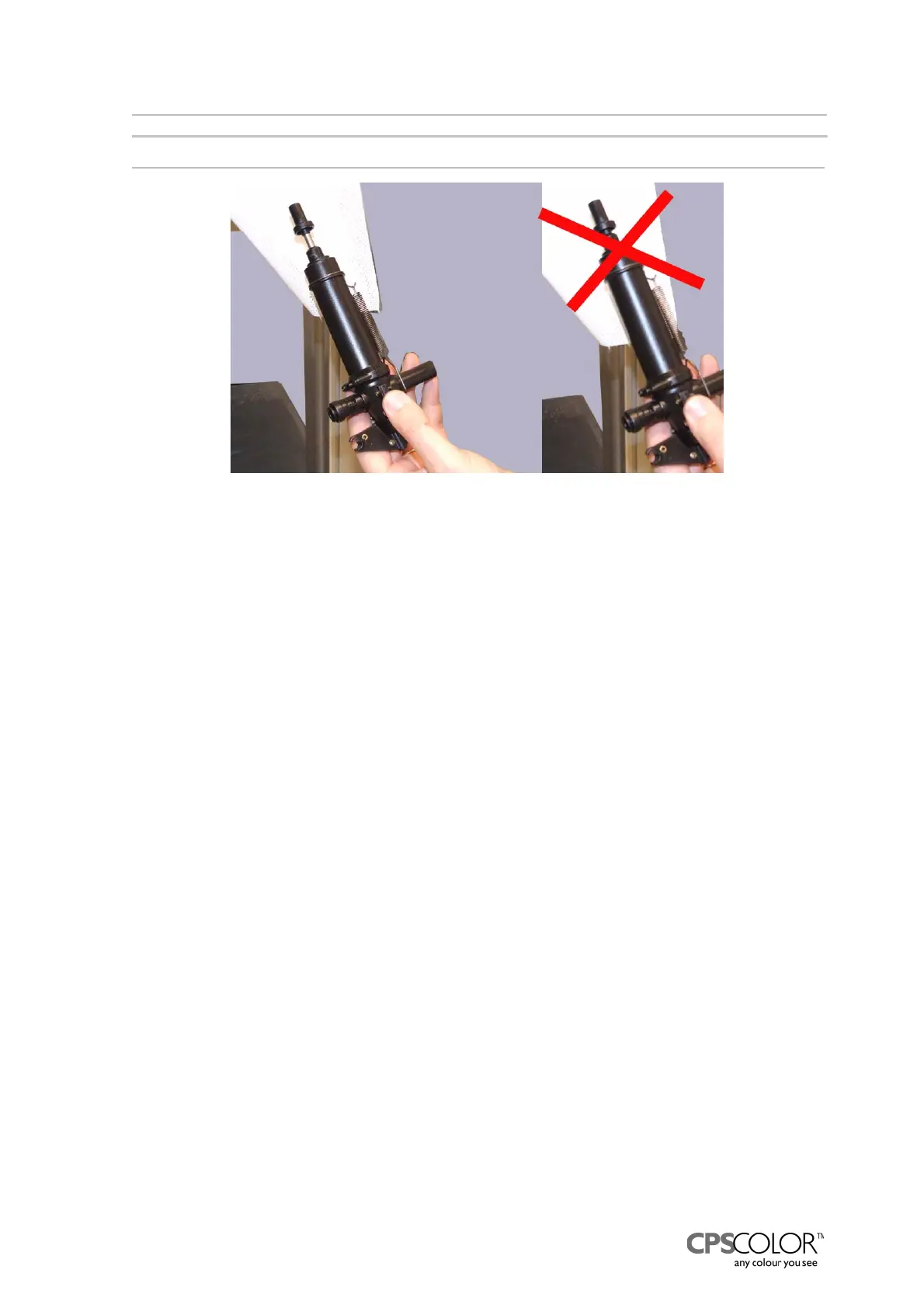
NOTE!: The piston rod of the pump has to be partly out.
1. Thread the pump from below through the hole in the adapter plate.
NOTE! Make sure that the pump’s shoulder fills the hole, see figure 57.
2. Put the plunger into the solenoid’s hole.
3. Push the pump forward so that the bodies of the screws are in the holes, see figure 58.
4. Fasten the draft bar to the pump.
5. Fasten the two screws.
6. Attach the tap into the pump and pull the sleeve of the tap forward with the wider end of that
special too.
7. Open the tap.
8. Place the nozzle hose in position:
- Push the hose as far as you can
- Pull the pump’s lock ring out about 1.5 mm with the special tool.
9. Check that the pump’s piston is not in the lowermost position.
10. Check that the nozzle hose is not clogged after the installation because a clogged hose can
damage the pump.
11. Place the can table back in position, if needed.
12. Switch on the COROB
TM
D300.
13. Dispense 150 millilitre colorant to fill up the hoses.
14. Check that the hoses are still fastened.
15. Replace the front casing and water reservoir.
Figure 55: Install the pump so that the piston rod is lifted out a little.



 To Next Page