26 3 - Maintenance instructions
COROB
TM
D300
Procedure:
NOTE!: Place some paper or cloth under the pump and over the foot’s cover plate to keep the
machine clean. The cover plate is very difficult to change!
3.8.1 Removing a pump
1. Switch off the COROB
TM
D300 and unplug the mains
cable from the outlet.
2. Remove front casing, see instructions on page 15.
3. Remove the humidifier cap.
4. Place an empty can under the nozzles.
5. Clean the nozzles and check that the nozzle hose is not
blocked.
6. Remove the hydraulic can table, See “Removing the can
table during service” on page 15
NOTE! If you are replacing the outermost pumps
(numbers 1 and 16) you do not need to remove the can
table.
7. Close the tap behind the pump, figure 53.
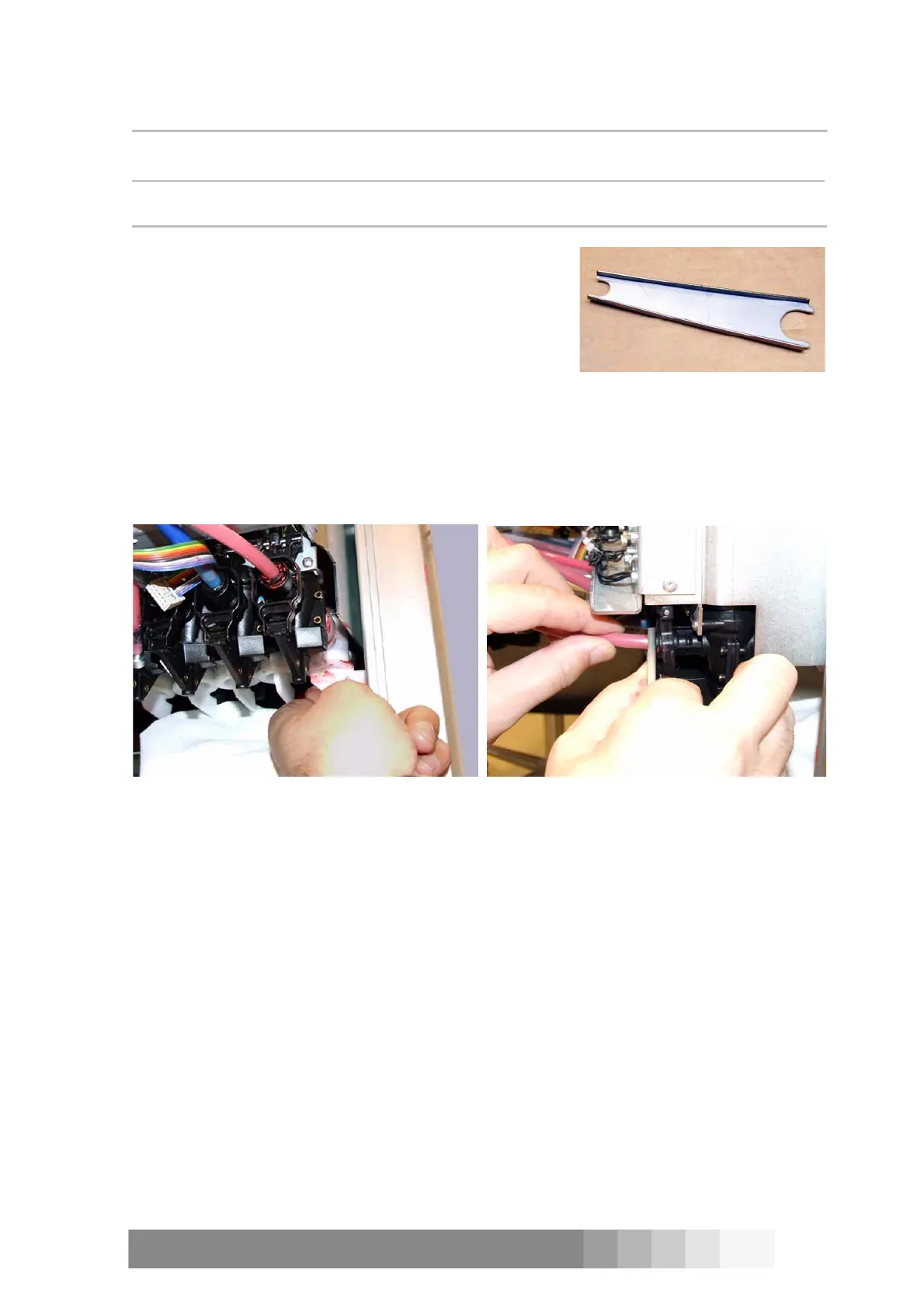
8. Press in the lock ring of the pump’s connector with the smaller end of the special tool (figure
52) and pull out the hose from the pump, see figure 54.
CAUTION! The hose can empty through the nozzle.
9. Lift up the end of the hose you removed and you do not dirty the machine.
10. Loosen the tap with the wider end of that special tool:
Push the tap’s sleeve backwards and the valve releases.
11. Open with a cross head screwdriver two screws, that fasten the pump to the dispensing
module.
12. Pull down the pump together with the draft bar and the plunger.
13. Disconnect the draft bar and the plunger from the pump.
Figure 52: The special tool you
need for replacing a pump and a
canister.
Figure 53: Close the tap behind the pump. Figure 54: Press the pump’s lock ring with the
tool and pull out the hose from the pump.



 To Next Page