48 7 - Koecdriver
COROB
TM
D300
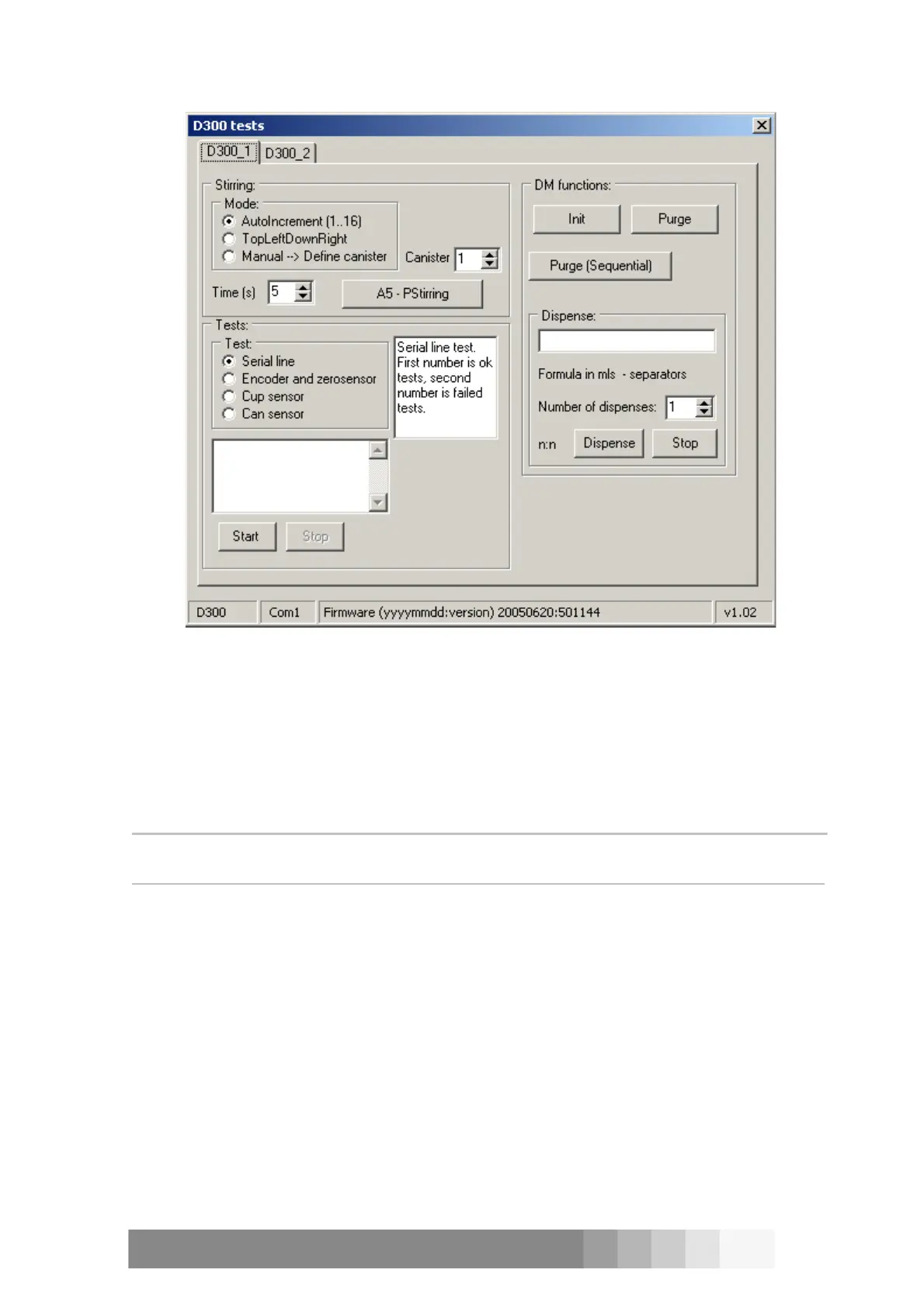
Purge button manages the normal purge, purge amounts are controlled by Dispense Manager
Configuration software.
There is also Init button available to do normal machine initialisation.
Finally you can also run normal Dispense command. Configure the formula in the formula field in
ml, use spaces to separate numbers. Enter first canister data in a number then the corresponding
formula in ml.
Example:
Formula 1 2 3 4
means 2 millilitres (ml) from canister number 1 and 4 mls from canister number 3.
NOTE!: You can run the formula more than once by putting Number of dispenses field value
bigger than 1.



 To Next Page