Product Overview
14 Operator’s Manual
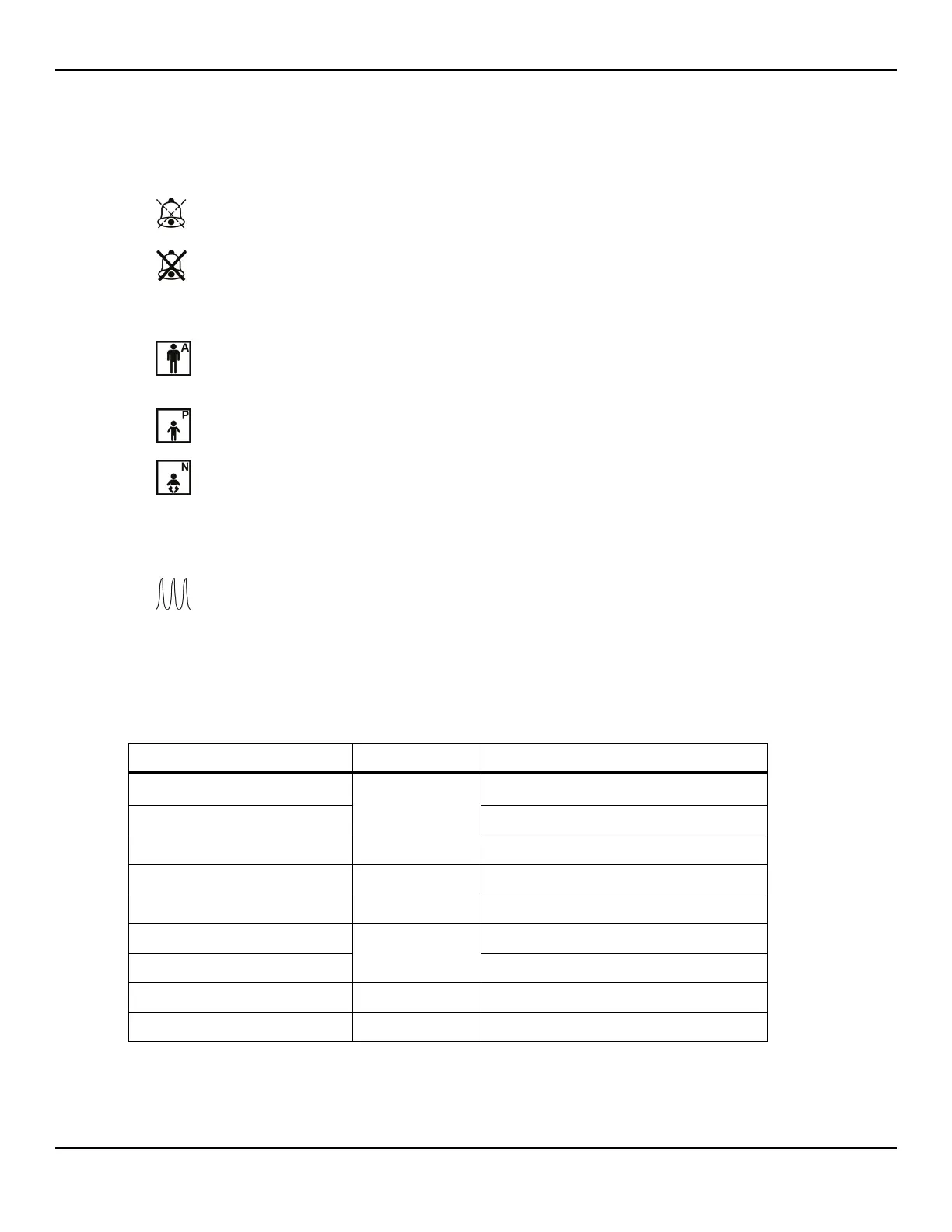
16 Alarm limits menu area Reflects the current audible alarm status.
• Alarm Audio Paused — Visible in the alarm limits
menu area when the audible alarm is paused for a
period of time.
• Alarm Audio Off — Visible in the alarm limits menu
area when the audible alarm is disabled.
17 Patient mode area Reflects the current patient mode selected.
• Adult mode — Visible in the patient mode area
when the alarm limits are set to adult limit values. This
is the default mode.
• Pediatric mode — Visible in the patient mode area
when the alarm limits are set to pediatric limit values.
• Neonatal mode — Visible in the patient mode area
when the alarm limits are set to neonate limit values.
18 Informative message area Contains messages to notify the user of a condition or a
request for action.
19 Plethysmographic (pleth)
waveform
This non-normalized waveform uses real-time sensor sig-
nals, reflecting relative pulsatile strength of incoming sig-
nals.
1. Degradation can be caused by ambient light, poor sensor placement, electrical noise, electrosurgical interference, patient activity, or
other causes.
Table2-1.Display Colors
Color Condition Function
Cyan numeric
Steady
SpO
2 value and plethysmographic waveform
Yellow numeric Pulse rate value
Black background General background
Red background
Flashing
High priority alarm condition
Yellow background Alarm condition
Green font
Steady
Informative message
Yellow font Low or medium priority message
Red font Flashing High priority message
Green, yellow, or red battery icon Steady Normal, low, or critically low battery status















 To Next Page