External Data Communication
Operator’s Manual 51
Note:
Any trend data download relies on either factory default settings or institutional
default settings established by a qualified service technician prior to usage. This
includes baud rate and communication protocol selection.
To download trend data
1. Power on the monitoring system by pressing the button.
2. Rotate the jog dial to highlight the OPTIONS Menu icon.
3. Press the jog dial to access the OPTIONS Menu.
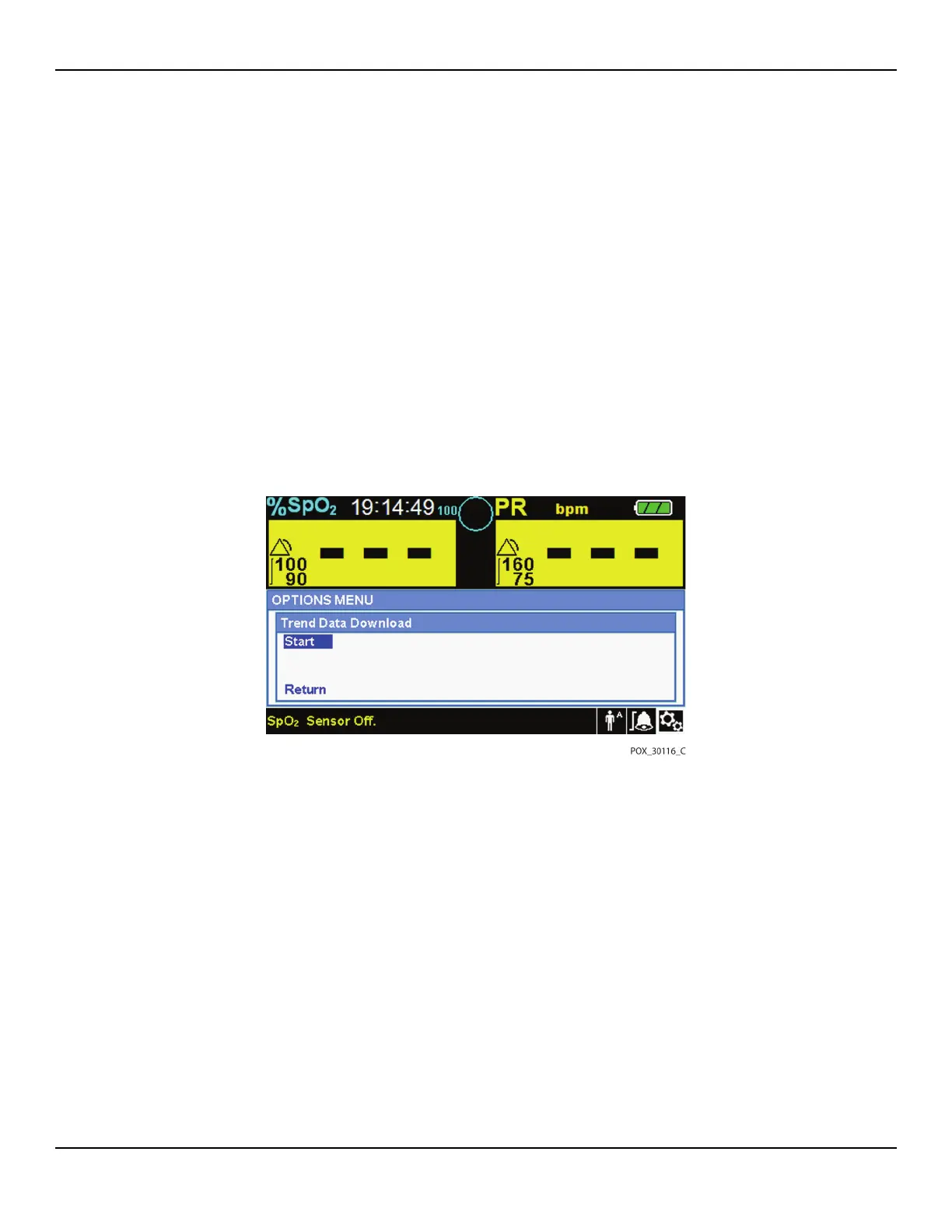
4. Rotate the jog dial to select the TREND DATA DOWNLOAD submenu option.
Figure5-4.Trend Data Download Option
5. Press the jog dial to access the TREND DATA DOWNLOAD Menu.
6. Connect a mini-USB cable from the monitoring system to the computer.
a. Grasp the mini-USB end of the cable.
b. Firmly insert into the bottom mini-USB data port.
c. Firmly insert the USB end of the cable into a USB port on the host system.
7.
Ensure the computer properly identifies the monitoring system. If it does not, follow
the procedure for loading the appropriate driver. Reference To install a USB driver
from the compact disc, p. 5-56.
8. Launch HyperTerminal. Reference p. 5-52.















 To Next Page