External Data Communication
Operator’s Manual 57
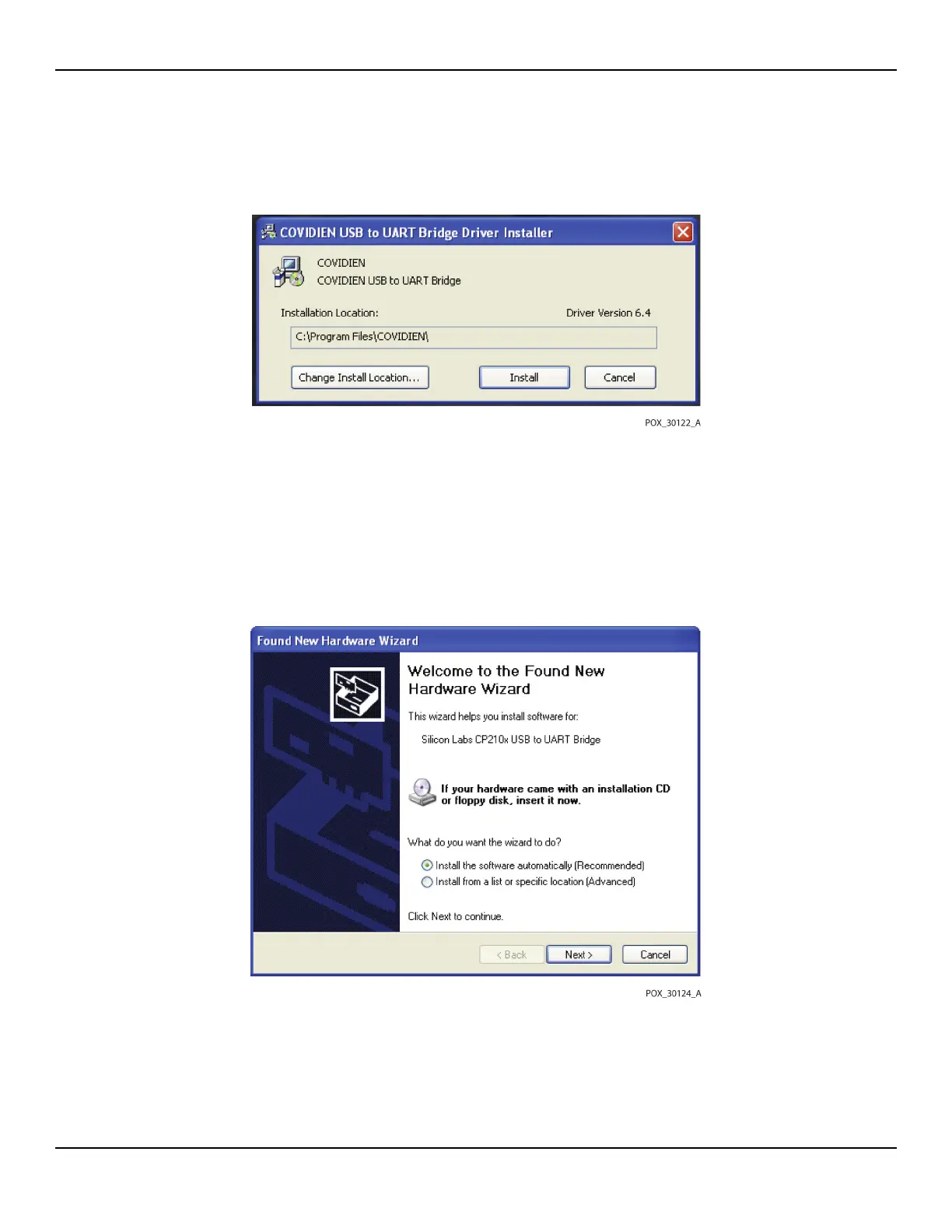
Figure5-7.Sample Bridge Driver Installer window
8. Reboot the PC for changes to take effect.
9. Connect the monitoring system to the PC, firmly engaging the USB end to the PC
and the mini-USB to the monitoring system.
10. Allow the PC to sense the new hardware and load the InstallShield Wizard, which
guides users through the entire setup process. Do not click the CANCEL button.
Figure5-8.Sample New Hardware Wizard Screen
11. At the prompt from the InstallShield Wizard, click on the NEXT button to copy the
driver to the PC.















 To Next Page