Menu Options Navigation
Operator’s Manual 39
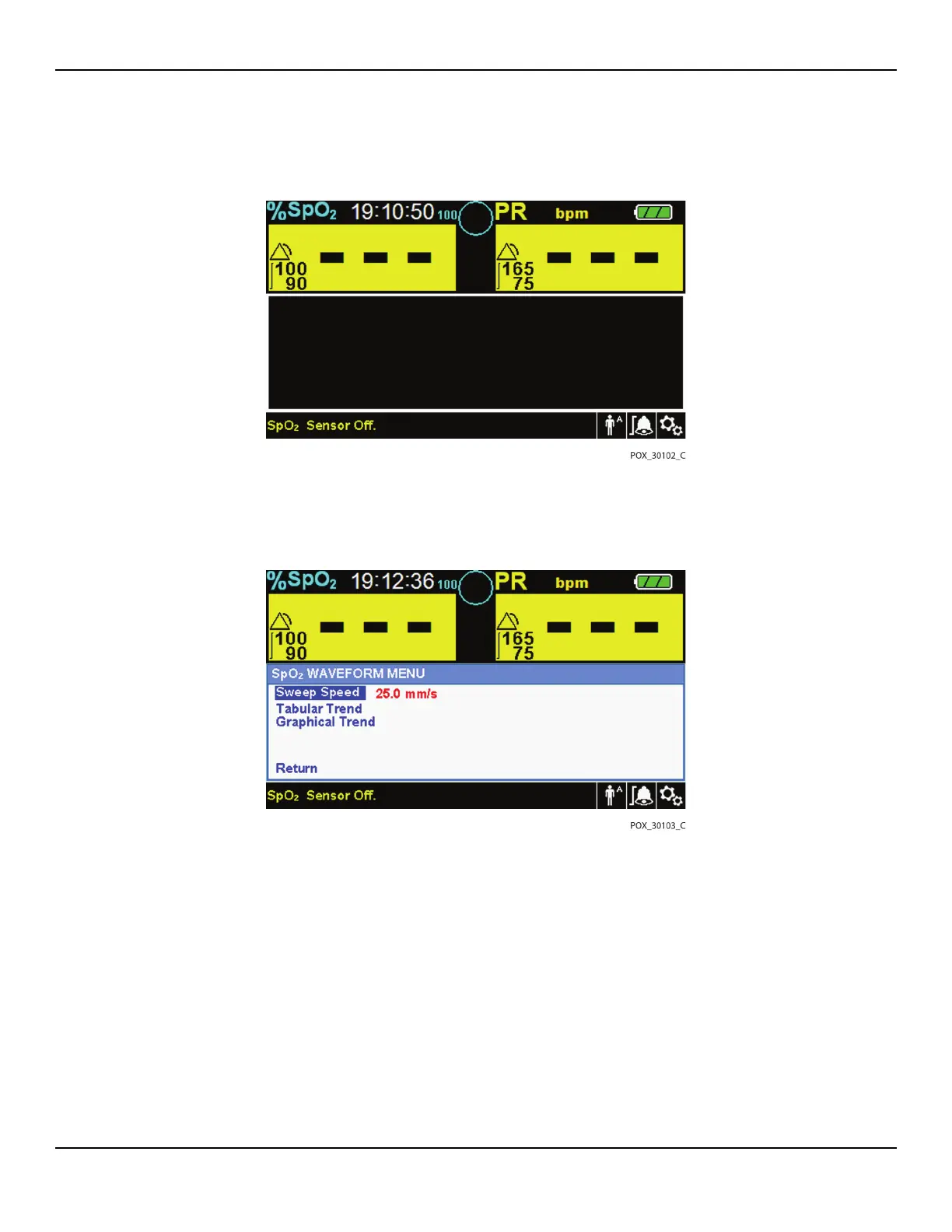
Figure4-11.Highlighting the Waveform Display Area
2. Press the jog dial to display the SpO2 WAVEFORM Menu.
Figure4-12.SpO2 Waveform Menu
•
Sweep Speed — Access to set the speed at which the SpO2 waveform trace
moves across the screen. The higher the sweep speed value, the more data
appears on the screen. Sweep Speed options are 6.25 mm/s, 12.5 mm/s and
25.0 mm/s.
• Tabular Trend — Access to display the tabular trend view. Reference Tabular
Trend Data, p. 5-45.
• Graphical Trend — Access to display the graphical trend view. Reference
Graphical Trend Data, p. 5-46.















 To Next Page