Operation
30 Operator’s Manual
4.4.2 QUICK ACCESS Menus
For quick access to alarm limit settings, use the menu options listed here.
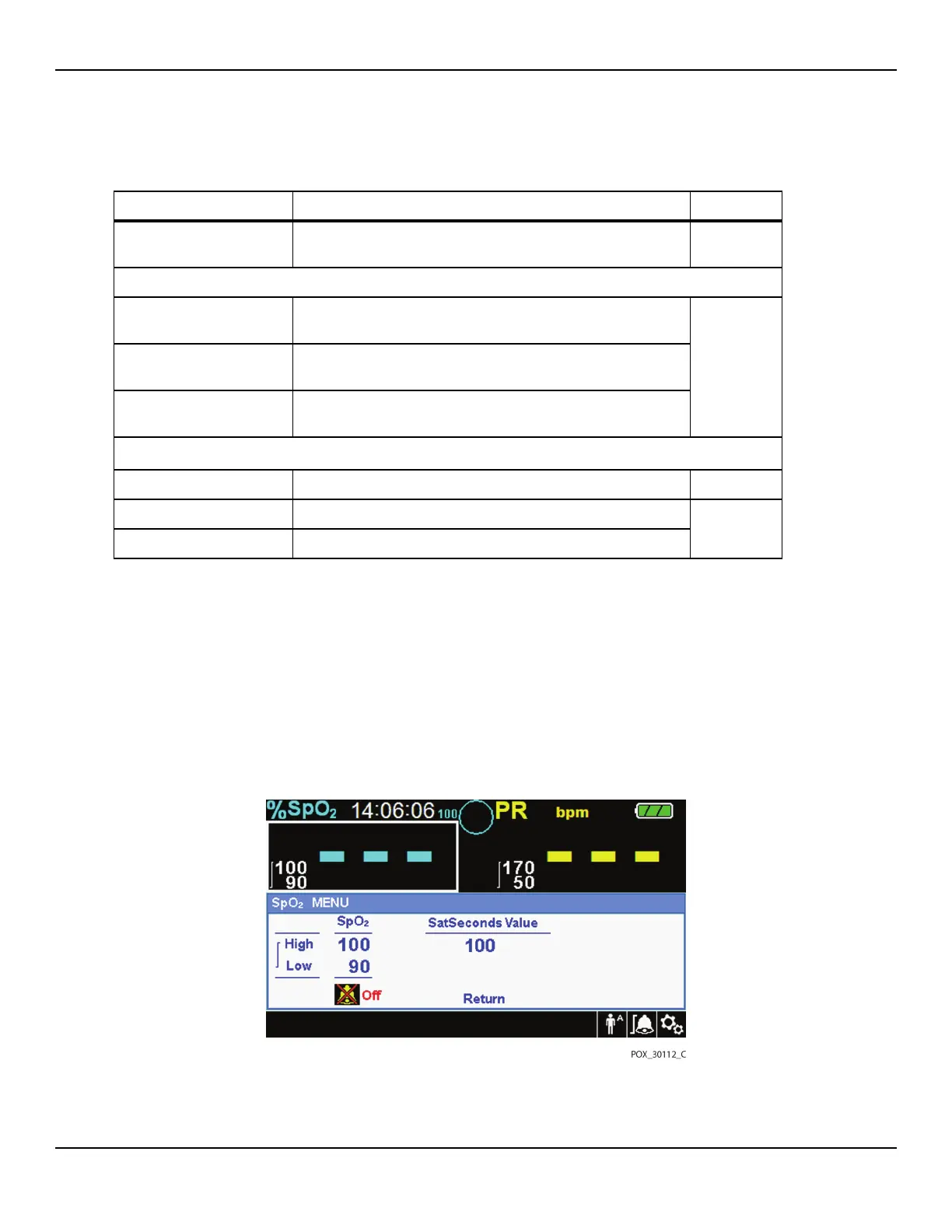
1. SpO2 Menu — Provides access to SpO2 alarm limit settings, alarm inhibition, and
SatSeconds alarm management option. Reference ALARM/LIMITS Menu, p. 4-35,
for basic information. The adult default setting for the SatSeconds alarm manage-
ment option is 100. Other options include OFF, 10, 25, and 50. Reference SatSec-
onds™ Alarm Management Feature, p. 10-85.
Figure4-3.QUICK ACCESS SpO2 Menu with Audio Alarm Selected
SATSECONDS option SatSeconds™ alarm management setting
(Off, 10, 25, 50, 100)
100
PATIENT MODE Menu
ADULT option Sets Alarm Limits to standard default thresholds for adult
patients
Reference
Table4-4.
on page 43.
PEDIATRIC option Sets Alarm Limits to standard default thresholds for pediatric
patients
NEONATE option Sets Alarm Limits to standard default thresholds for neonate
patients
SpO
2 WAVEFORM Menu
SWEEP SPEED option 6.25 mm/s, 12.5 mm/s, 25.0 mm/s 25.0 mm/s
TABULAR TREND option Tabular trend view of trend data
--
GRAPHICAL TREND option Graphical trend view of trend data
Table4-1.Menu structure and available options (Continued)
Item Available Selections Default















 To Next Page