Operation
42 Operator’s Manual
To pause an audible alarm:
1. Press the Alarm Audio Paused button to immediately pause the alarm tone. The
alarm resumes after the Alarm Audio Paused period, if the alarm condition
remains.
2. Take the appropriate corrective action.
Note:
Press the Alarm Audio Paused button to cancel audible alarms caused by technical
errors. Audible alarms for battery failure and physiological alarms cannot be canceled
without appropriate corrective action.
To re-enable the audio tones during the Alarm Audio Paused period, press
the Alarm Audio Paused button again. If another alarm occurs during the
Alarm Audio Paused period, the monitoring system re-enables all audio
tones.
To pause an audible alarm:
1. Press the Alarm Audio Paused button.
2. To cancel, press the Alarm Audio Paused button again.
If the Alarm Audio Paused period is enabled, the audible alarm is not active
for the specified time interval and the Alarm Audio Paused icon appears
above the appropriate alarm limit icon.
Note:
To disable limit violation alarms, use the Alarm Limits menus. Reference ALARM/
LIMITS Menu, p. 4-35.
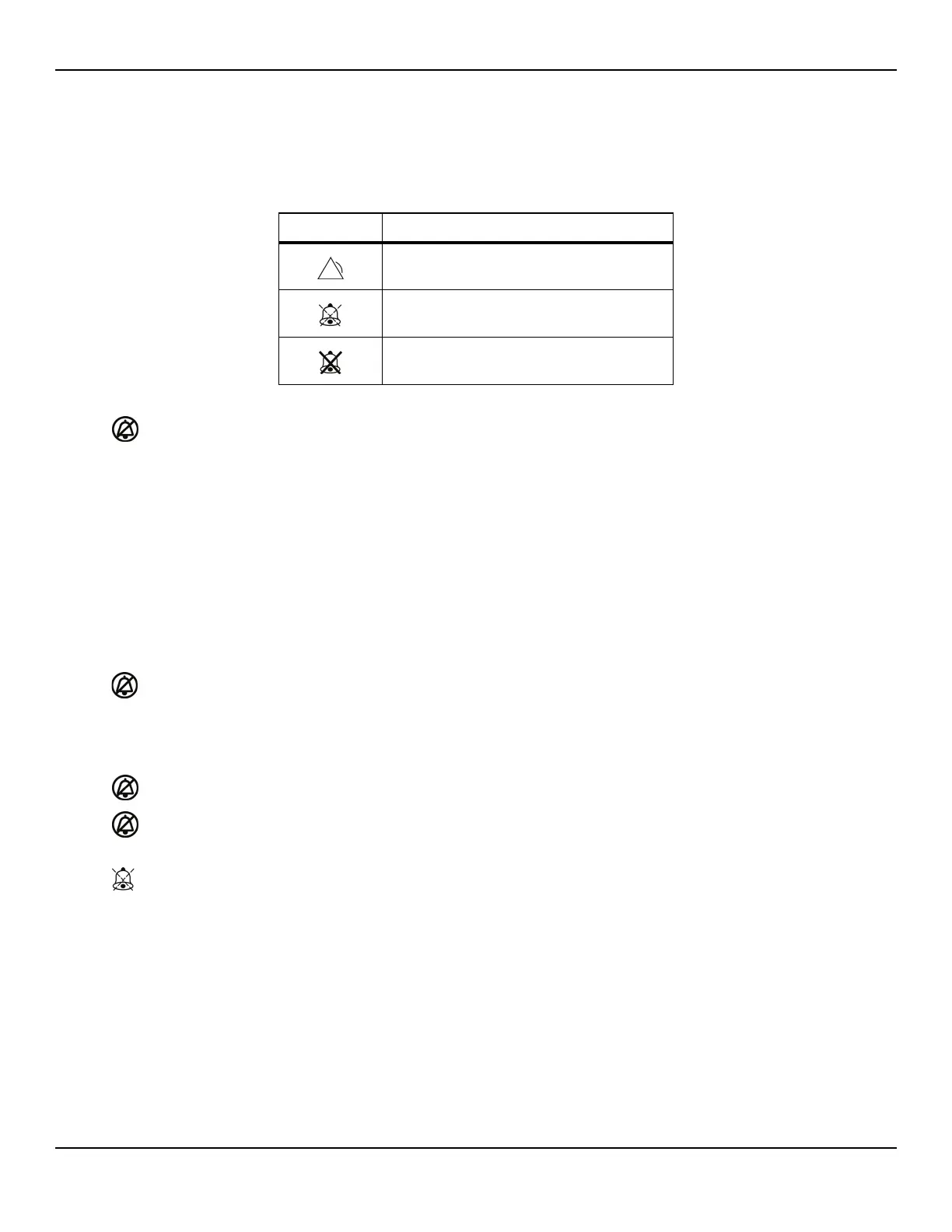
Table4-3.Audio Status
Alarm Icon Status
Alarm active
Alarm audio paused
Alarm audio OFF















 To Next Page