External Data Communication
Operator’s Manual 47
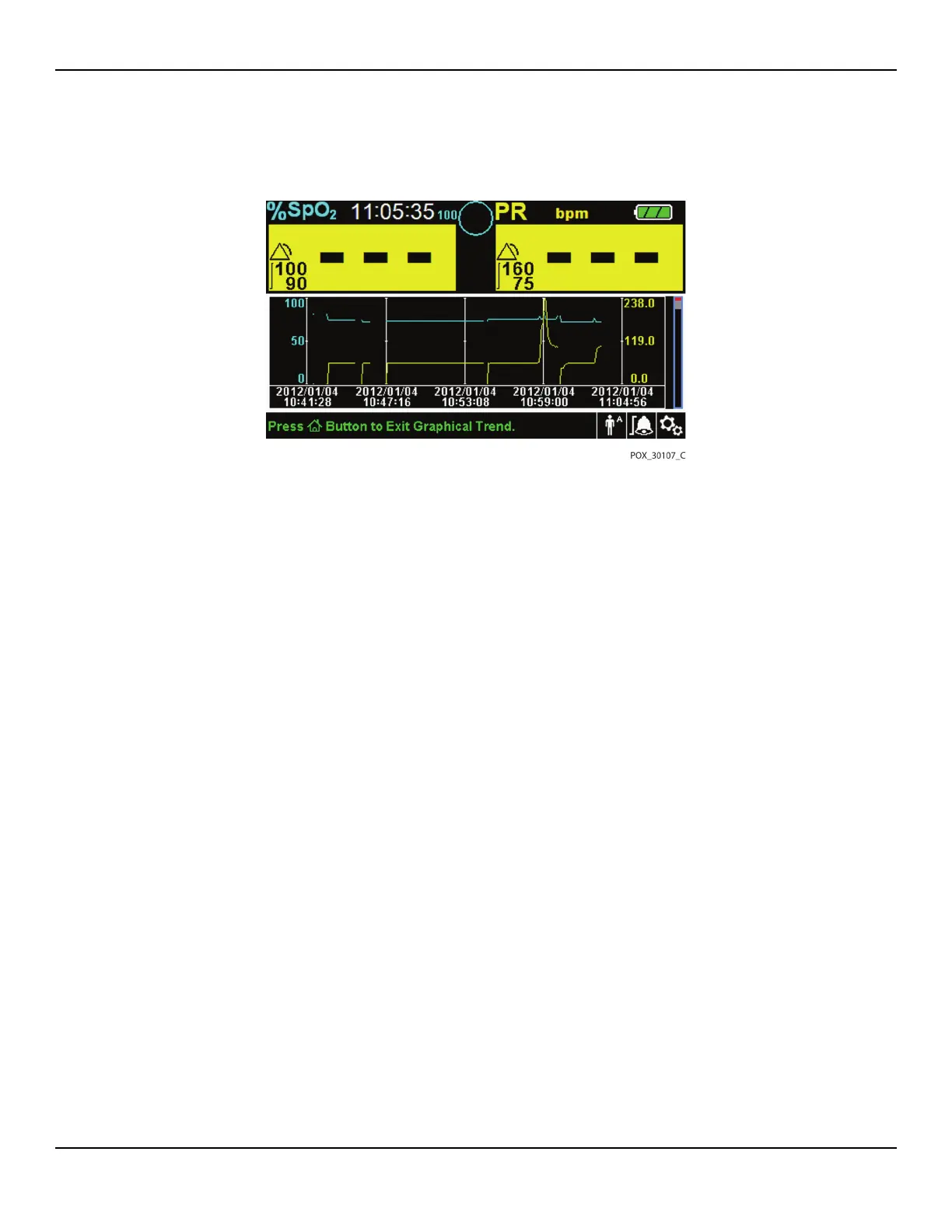
Figure5-2.Graphical Trend Data Screen
To scroll through Graphical Trend Data:
1. Rotate the jog dial to highlight Scroll.
2. Press the jog dial to activate scrolling.
3. Rotate the jog dial to scroll through the trend data.
• Clockwise rotation moves forward to newer data.
• Counterclockwise rotation moves backward to older data.
4. After reviewing trend data, press the RETURN button to exit the graphical trend
view.
5.4 External Data Communication
WARNING:
Any connections between this monitoring system and other devices must
comply with applicable medical systems safety standards such as IEC 60601-1.
Failure to do so may result in unsafe leakage current and grounding
conditions.
The monitoring system provides external connectors on the right and rear
panels to support data communication.
• Nurse call interface (RJ11) — Allows caregivers to remotely monitor patient
alarms via the nurse call system of the institution.















 To Next Page