Troubleshooting
76 Operator’s Manual
Reference Managing Alarms and Alarm Limits, p. 4-40, for any issues related
to alarm conditions.
8.4 Return
Contact Covidien or a local Covidien representative for shipping instructions,
including a Returned Goods Authorization (RGA) number. Reference Obtain-
ing Technical Assistance, p. 1-6. Unless otherwise instructed by Covidien, it is
not necessary to return the sensor or other accessory items with the monitor-
ing system. Pack the monitoring system in its original shipping carton. If the
original carton is not available, use a suitable carton with the appropriate
packing material to protect it during shipping. Return the monitoring system
by any shipping method that provides proof of delivery.
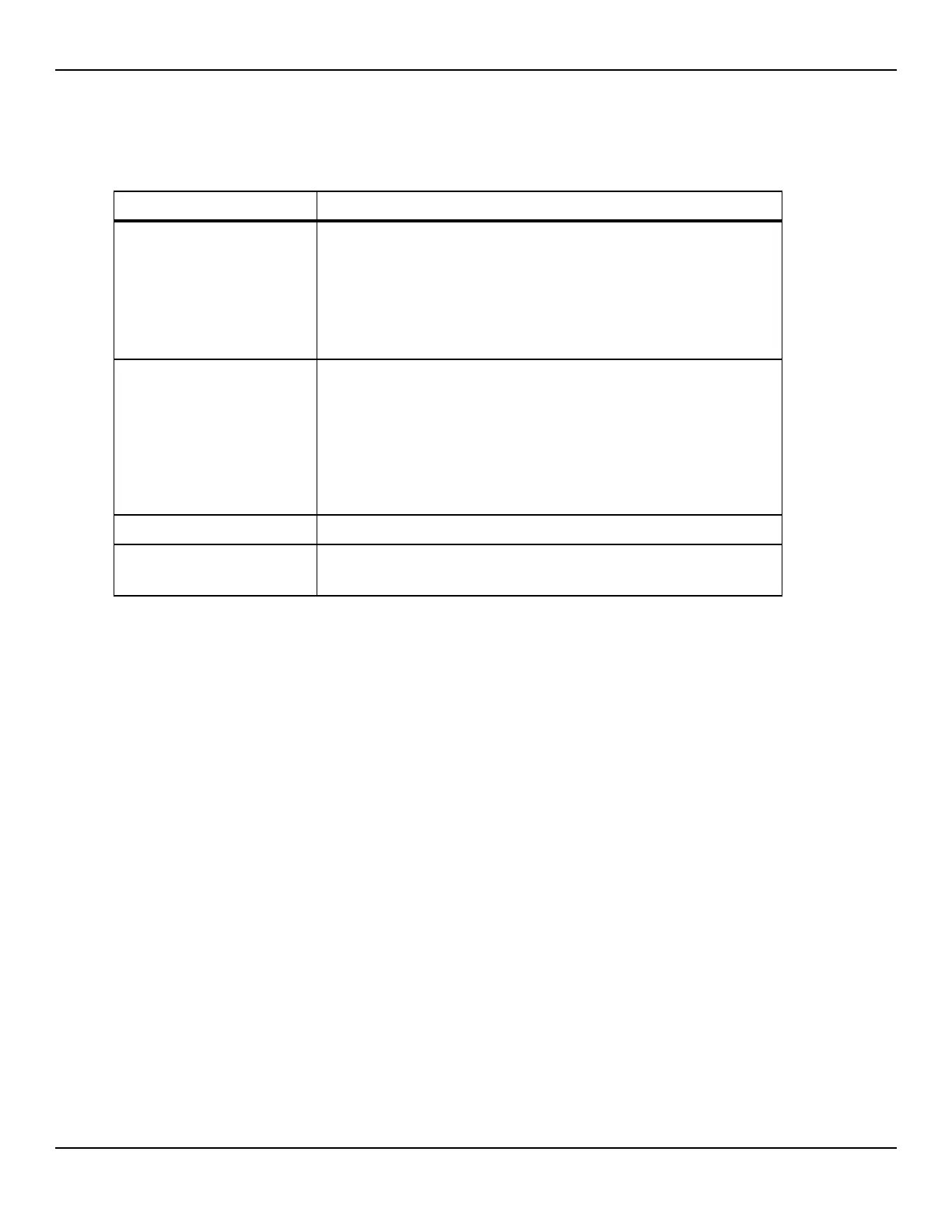
Questionable readouts of
patient physiological measure-
ments, wrongly tagged or
missing patient data
Reference Performance Considerations, p. 6-63.
Check patient status.
Replace sensor or cable, if necessary.
Check all connections and reposition, if necessary.
Remove sources of electromagnetic interference.
Remove excessive ambient light.
Data port does not function
properly
Ensure USB cable firmly connected.
Disconnect USB cable, reset system power, then reconnect.
Ensure baud rate settings for both monitoring system and PC are the same.
Check hardware tab in PC 'System Registration Information'; verify normal
status.
Check COM port.
Re-install the bridge driver provided by Covidien.
Experiencing EMI interference Reference Reducing EMI (Electromagnetic Interference), p. 6-67.
Technical System Error
Do not use the monitoring system; contact a qualified service technician or
Covidien Technical Services.
Table8-1.Common Problems and Resolutions (Continued)
Problem Resolution















 To Next Page