Menu Options Navigation
Operator’s Manual 37
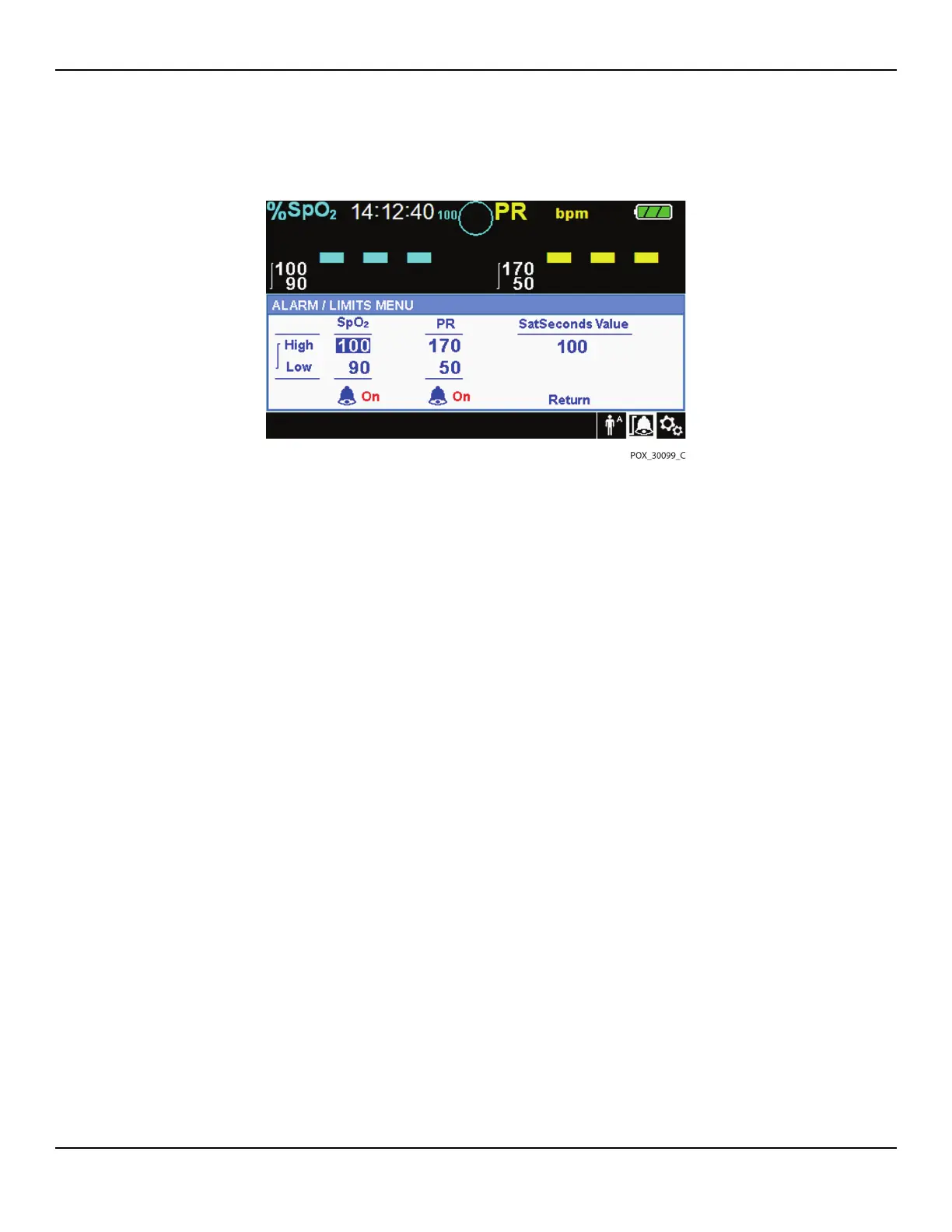
Figure4-9.Alarm/Limits Menu Options
5.
Rotate the jog dial to change the desired option value. Reference Menu Structure, p.
4-29, for adult, pediatric, and neonate limit options.
• Available SpO2 alarm limit thresholds
– Upper and lower SpO2 alarm limit thresholds
– SpO2 alarm inhibition to disable audible alarms for SpO2 limit violations
• Pulse Rate alarm limits
– Upper and lower pulse rate alarm limit thresholds
– Pulse rate alarm inhibition to disable audible alarms for pulse rate limit violations
• SatSeconds™ alarm management values include OFF, 10, 25, 50, 100. The
default value is 100. Reference SatSeconds™ Alarm Management Feature, p.
10-85.
6.
Press the jog dial to save the desired value.
7.
Rotate the jog dial to highlight another desired option or to RETURN to the OPTIONS
menu.
4.4.5 PATIENT MODE Menu
Access this menu option to select the desired PATIENT MODE: Adult, Pediatric
or Neonatal.















 To Next Page