User Interface
Operator’s Manual 27
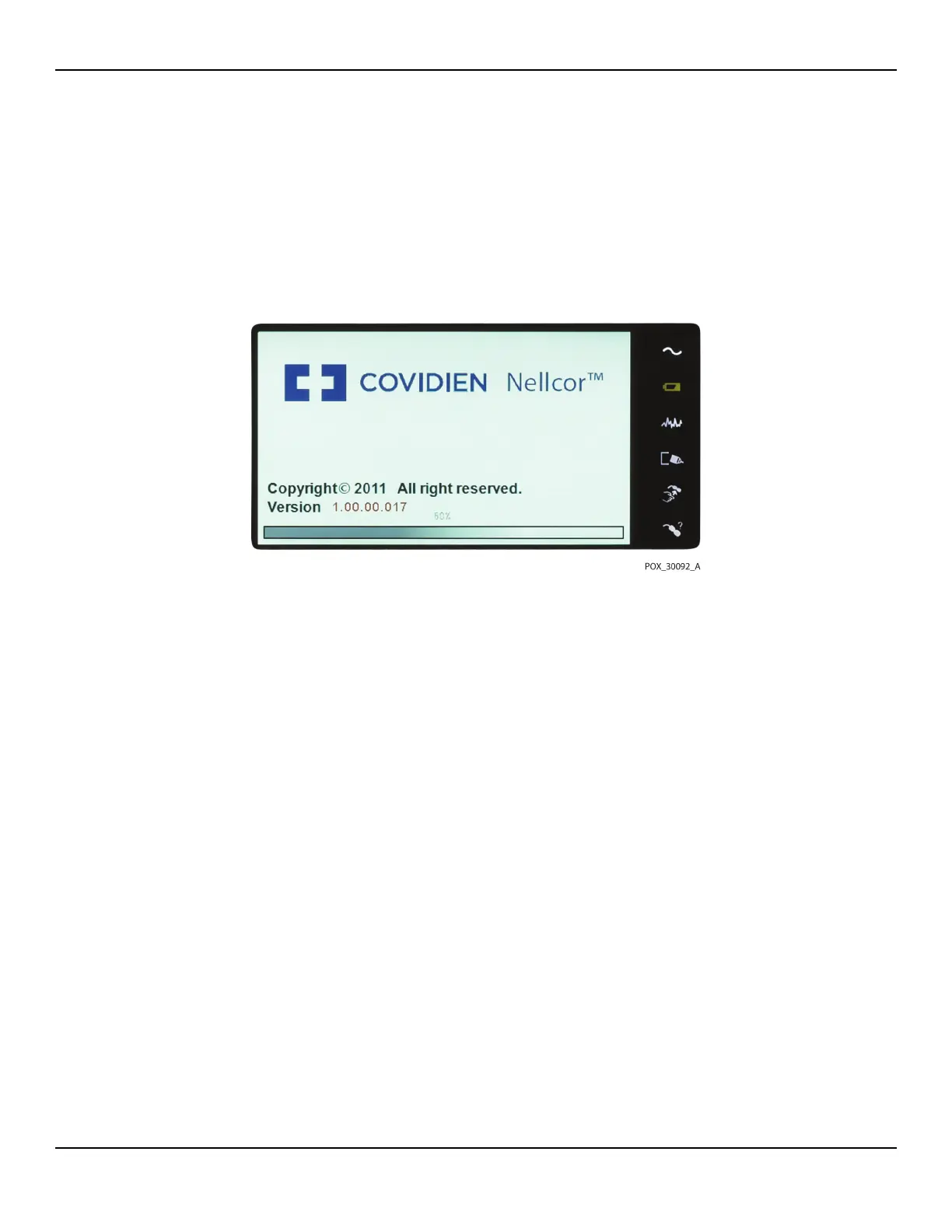
To power on the monitoring system:
1. Press the Power On/Off Button for more than one (1) second.
2. Ensure the software version, the SpO2 alarm indicator, and the pulse rate alarm
indicator light for approximately two (2) seconds.
Figure4-1.Sample Initial Screen
3. Ensure the POST pass tone sounds when POST completes.
Note:
Do not use the monitoring system should a repeating, high-pitched alarm tone occur at
power on. Instead, please contact Technical Services or a qualified service technician.
4.3.2 Turning off the Monitoring System
After using the monitoring system, turn it off safely.
To turn off the monitoring system:
1.
Press the Power On/Off button on the right of the device for approximately one second.
2. Observe the message System is shutting down on the screen.
Note:
Press the Power On/Off button for at least 15 seconds to turn off the monitoring
system after any situation involving continuous resets or a system lock.















 To Next Page