Menu Options Navigation
Operator’s Manual 31
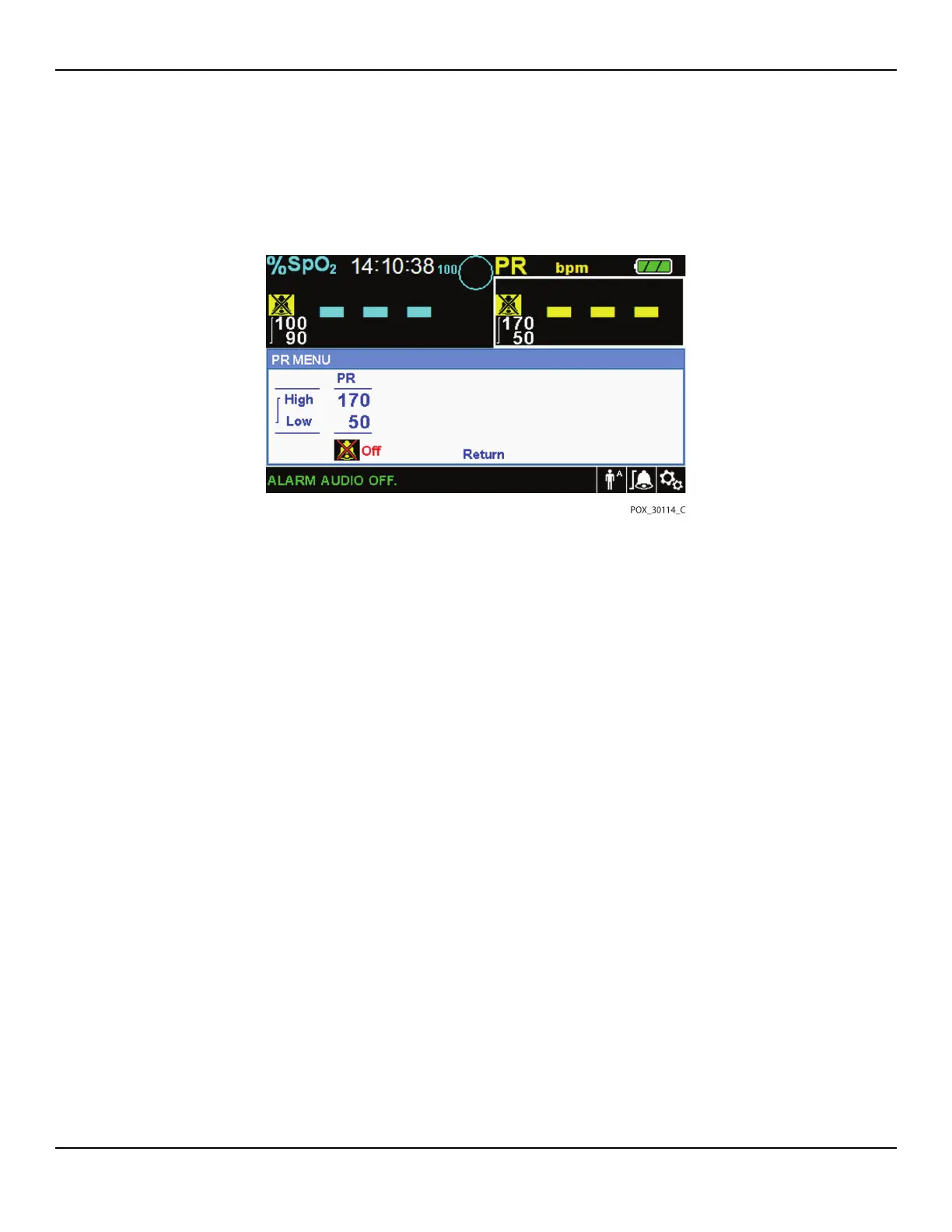
2. PR Menu — Provides access to pulse rate (PR) alarm limit settings and alarm inhi-
bition. Reference ALARM/LIMITS Menu, p. 4-35.
Figure4-4.QUICK ACCESS PR Menu with Alarm Audio OFF
To select alarm limit settings via Quick Access menus:
1. Rotate the jog dial until the white highlight appears over the SpO2 or the pulse
rate (PR) real-time value field.
2. Press the jog dial.
3. Rotate the jog dial until reaching the desired field.
• Available SpO2 alarm limit thresholds
– SatSeconds™ alarm management values include OFF, 10, 25, 50, 100. The default
value is 100. Reference SatSeconds™ Alarm Management Feature, p. 10-85.
– Upper and lower SpO2 alarm limit thresholds
– SpO2 alarm inhibition to disable audible alarms for SpO2 limit violations
• Pulse Rate alarm limits
– Upper and lower pulse rate alarm limit thresholds
– Pulse rate alarm inhibition to disable audible alarms for pulse rate limit vio-
lations
4. Press the jog dial to select the field.















 To Next Page