Operation
38 Operator’s Manual
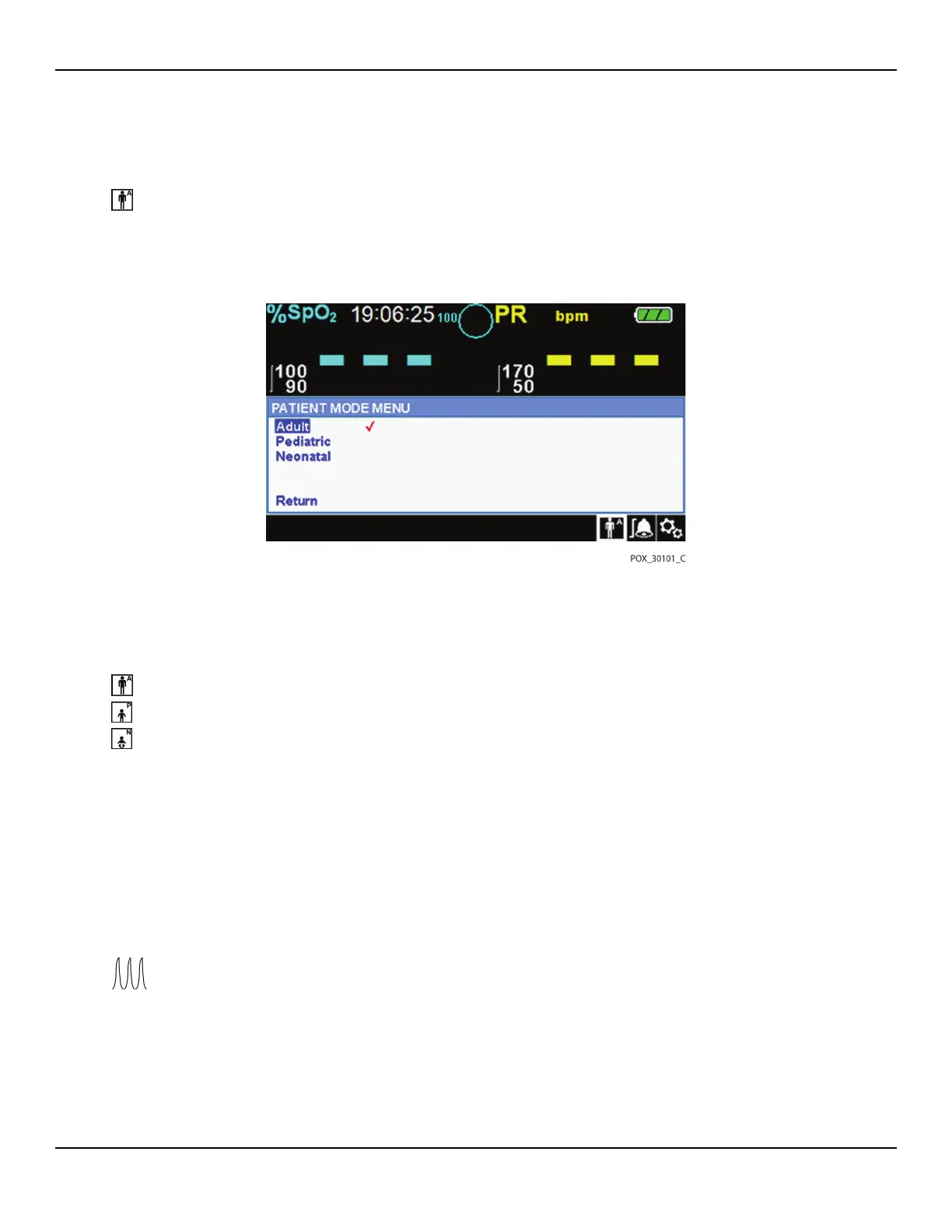
To set patient mode:
1. Rotate the jog dial to highlight the Patient Mode icon.
2. Press the jog dial to display PATIENT MODE.
Figure4-10.Patient Mode Menu
3. Rotate the jog dial to highlight the desired mode option: Adult, Pediatric or Neo-
natal. Use the appropriate patient mode and pulse oximetry sensor based on body
weight. Reference the pulse oximetry sensor Directions for Use.
Adult: Use for adults.
Pediatric: Use for children.
Neonatal: Use for newborns.
4. Press the jog dial to save the desired mode.
5. Press the RETURN button to exit PATIENT MODE.
4.4.6 SpO2 WAVEFORM Menu
Caregivers may choose to set sweep speed of the plethysmographic waveform
and opt to view the tabular or graphical trend screen.
To access the WAVEFORM Menu:
1. Rotate the jog dial to highlight the waveform display area.















 To Next Page