Operation
32 Operator’s Manual
5. Rotate the jog dial to change the field.
6. Exit the menu using either of the listed strategies.
• Rotate the jog dial to highlight the Return option and press the jog dial.
• Press the Return button until the LCD returns to its original screen.
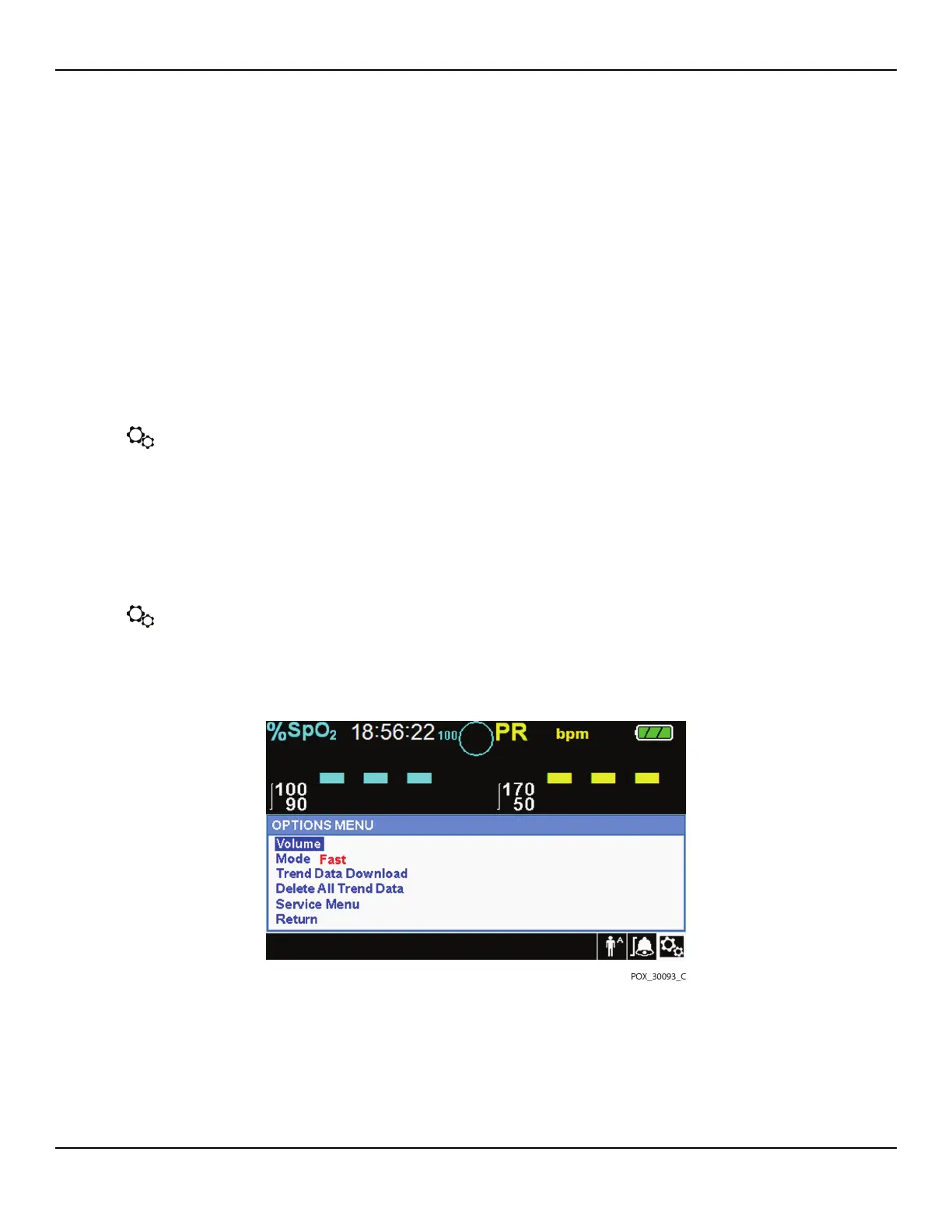
4.4.3 OPTIONS Menu
Caregivers may choose from Volume, Mode, or Trend Data menu options.
To access the OPTIONS Menu:
1. Rotate the jog dial to highlight the OPTIONS Menu icon.
2. Press the jog dial to access the OPTIONS Menu.
Volume
Access this menu option to adjust volume controls.
To set the desired audible tone volume:
1. Access the OPTIONS Menu.
2. Rotate the jog dial to highlight VOLUME.
Figure4-5.Volume Selection
3. Press the jog dial to access Alarm Volume, Key Beep Volume, or Pulse Volume.















 To Next Page