Menu Options Navigation
Operator’s Manual 35
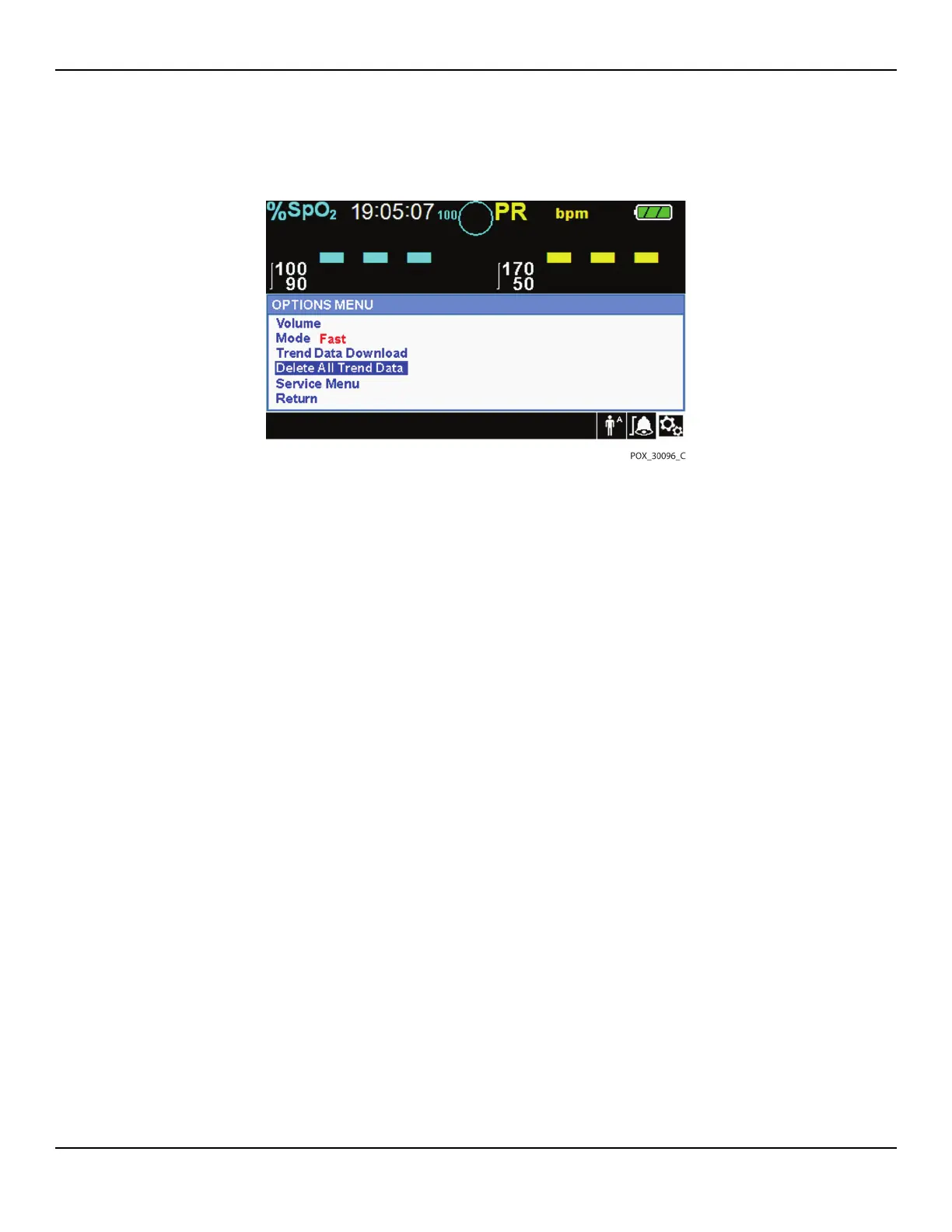
Figure4-8.Delete All Trend Data Menu Item
3. At the prompt “Are you sure you want to delete all trend data?” choose one of
the following options.
• Press the jog dial to select NO and keep all trend data.
• Rotate the jog dial to select YES, then press to delete all trend data.
• Rotate the jog dial to select RETURN, then press to access the OPTIONS menu.
Service Menu
Only a qualified service technician may change Service Menu settings. A pass
code is required for access. Refer to the Service Manual for instructions.
4.4.4 ALARM/LIMITS Menu
WARNING:
Do not pause the audible alarm or decrease its volume if patient safety could
be compromised.
WARNING:
Check alarm limits to ensure they are appropriate for the patient being
monitored with each use. Ensure alarm limits do not exceed the standard
thresholds set by the institution.















 To Next Page