Operation
36 Operator’s Manual
WARNING:
Do not preset different alarm limits for the same or similar equipment within
a single area.
Caregivers may choose to adjust SpO2 and pulse rate (PR) alarm thresholds
from default values as necessary. These changes remain in effect until modified
again or until a power cycle occurs. Changes to the SpO
2 and pulse rate (PR)
alarm thresholds appear in their respective numerical area. In addition, caregiv-
ers may choose to use the SatSeconds™ alarm option to manage the frequen-
cy of SpO
2 alarm limit violations by adjusting the SatSeconds™ setting. The
higher the value, the less frequent the alarm.
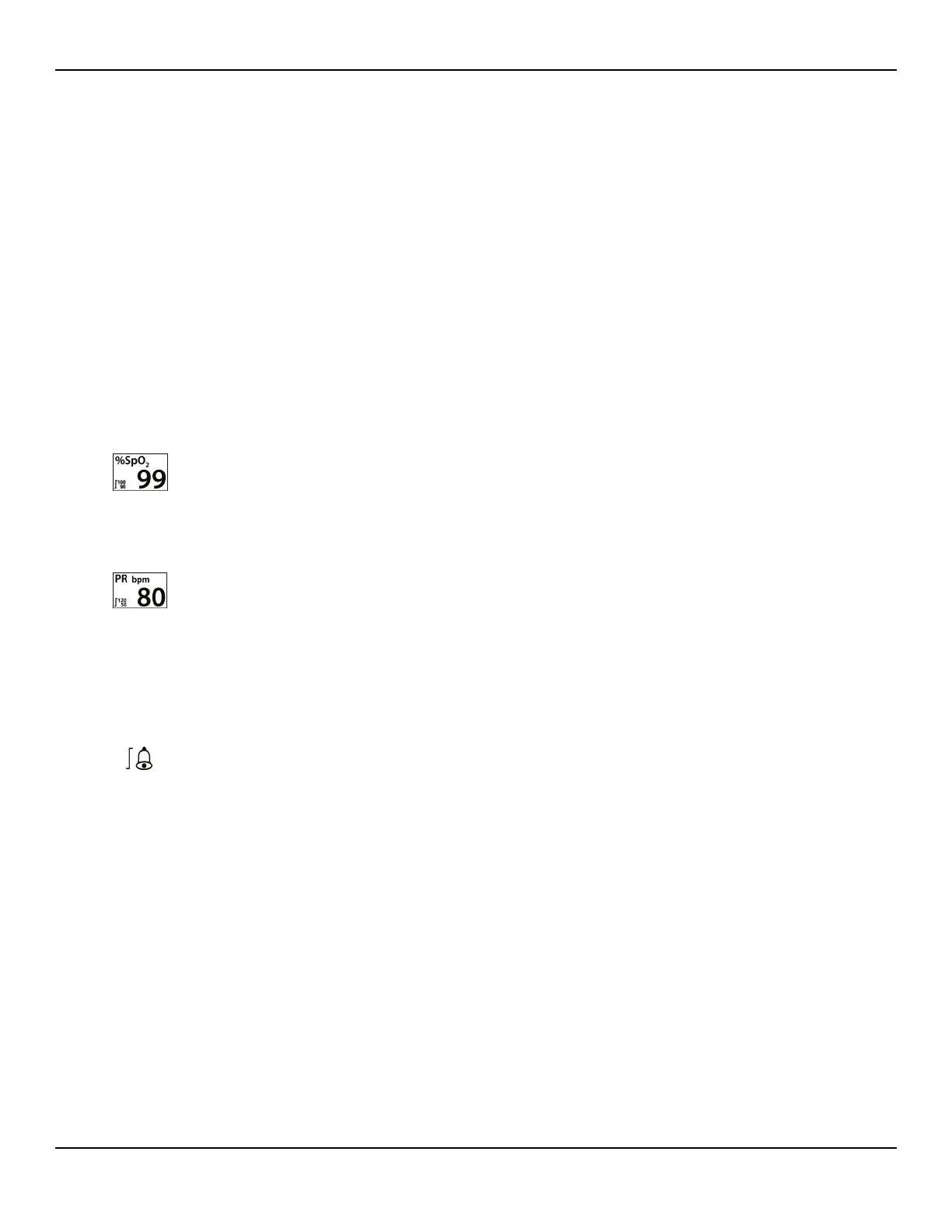
SpO2 numerical area — Indicates hemoglobin oxygen saturation levels. The
display value flashes zeros during loss-of-pulse alarms and flashes the SpO2 value
on a yellow background when saturation is outside the alarm limits. During pulse
searches, the monitoring system continues to update the display. Current upper
and lower alarm limit settings appear as smaller values to the left of the dynamic
SpO2 value. Reference Factory Defaults, p. 4-43, for default alarm limit settings.
Pulse Rate (PR) numerical area — Displays the pulse rate in beats per minute
(bpm). The display value flashes zeros during loss-of-pulse alarms and flashes the
pulse rate value on a yellow background when the pulse rate is outside of the
alarm limits. During Pulse Search, the monitoring system continues to update the
display. Pulse rates outside of the pulse rate range of 20 to 250 bpm are displayed
as 0 and 250, respectively. Current upper and lower alarm limit settings appear as
smaller values to the left of the dynamic pulse rate value. Reference Factory
Defaults, p. 4-43, for default alarm limit settings.
To set alarm limits:
1. Rotate the jog dial to highlight the ALARM LIMITS icon.
2. Press the jog dial to display the ALARM/LIMITS Menu.
• Alarm Limits include pulse rate (PR) and SpO2 alarm limit ranges.
• The SatSeconds™ Alarm option provides alarm management of SpO2 alarm
limit violations.
• The alarm inhibit icon provides caregivers with the option of inhibiting the
alarm for SpO
2 and/or pulse rate alarms.
3.
Rotate the jog dial to highlight the desired option.
4.
Press the jog dial to select the desired option.















 To Next Page