Product Manual – DOC. 8432A Crestron Pyng OS 2 for CP4-R • 123
Tap the back arrow button to return to the Installer Settings - System Control
Options screen.
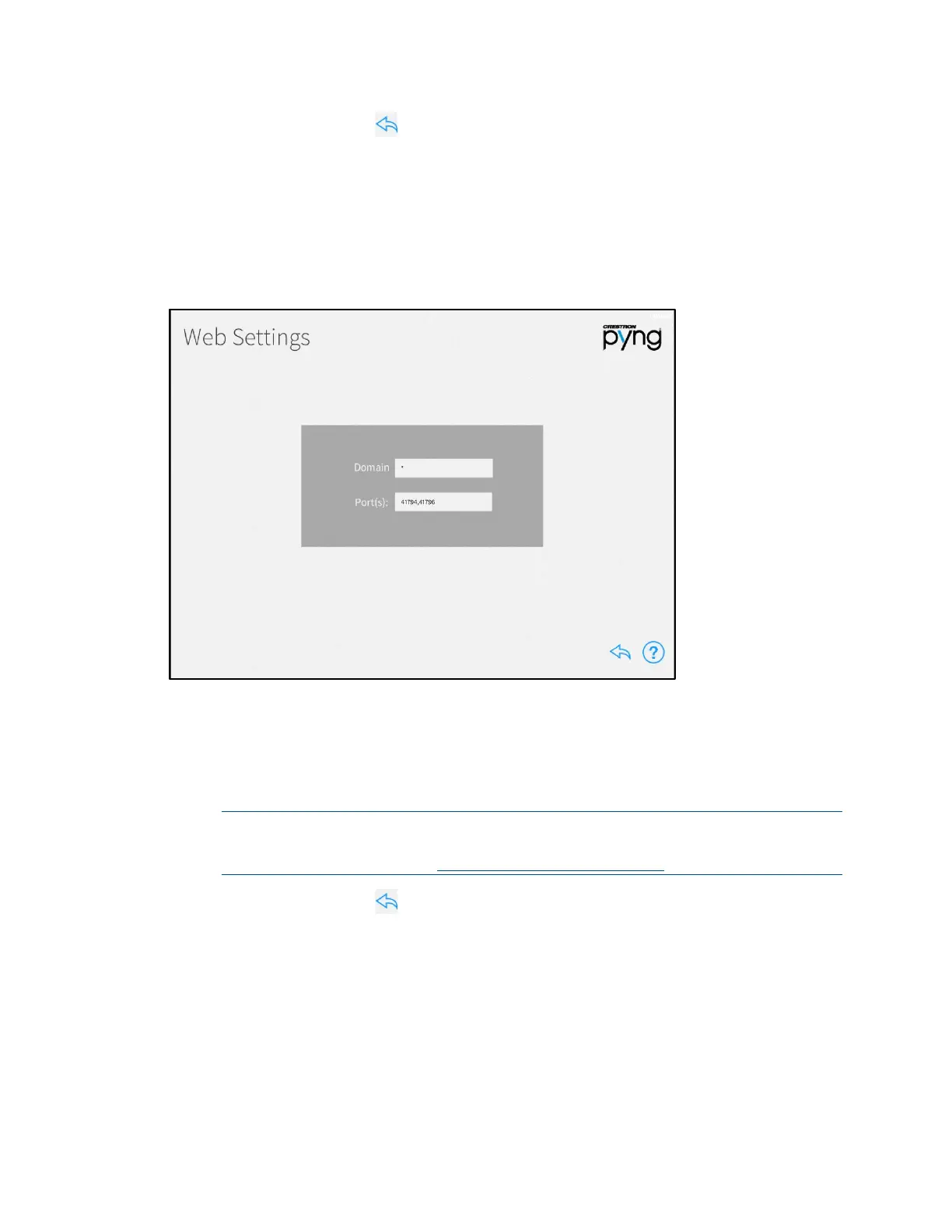
Web Settings
Tap Web Settings on the Installer Settings - System Control Options screen to display
the
Web Settings screen.
Web Settings Screen
Use the Web Settings screen to enter a domain and port for accessing the CP4-R's
built-in web XPanel interface. The following XPanel settings may be edited:
• Domain: Enter the XPanel web domain.
• Port(s): Enter the XPanel web port(s).
NOTE: For most applications, set Domain to "*" and set Port(s) to
"41794,41796". For more information on advanced web XPanel configurations,
refer to OLH article 5793 at
www.crestron.com/onlinehelp.
Tap the back arrow button to return to the Installer Settings - System Control
Options screen.



 To Next Page