42
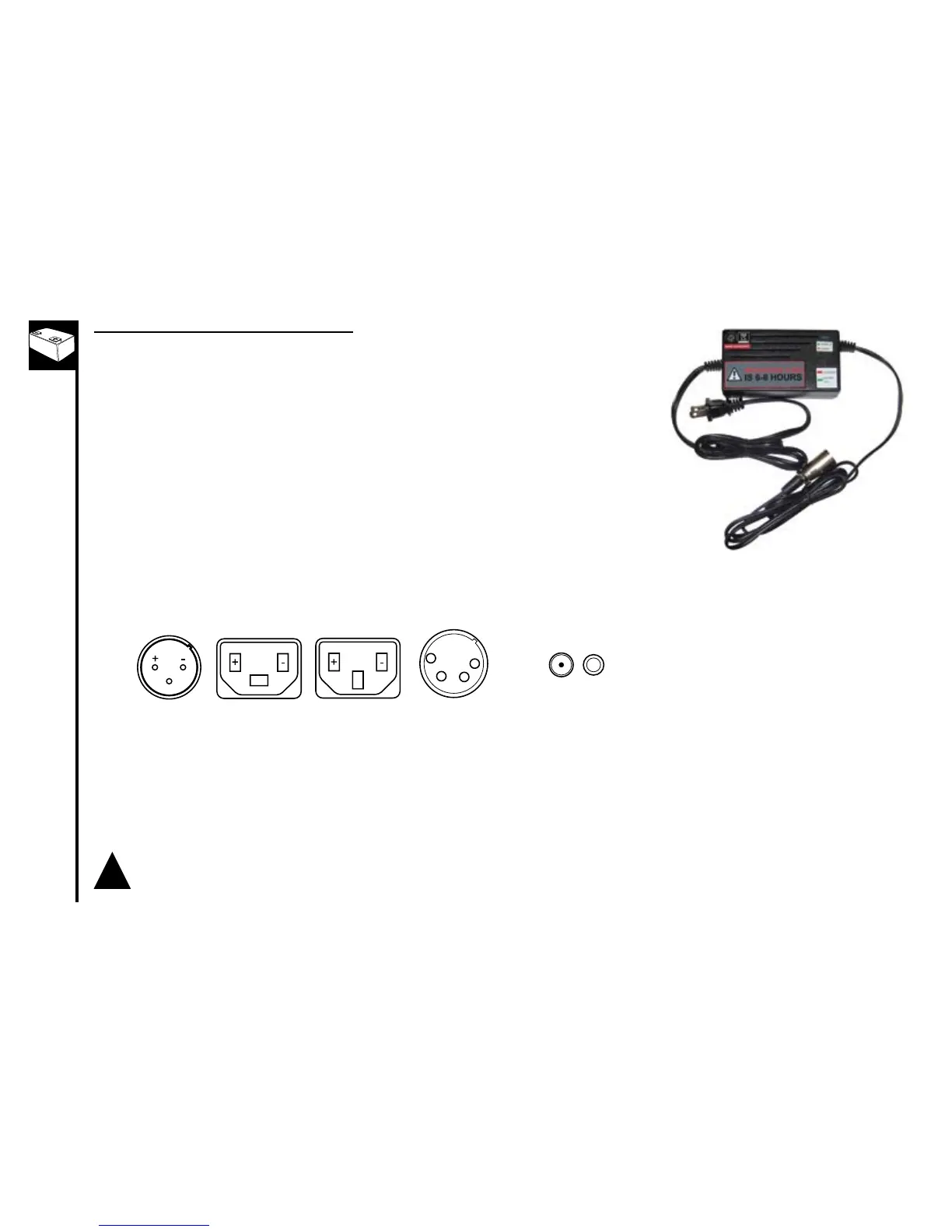
HowtousetheSLAChargers(standard)
1. Plugthechargerintotheoutlet.Theindicatorlightonthetopofthecharger
willilluminatewhenthechargerisworkingproperly.Refertothestickeronthe
charger for actual status light indication.
2. Inserttheplug(XLR,2v1h,DC,or3v)intothechargerportonthebikebeing
sure the charger plug is fully seated in the charger port. The light should be
solid red or blinking green to indicate charging however you will need to refer
to the sticker on the charger for actual status light indication, as there are
different chargers for different battery chemistries.
3. Oncethebatteryreachesfullcharge,thelightwillreturntosolidgreen
however you will need to refer to the sticker on the charger for actual status
light indication.
4. Whenchargingiscomplete,unplugthechargerfromthewallbeforeremoving
it from the charger port.
Chargeforthefulltime.Ifthebatterystillhasnotcharged,youmayneedtoreplaceit.
!



 To Next Page