EasyManua.ls Logo

Currie tech IZIP - Bicycle Assembly Getting Started

Default Icon
123 pages
Print Icon
To Next Page IconTo Next Page
To Previous Page IconTo Previous Page
Loading...
55


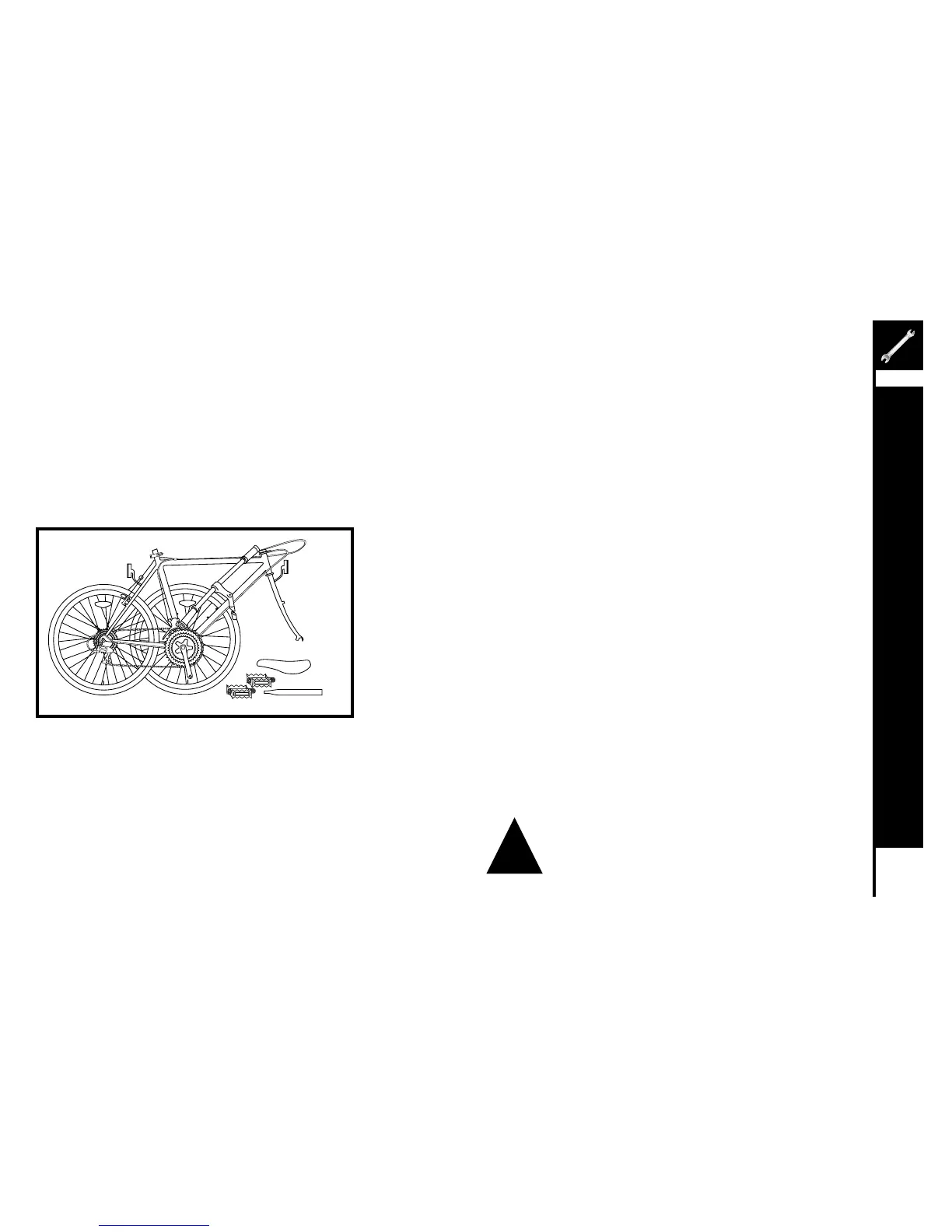
Openthecartonfromthetopandremovethebicycle.Removethe
strapsandprotectivewrappingfromthebicycle.Inspectthebicycle
andallaccessoriesandpartsforpossibleshortages.Itisrecommended
that the threads and all moving parts in the parts package be lubricated
prior to installation. 

Note:Yourbicyclemaybeequippedwithdifferentstyle
components than the ones illustrated.




!

Individualassemblyguidesforeachbicyclemodelcanbefoundpackagedwithyourbicycle,orviewedonlinebyvisiting
www.currietech.com and clicking on the page for your model.



Table of Contents

Other manuals for Currie tech IZIP

Related product manuals