EasyManua.ls Logo

Currie tech IZIP - Rear Wheel - Bolt-On

Default Icon
123 pages
Print Icon
To Next Page IconTo Next Page
To Previous Page IconTo Previous Page
Loading...
67



!




!

1. Makesurethebrakesarelooseenoughtoallowthewheelto
pass through the brake pads easily.
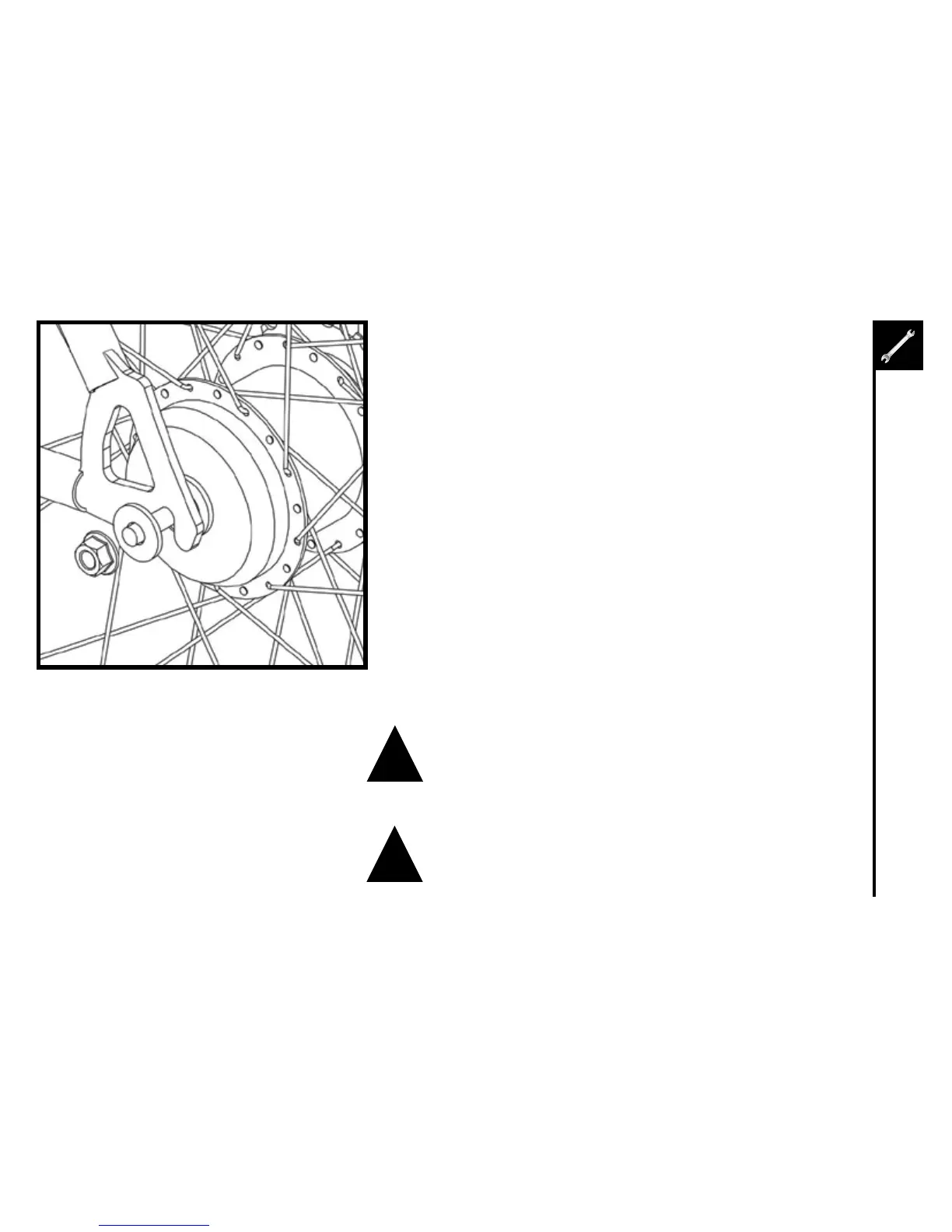
2. Placethewheelintotheframedropouts.
3. Slideawasherontoeachsideoftheaxle
4. Installaxlenutsandtighten.Makesurethewheeliscenteredin
the frame. This may be easiest with the bike turned upside-down.
5. Spinthewheeltomakesurethatitiscenteredandclearsthe
brake shoes. Tighten the brakes if necessary.

Table of Contents

Other manuals for Currie tech IZIP

Related product manuals