74
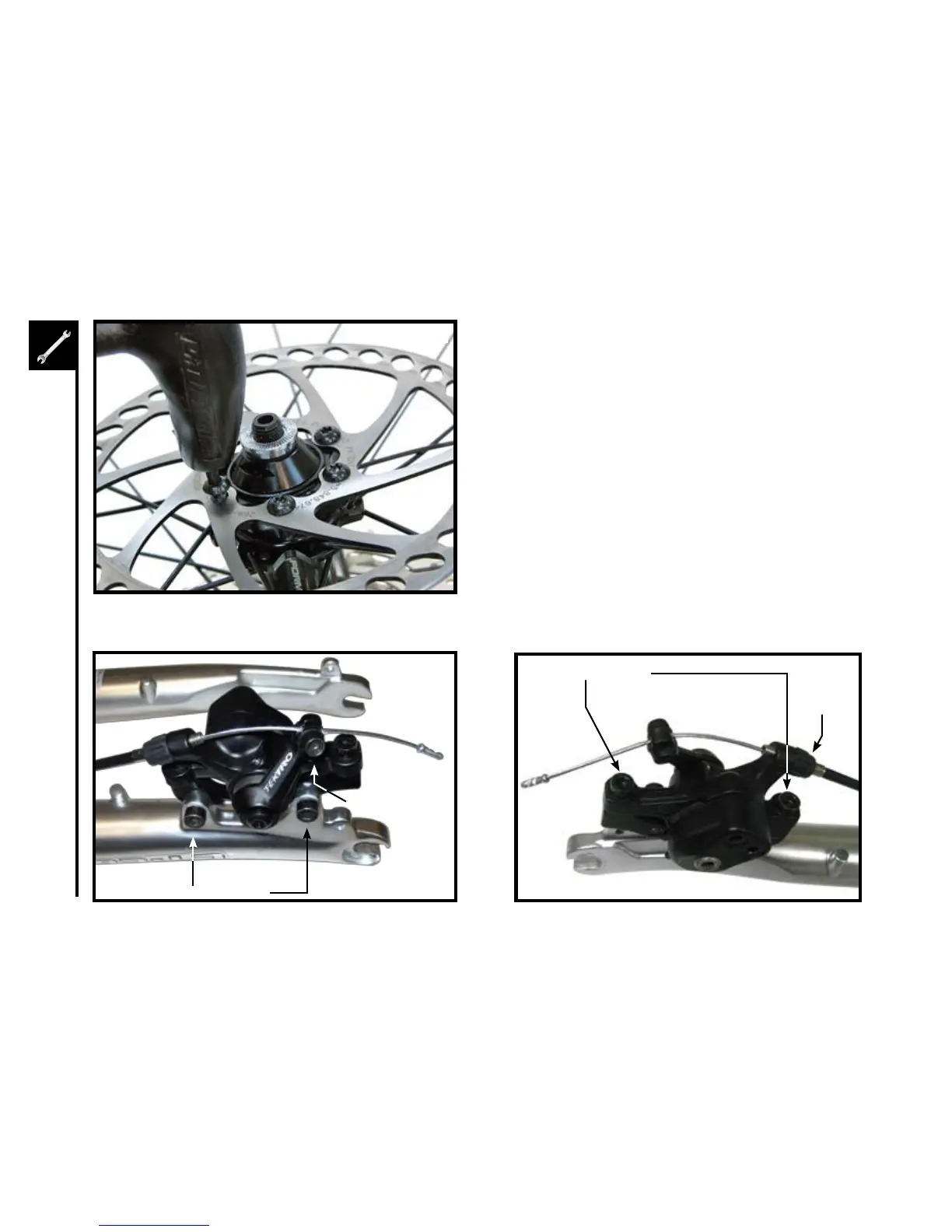
1. Checkthetightnessofthesixdiscmountingboltsholdingthe
brakerotorontothewheel.Ifyouneedtoremovethesebolts,
be sure to us a thread-locking compound when re-installing
them.
2. Makesurethetwoboltssecuringthecaliperadaptorbracketto
the fork are tight.
3. Threadthebrakecablethroughthecaliperasshownand
secure it with the cable fixing bolt.
4. Loosenthetwocalipermountingboltsenoughtoallowthe
brake caliper to float freely.
CaliperMountingBolts
4
CaliperAdaptorBracketBolts
CableFixingBolt
1
Caliper Barrel
Adjustor



 To Next Page