EasyManua.ls Logo

Currie tech IZIP - Page 75

Default Icon
123 pages
Print Icon
To Next Page IconTo Next Page
To Previous Page IconTo Previous Page
Loading...
75
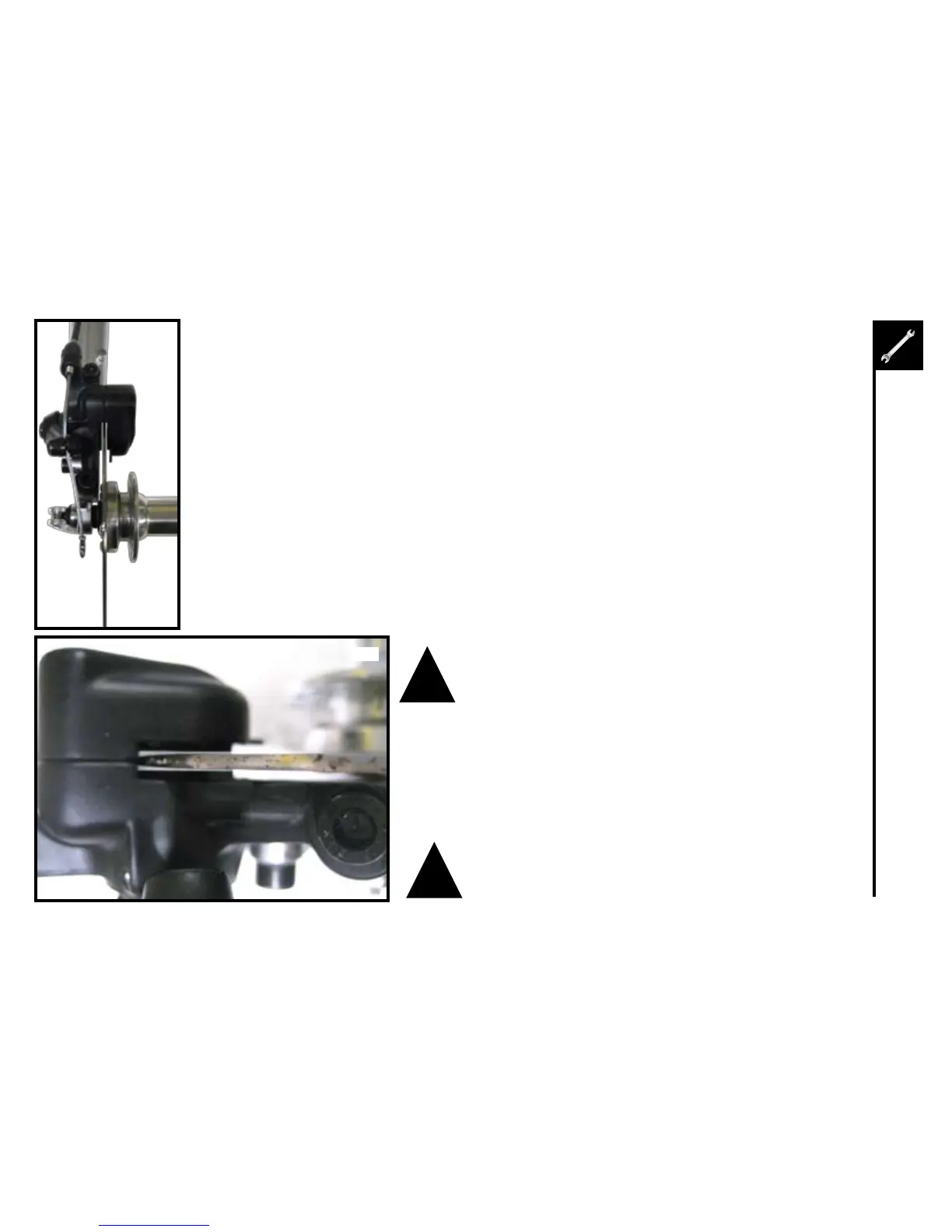
1. Installthewheel,makingsurethebrakerotorfitsintotheslotinthecaliper.Centerthecaliper
around the brake rotor, then tighten the caliper mounting bolts.
2. Usingtheinnerpadadjustingbolt,adjusttheinsidebrakepadsoitisascloseaspossibletothe
rotor without rubbing.
3. Usingthecaliperbarreladjustor,adjusttheoutsidebrakepadsoitisascloseaspossibletothe
rotor without rubbing.











!



!
5


Table of Contents

Other manuals for Currie tech IZIP

Related product manuals