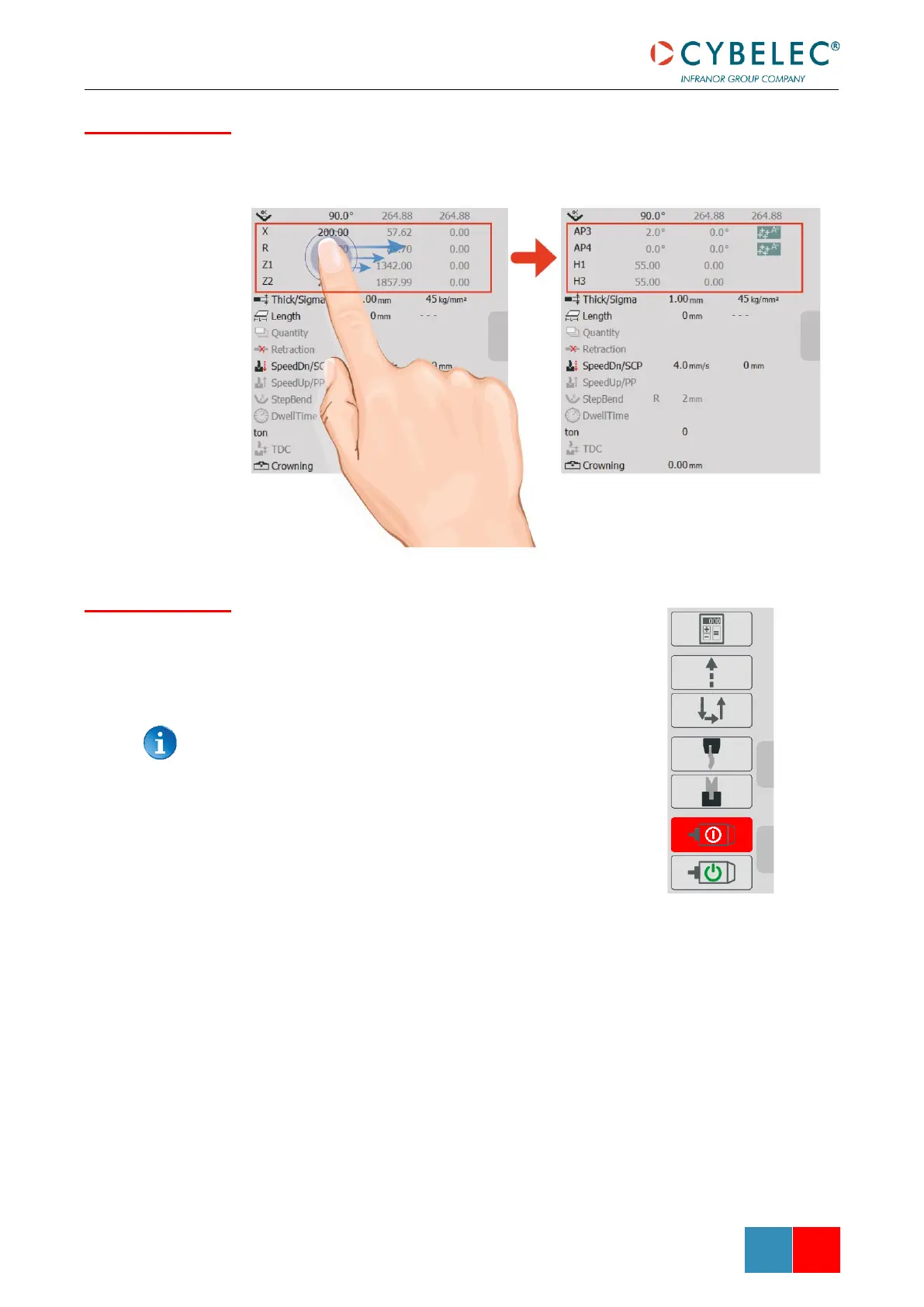
Contains various settings for the current bend such as axes positions and bending
parameters. If the machine has multiple axes, it’s possible to slide on the display in order to
show the other axes.
Contains various buttons depending on the configuration for
machine functions such as tool clamping, pump activation or
upward command.
The user buttons tab will only appear if configured by the
machine manufacturer.


 To Next Page
 Loading...




