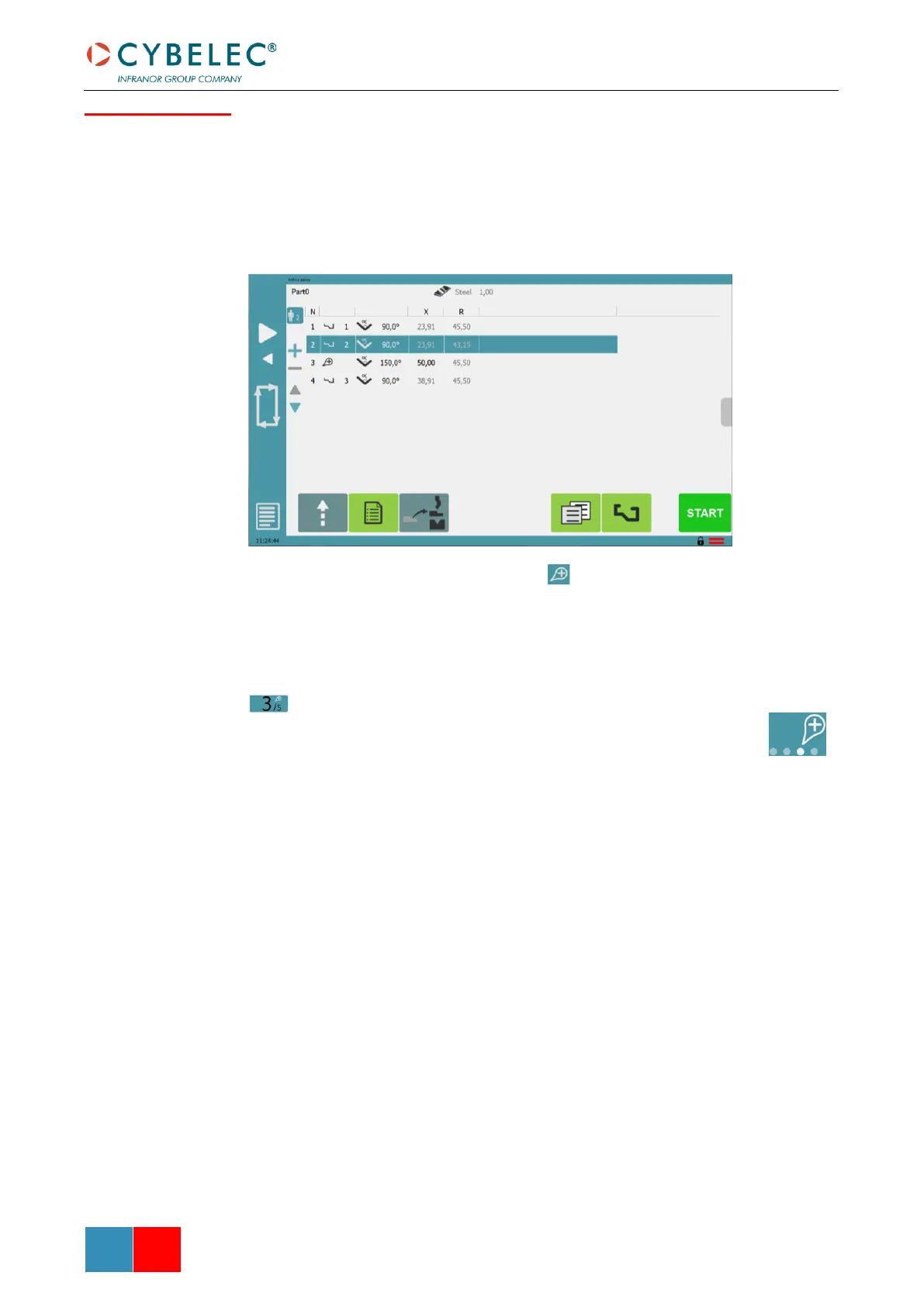
For special bend operations (pre-bend, flatten, etc.), extra numerical bends can be
inserted in a graphic part. Select the Part bend list on the Bend numerical page, select
a bend in the list and touch the + button. A copy of the selected bend will be inserted
as an extra numerical bend. An extra bend can be deleted by selecting it and touching
the – button.
Extra numerical bends are marked with the symbol and can be moved around in
the list using the up and down arrows. Modify the bend data as required on the Bend
numerical page for the extra bend.
On the Bend numerical page, an extra bend can be inserted by touching the bend
number and then selecting Insert step. Use Delete step to remove an extra bend. The
bend number of an extra bend is highlighted and marked with the extra bend symbol
On the Graphic bend page, extra numerical bends are represented with the
graphics.


 To Next Page
 Loading...




