23D-Link DAP-2230 User Manual
Section 3 - Conguration
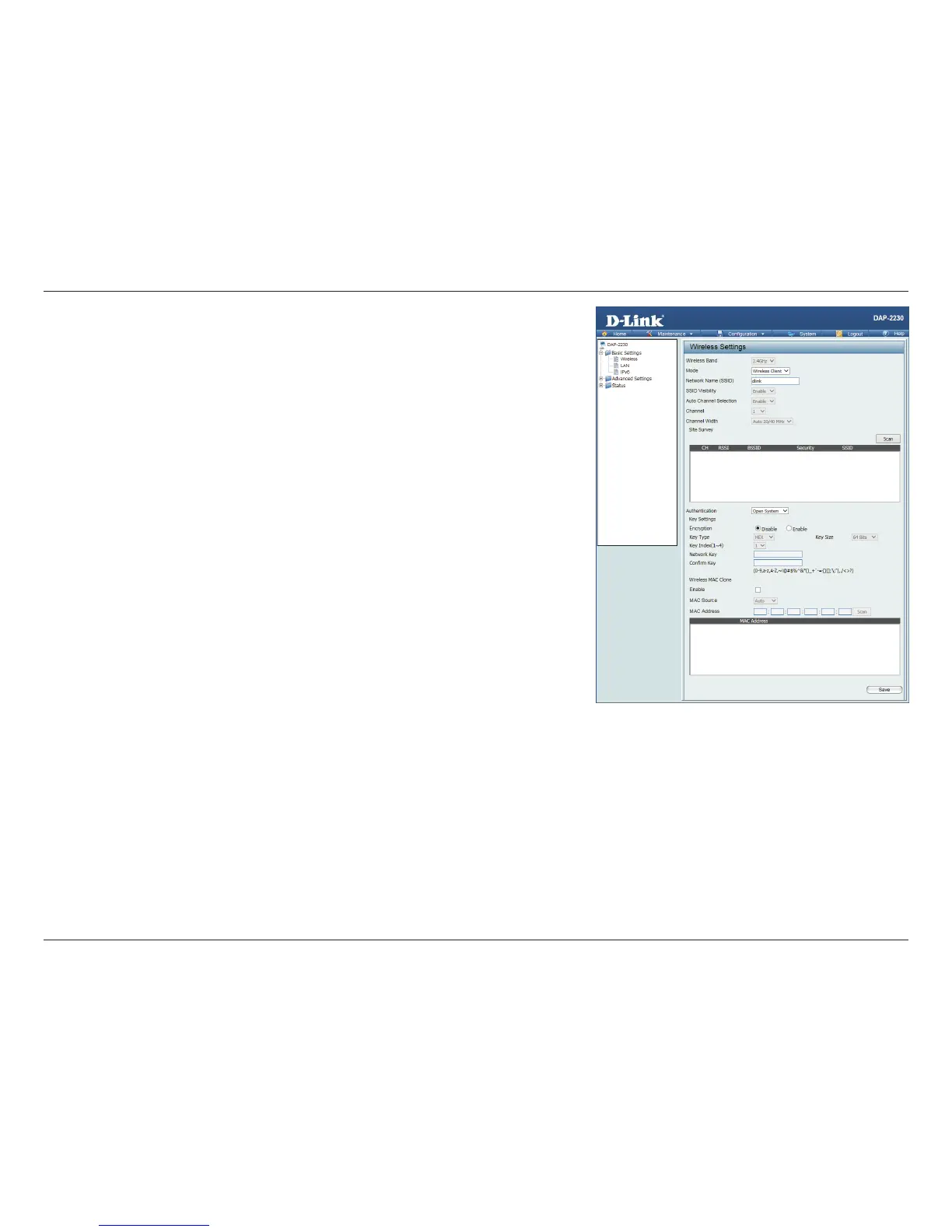
Authentication: Use the drop-down menu to choose Open System or WPA-Personal.
Select Open System to communicate the key across the network.
Select WPA-Personal to secure your network using a password and
dynamic key changes. No RADIUS server is required.
Wireless Mac
Clone Enable:
Check to enable clone MAC. This feature will allow you to change the MAC
address of the access point to the MAC address of a client.
MAC Source: Select the MAC source from the drop-down menu.
MAC Address: Enter the MAC address that you would like to assign to the access point.












 To Next Page