60D-Link DAP-2230 User Manual
Section 3 - Conguration
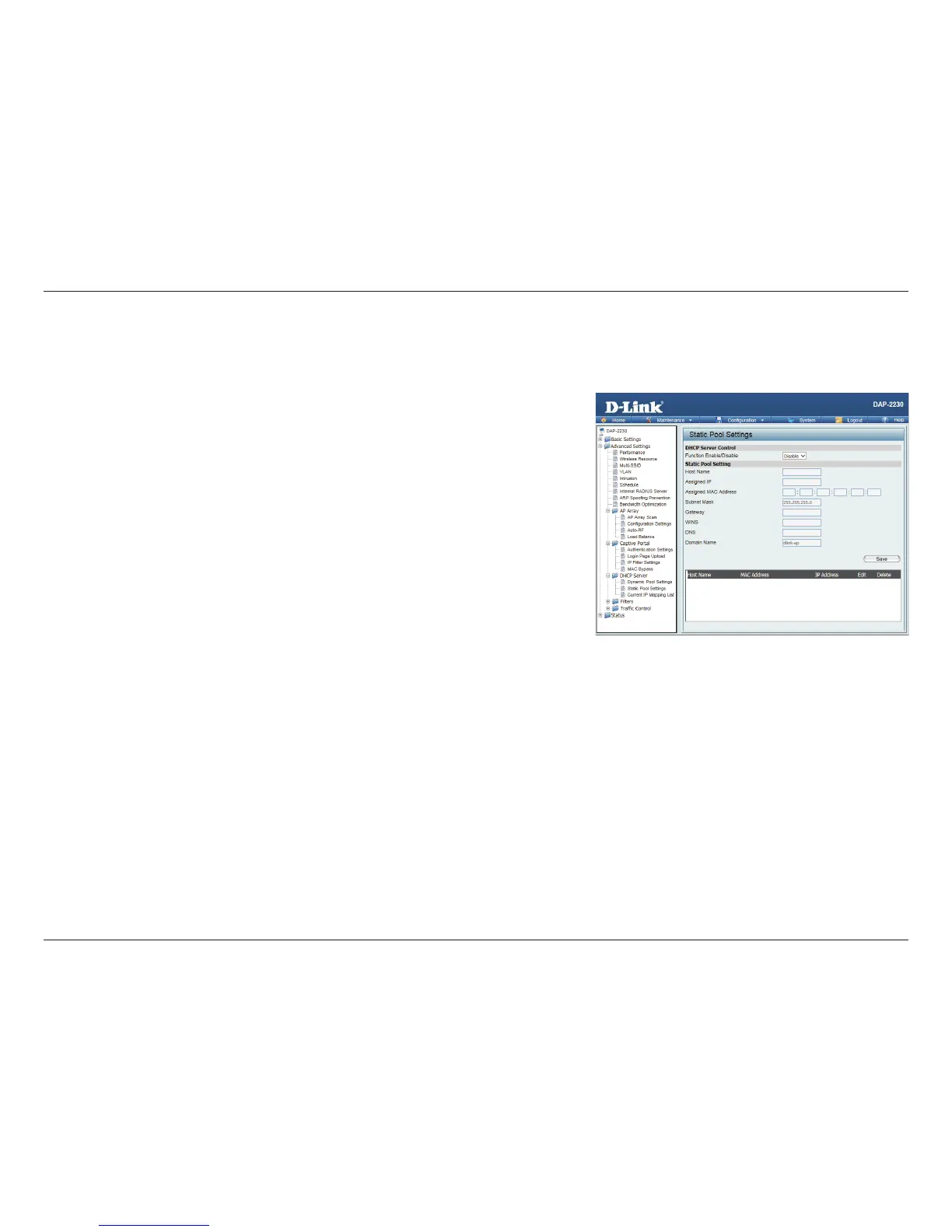
Static Pool Setting
A static pool allows specic IP addresses to be reserved to wireless stations.
Function
Enable/
Disable:
Dynamic Host Conguration Protocol (DHCP) assigns IP addresses to wireless
devices on the network. This protocol simplies network management and
allows new wireless devices to receive IP addresses automatically without the
need to manually assign IP addresses. Select Enable to allow the DAP-2230
to function as a DHCP server.
Assigned IP: Use the Static Pool Settings to reserve IP addresses to specic devices. The IP
addresses assigned in the Static Pool list must NOT be in the same IP range
as the Dynamic Pool. After you have assigned a static IP address to a device
via its MAC address, click Save; the device will appear in the Assigned Static
Pool at the bottom of the screen. You can edit or delete the device in this list.
Assigned
MAC Address:
Enter the MAC address of the device requesting association here.
Subnet Mask: Dene the submask of the IP address specied in the IP Assigned From eld.
Gateway: Specify the Gateway address for the wireless network.
WINS: Specify the Windows Internet Naming Service (WINS) server address for
the wireless network. WINS is a system that determines the IP address of
a network computer with a dynamically assigned IP address, if applicable.
DNS: Enter the Domain Name System (DNS) server address for the wireless
network. The DNS server translates domain names such as www.dlink.com
into IP addresses.
Domain
Name:
Specify the domain name for the network.












 To Next Page