51D-Link DAP-2230 User Manual
Section 3 - Conguration
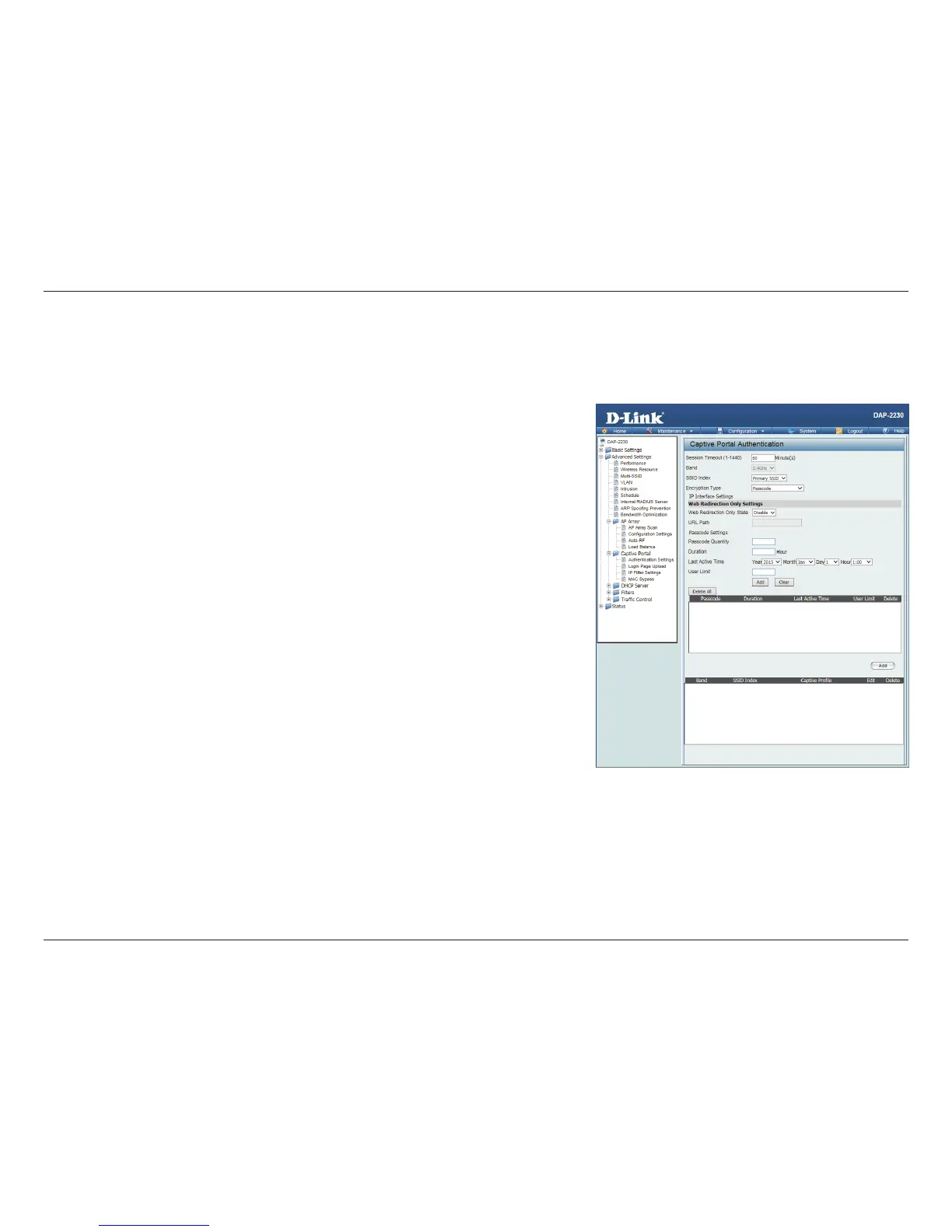
After selecting Passcode as the Authentication Type, administrators can congure the Passcode that each wireless client will
be prompted for when requesting access to the network. A passcode will be randomly generated upon clicking Add.
Session
timeout
(1-1440):
Enter the session timeout value here. This value can be from 1 to 1440
minutes. By default, this value is 60 minutes.
Band: Select 2.4 Ghz.
SSID Index: Select the SSID for this Authentication.
Authentication
Type:
Select the captive portal encryption type here. Options to choose from are
Web Redirection, Username/Password, Passcode, Remote RADIUS, LDAP
and POP3.
Web
Redirection
State:
By default web redirection is disabled. Select enable to activate the website
redirection feature.
URL Path : Select whether to use either HTTP or HTTPS here. After selecting either
http:// or https://, enter the URL of the website that will be used in the space
provided.
Passcode
Quantity:
Enter the number of passcodes to generate.
Duration: Enter the duration value, in hours, for the passcode(s).
Last Active
Day:
Select the year, month, day, and hour when this passcode will expire.
User Limit: Enter the maximum amount of users that can use this passcode at the same time
Passcode












 To Next Page