43D-Link DAP-2230 User Manual
Section 3 - Conguration
Bandwidth Optimization
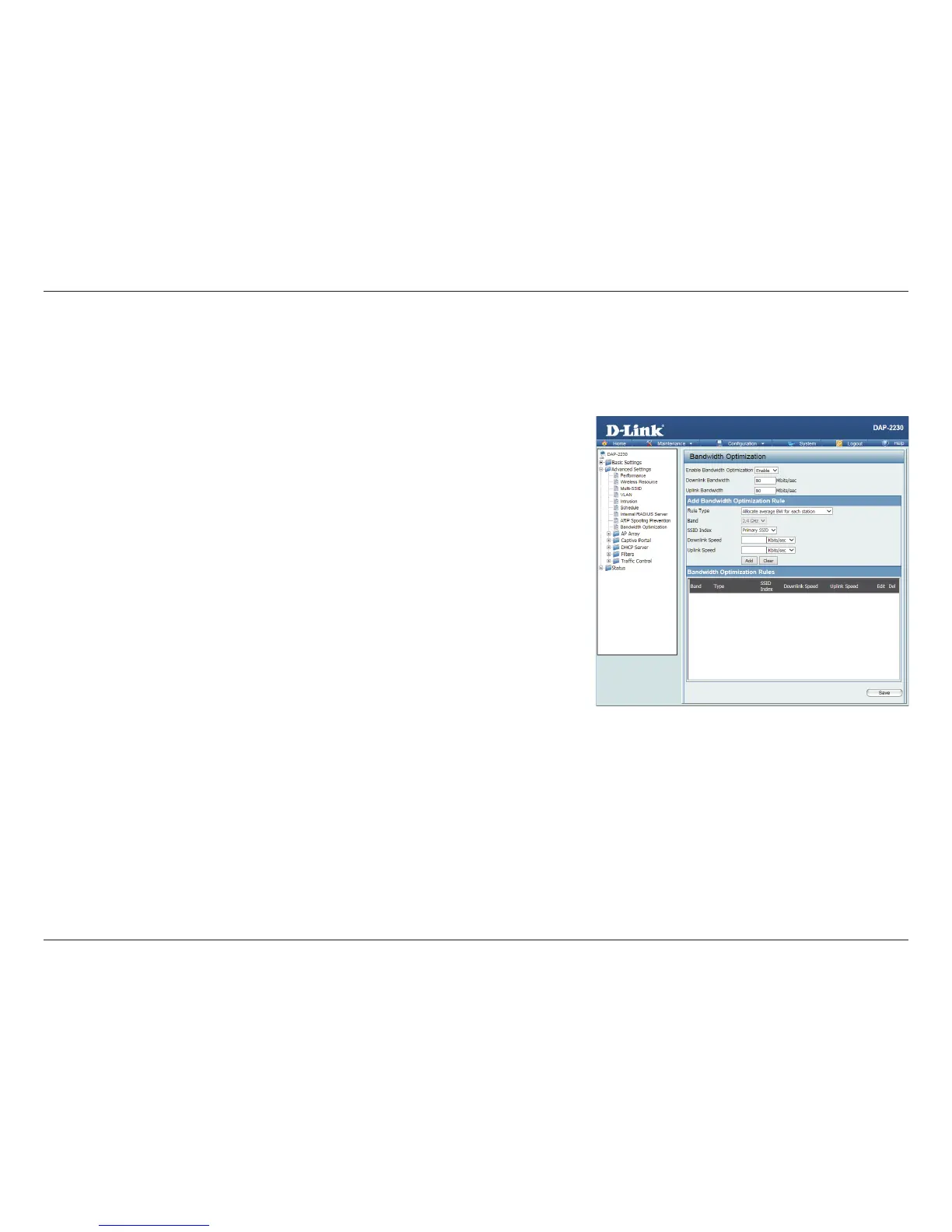
The Bandwidth Optimization window allows the user to manage the bandwidth of the access point and adjust the bandwidth
for various wireless clients. After inputting a Bandwidth Optimization rule, click the Add button. To discard a Bandwidth
Optimization Rule setting, click the Clear button. Click the Save button to let your changes take eect.
Enable
Bandwidth
Optimization:
Use the drop-down menu to Enable the Bandwidth Optimization function.
Downlink
Bandwidth:
Enter the downlink bandwidth of the device in Mbits per second.
Uplink
Bandwidth:
Enter the uplink bandwidth of the device in Mbits per second.
Rule Type: Use the drop-down menu to select the type that is applied to the rule.
Available options are: Allocate average BW for each station, Allocate
maximum BW for each station, Allocate dierent BW for 11b/g/n stations,
and Allocte specic BW for SSID.
Allocate
average BW for
each station:
AP will distribute average bandwidth for each client.
Allocate
maximum BW
for each station:
Specify the maximum bandwidth for each connected client. Reserve certain
bandwidth for future clients.
Allocate
dierent BW
for b/g/n
stations:
The weight of 11b/g/n client are 10%/20%/70%. AP will distribute dierent
bandwidth for 11b/g/n clients.












 To Next Page