64D-Link DAP-2230 User Manual
Section 3 - Conguration
Trac Control
Uplink/Downlink Settings
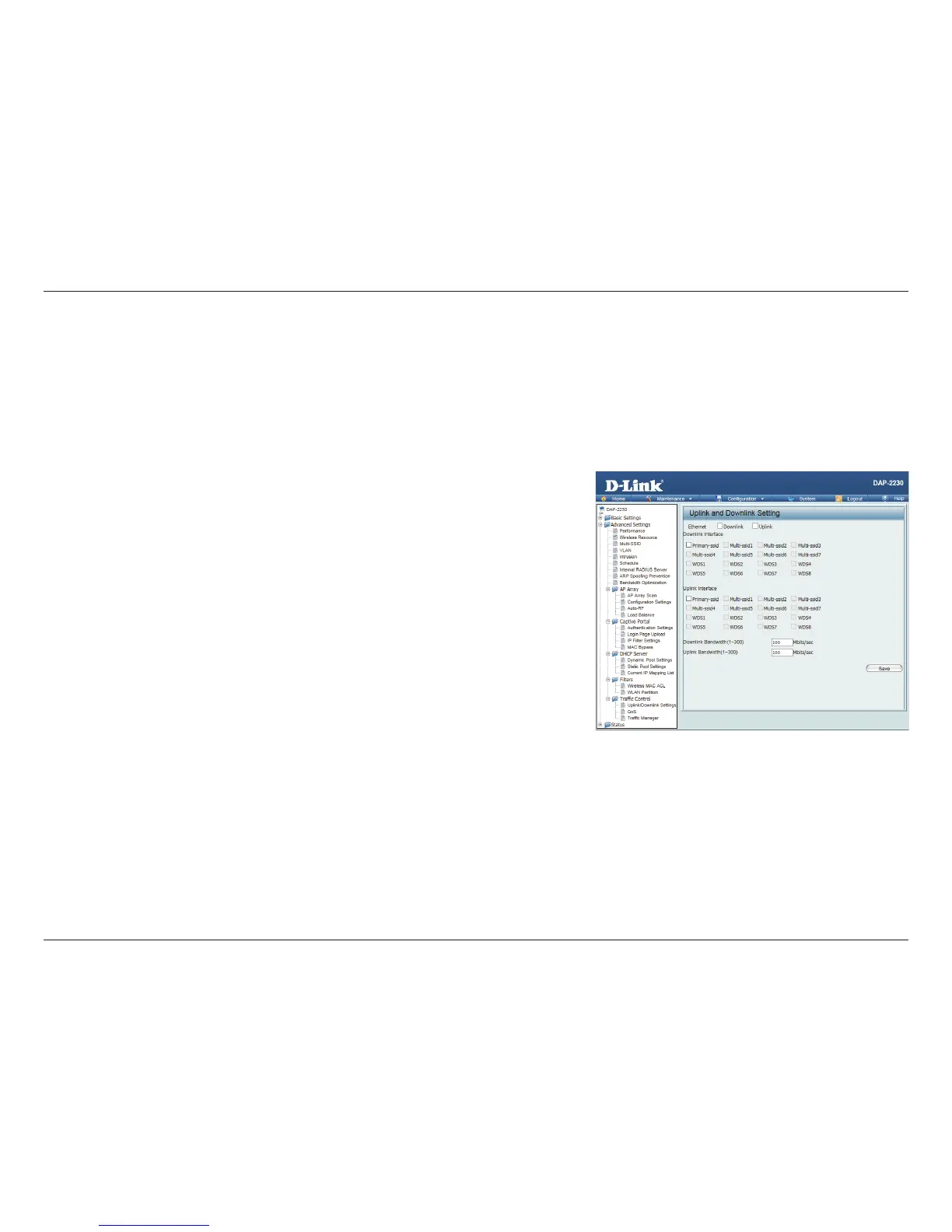
The uplink/downlink setting allows users to customize the downlink and uplink interfaces including specifying downlink/uplink
bandwidth rates in Mbits per second. These values are also used in the QoS and Trac Manager windows. Once the desired
uplink and downlink settings have been selected, click the Save button to let your changes take eect.
Downlink
Bandwidth:
The downlink bandwidth in Mbits per second.
Uplink
Bandwidth:
Uplink Bandwidth: The uplink bandwidth in Mbits per second.












 To Next Page