72D-Link ShareCenter DNS-320L User Manual
Section 4 - Conguration
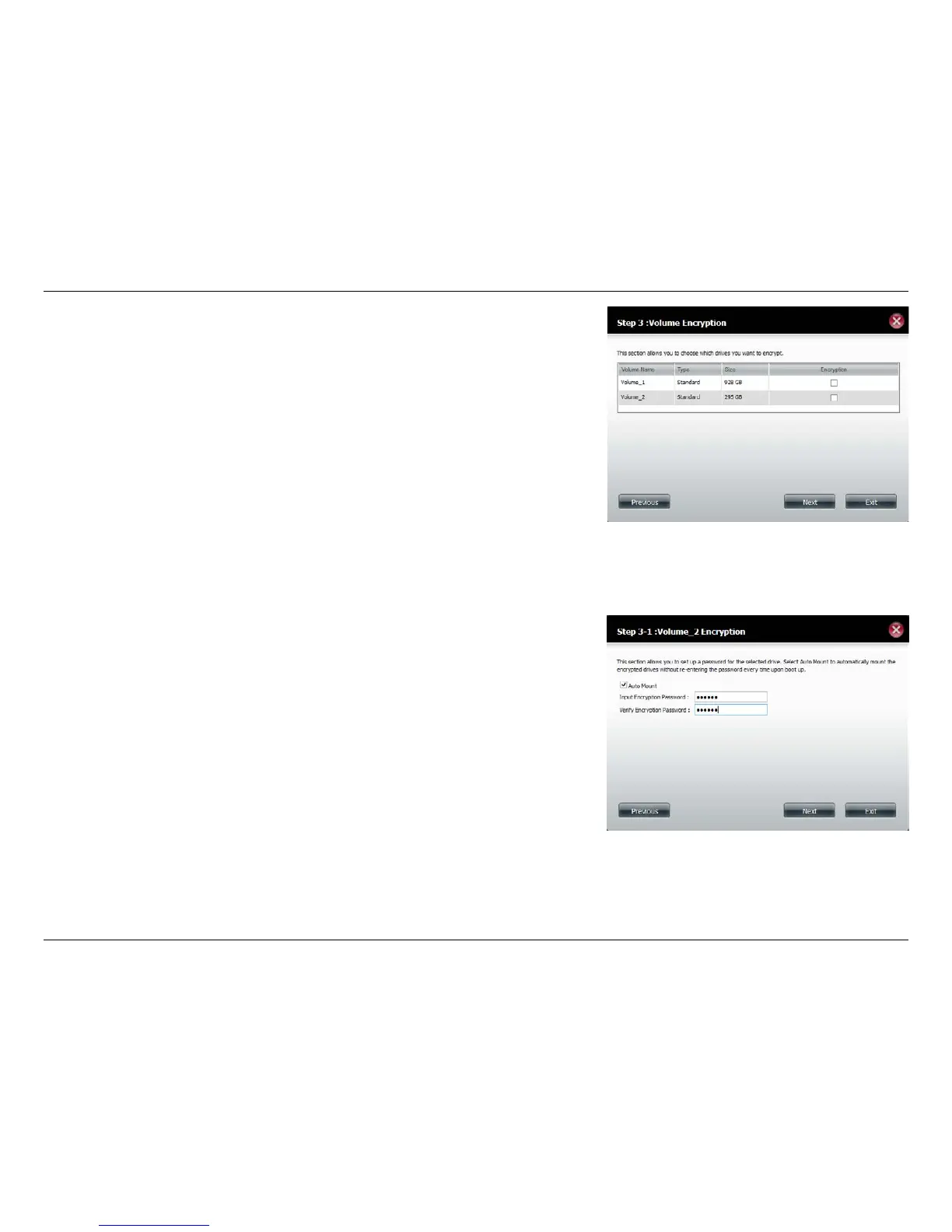
Volume Encryption encodes your volumes to keep them safe from unauthor-
ized access. Select the volume you wish to encrypt by clicking the checkbox
next to it. You can select one volume or many.
Click Next to continue.
Note: If you choose to use encryption, a warning message will appear to
remind you that access speeds may be slowed down as a result. Click Yes to
continue.
If you chose to use encryption, this screen will appear. Check Auto Mount
if you wish the encrypted volume to be automatically mounted. Enter a pass-
word and re-enter the same password to verify your settings.
Click Next to continue.















 To Next Page