SiEBE18-526 Instruction
System Configuration 235
HOW TO CLEAN AIR OUTLET AND OUT-
SIDE PANELS
• Clean with soft cloth.
• When it is difficult to remove stains, use water or
neutral detergent.
NOTE
• Do not use gasoline, benzene, thinner, polishing
powder, liquid insecticide. It may cause discoloring
or warping.
• Do not let the indoor unit get wet. It may cause an
electric shock or a fire.
• Do not use water or air of 50°C or higher for
cleaning air filtersand outside panels.
HOW TO CLEAN THE SUCTION GRILLE
1. Open the suction grille.
Slide both knobs and then pull them downward.
(Do the same procedure for closing.)
2. Remove the air filter.
Refer to “HOW TO CLEAN THE AIR FILTER”.
(Refer to Fig. 3)
3. Remove the suction grille.
Open the suction grille and pull the clips on the
back of the suction grille forward.
(Refer to Fig. 4)
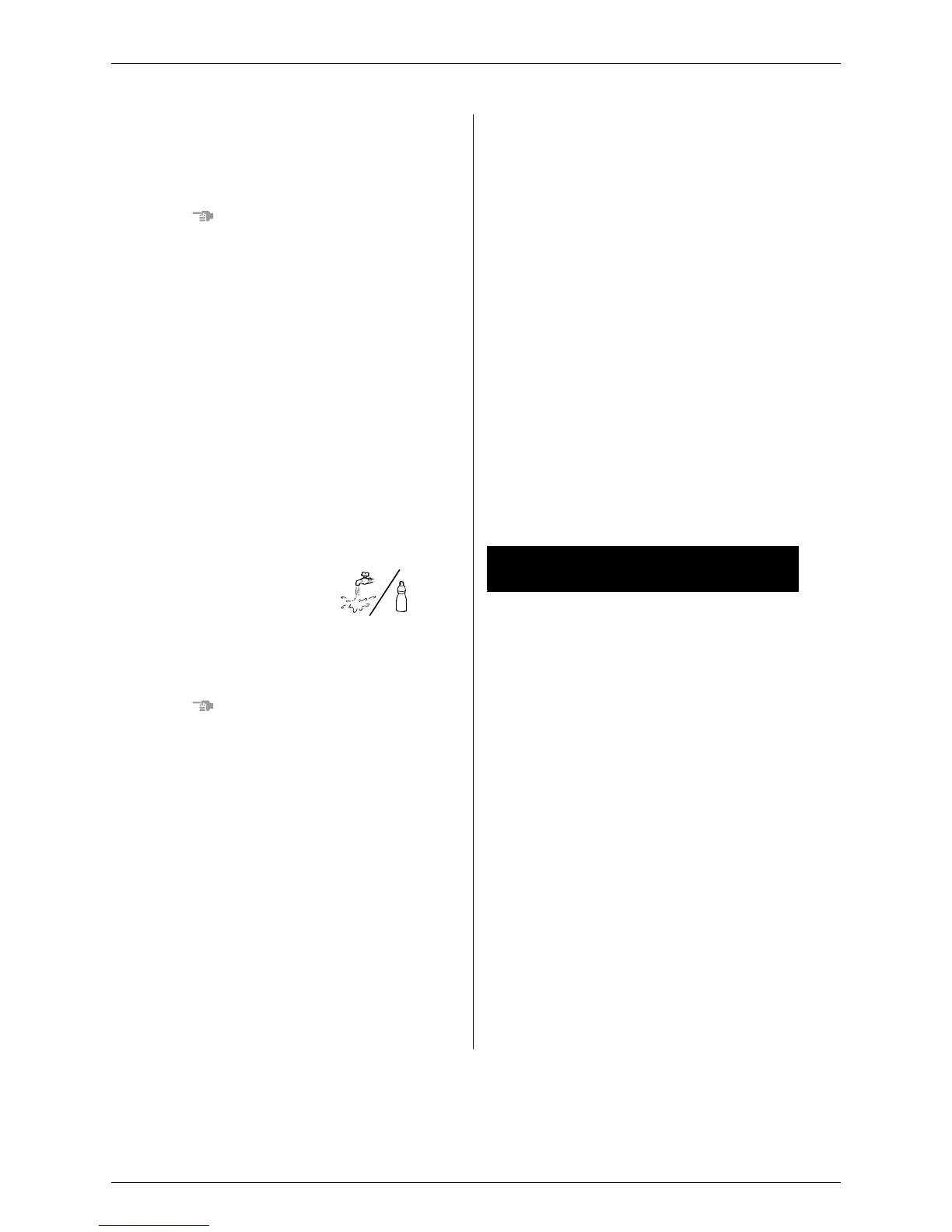
4. Clean the suction grille.
Wash with asoft bristle
brush and neutral deter-
gent or water, and dry
throughly.
• When very grimy
Directly apply the type of detergent us
ed for
cleaning ventilation fans or ovens, wait 10
minutes, and then rinse with water.
NOTE
•
Do not wash the air conditioner with hot water of
more than 50°C, as doing so may result in
discol-oration and/or deformation.
5. Fix the air filter.
Refer to “HOW TO CLEAN THE AIR FILTER”.
6. Fix the suction grille.
Refer to item No. 3.
7. Close the suction grille.
Refer to item No. 1.
START UP AFTER A LONG STOP
Confirm the following
• Check that the air inlet and outlet are not blocked.
Remove any obstacle.
• Check if the earth is connected.
Might there be abroken wire somewhere?
Contact your dealer if there are any problems
Clean the air filter and outside panels
• After cleaning the air filter, make sure to attach it.
Turn on the main power supply switch
• The display on the remote control will be shown
when the power is turned on.
• To protect the unit, turn on the main power switch
a
t least 6 hoursbefore operation.
WHAT TO DO WHEN STOPPING THE
SYSTEM FOR A LONG PERIOD
Turn on FAN OPERATION for a half day and
drythe unit.
• Refer to “6. OPERATION PROCEDURE”.
Cut off the power supply.
• When the main power switch is turned on, some
watts of electricity isbeing used even if the
system is not operating.
Turn off the main power supply switch for saving
energy.
• The display on the remote control will vanish
when the main power switch is turned off.
Clean the air filter and the exterior.
• Be sure to replace the air filter to its original place
after cleaning. Refer to “MAINTENANCE”.
9. NOT MALFUNCTION OF THE AIR
CONDITIONER
The following symptoms do not indicate air condi-
tioner malfunction
I. THE SYSTEM DOES NOT OPERATE
• The system does not restart immediately after
the ON/OFF BUTTON is pressed.
If the OPERATION lamp lights, the system is in
normal condition.
It does not restart immediately because asafety
device operates to prevent overload of the
system. After 3 minutes, the system will turn on
again automatically.
• The s
ystem does not restart immediately
when TEMPERATURE SETTING button is
returned to the former position after pushing
the button.
If the OPERATION lamp lights, the system is in
normal condition.
It does not re
start immediately because asafety
device operates to prevent overload of the
system. After 3 minutes, the system will turn on
again automatically.





 To Next Page